
Top 10 Free Email Tracker Tools for 2026
Discover the best email tracking free tools for sales & newsletters. Our guide reviews 10 free options for Gmail & Outlook, covering features, limits, & ethics.
A rep sends a cold email at 8:12 a.m., sees an open alert at 8:14, and assumes the account is warming up. Then nothing happens. No reply, no click, no meeting. That gap is where a free email tracker helps, and where it misleads.
The appeal is obvious. You get a lightweight signal without paying for a full sales engagement platform. The trade-off is also significant. Free trackers often come with branding, sending limits, weaker reporting, browser extension risk, and open data that has become less trustworthy because of privacy protections and mail client behavior.
That tension matters more in B2B than people admit. For one-to-one sales outreach, an open can still be useful as a timing cue for a follow-up. For newsletters, it is a weak performance metric compared with clicks, replies, and downstream conversion. If you use the same tool and the same interpretation for both workflows, you will make bad decisions.
Email tracking became popular because it made read signals accessible to smaller teams, not just companies already paying for sales software. That was good for founder-led prospecting and lean outbound teams. It also trained a lot of marketers to treat opens as intent, which is a mistake now.
If you want a plain-English explanation of how tracking works under the hood, this guide on how to track emails is a useful place to start. If you want the mechanics behind read detection and its limits, how to check if an email was read without read receipts breaks that down well.
Tool choice should match the job. A solo seller may care most about fast notifications inside Gmail. A sales team may need CRM logging and shared context, which is why the broader stack matters as much as tracking itself. If that is your situation, this breakdown of the best CRM for prospecting is worth reviewing alongside tracker options.
The tools below are the free email tracker options worth considering, with the trade-offs that affect daily use: privacy, branding, limits, workflow fit, and whether the product is better for B2B outreach or newsletter sending.
1. HubSpot
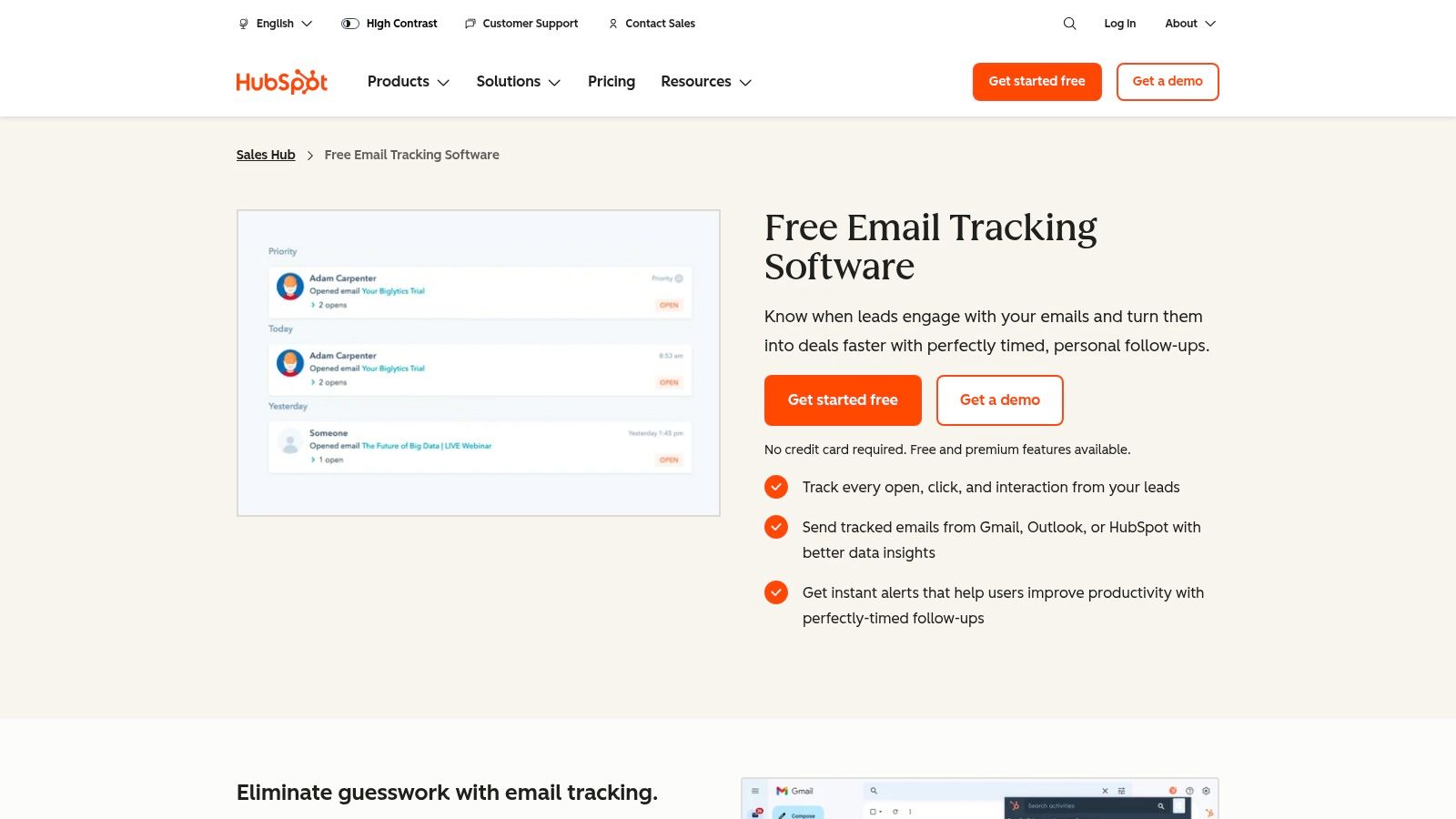
A rep sends a follow-up, gets an open alert, then has to hunt through Gmail, a spreadsheet, and Slack to figure out what happened before that email went out. HubSpot solves that problem better than it solves pure email tracking.
That distinction matters. If your goal is only to know whether someone opened a message, HubSpot can feel like more system than you want. If your goal is to run B2B outreach with contact history, deal context, and shared ownership in one place, the free tracker starts making a lot more sense.
You can check out the product at HubSpot email tracking.
Why HubSpot works
HubSpot is strongest for teams that want tracking connected to process. The open notification is useful, but its primary value is that activity can sit alongside the contact record, notes, previous emails, and pipeline stage. Once sales, marketing, or account management all touch the same account, that context saves time and prevents bad handoffs.
It also works across Gmail, Outlook, and Office 365, which gives it a broader fit than Gmail-only extensions. For teams comparing light browser trackers with a more structured setup, this guide on how to track emails across different workflows gives helpful background.
For B2B sales outreach, that CRM tie-in is the main reason to choose HubSpot. A rep can send, track, log activity, and keep the account history clean without bolting together separate tools.
Where the free version gets tight
The free plan is useful, but it has boundaries. If you send enough volume that open alerts become a daily operating signal, you will run into limits and start feeling the push toward paid sales features.
There is also a workflow trade-off. HubSpot is better for one-to-one outreach and pipeline management than for newsletter-style sending. If you run B2B newsletters, the tracking itself is only part of the job. You also need stronger reporting around list health, campaign performance, and sending reputation. HubSpot can support parts of that broader motion, but the free tracker is not built to be your full newsletter analytics stack.
Privacy and branding deserve a mention too. Some free trackers put visible branding in your emails or rely on a very lightweight extension model with minimal account context. HubSpot’s trade-off is different. You get more structure and better recordkeeping, but you accept more setup and a heavier workflow.
Practical rule: Choose HubSpot if email tracking needs to feed a CRM process. Skip it if you only want a fast open alert inside Gmail.
I recommend HubSpot to B2B teams that already know their outreach should live inside a system, not inside one rep’s inbox. If your CRM decision is still open, this list of the best CRM for prospecting is a useful companion, because HubSpot is often less a tracking pick than a workflow pick.
2. Streak Email Tracking for Gmail
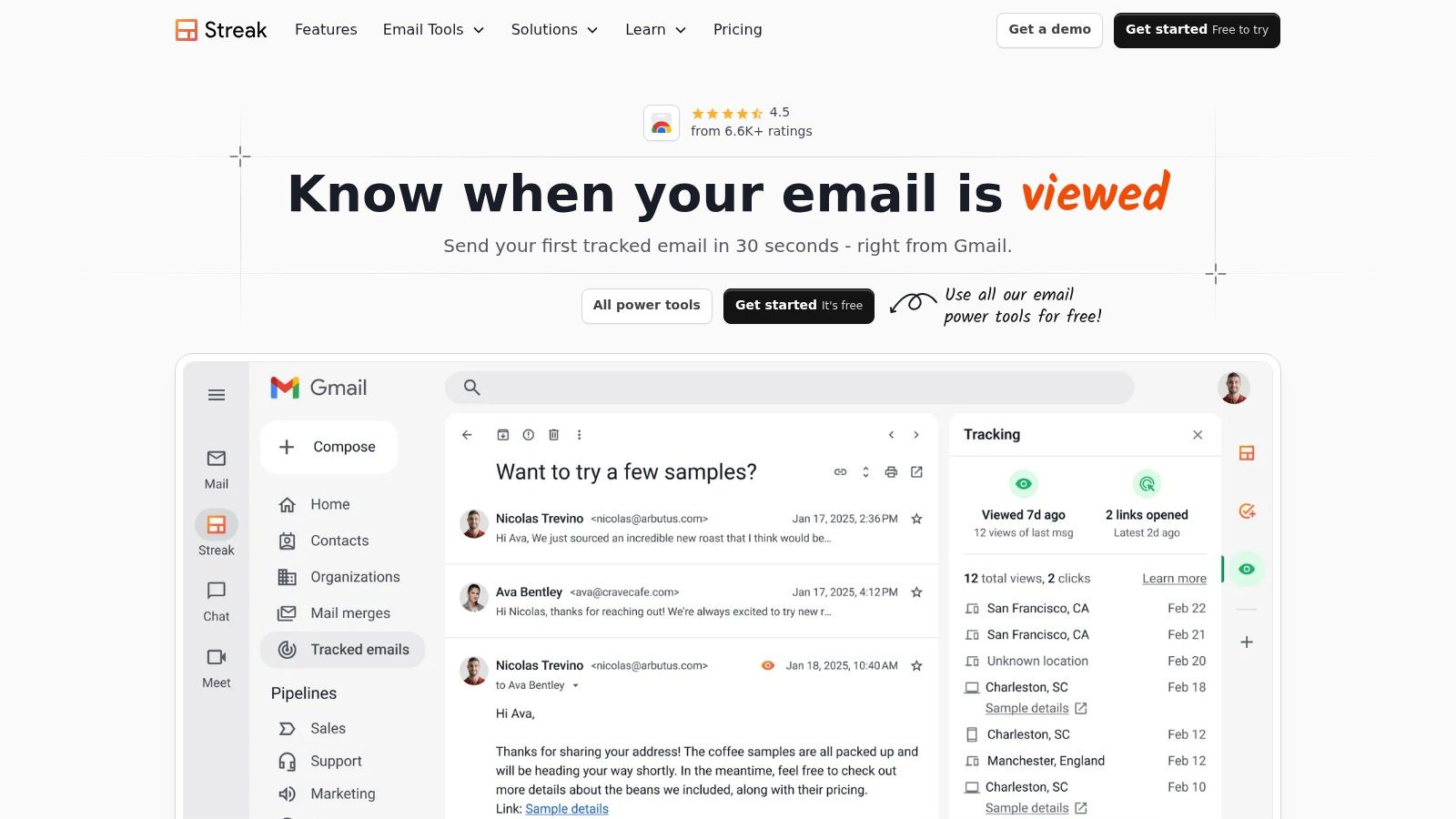
A rep sends ten prospecting emails before lunch, stays in Gmail all day, and does not want another tab, another dashboard, or another admin task. That is the buyer for Streak.
The product page is at Streak email tracking.
Best fit for teams that work entirely inside Gmail
Streak makes sense when Gmail is already the workspace. You send from the inbox, watch opens in the inbox, and keep thread history attached to the conversation instead of pushing activity into a separate system. For founder-led sales, solo consultants, and small outbound teams, that can be the difference between using a tracker every day and abandoning it after a week.
Its main advantage is context. If one account has three parallel threads, Streak keeps that history close to the message you are about to send. That helps with one-to-one B2B outreach, where timing and continuity matter more than broad campaign reporting.
It also gives more than a simple opened or not opened signal. You can see repeat opens and other message-level activity, which can help with follow-up priority.
Use that carefully.
Multiple opens can indicate interest. They can also come from forwarding, re-reading, or image loading behavior that has nothing to do with buying intent. In practice, I treat Streak open data as a prompt to review the account, not as proof that a lead is ready for a call.
Where the free tracker has clear limits
Streak is tightly tied to Gmail and Chrome. That is a strength if your workflow is standardized. It becomes a hard limitation if your team uses Outlook, Apple Mail, or a mixed environment.
There is also a strategic trade-off between sales tracking and newsletter tracking. Streak is much better for rep-driven outreach than for B2B newsletters. A newsletter team needs click reporting, audience trends, list health, and conversion visibility across sends. Streak is built around individual conversations, not publication-style analysis.
The other trade-off is organizational depth. If you need shared reporting across a larger team, stricter process control, or a broader customer record beyond the inbox, Streak can start to feel small. That does not make it a weak tool. It means the free version solves a narrower problem.
Practical rule: Choose Streak if your sales process already lives in Gmail. Skip it if you need cross-team reporting or newsletter analytics.
I recommend Streak for B2B users who want fast, inbox-native tracking without committing to a heavier CRM workflow. It is a strong choice for direct outreach. It is a weaker choice for marketing teams measuring newsletter performance at scale.
3. Mailsuite (formerly Mailtrack)
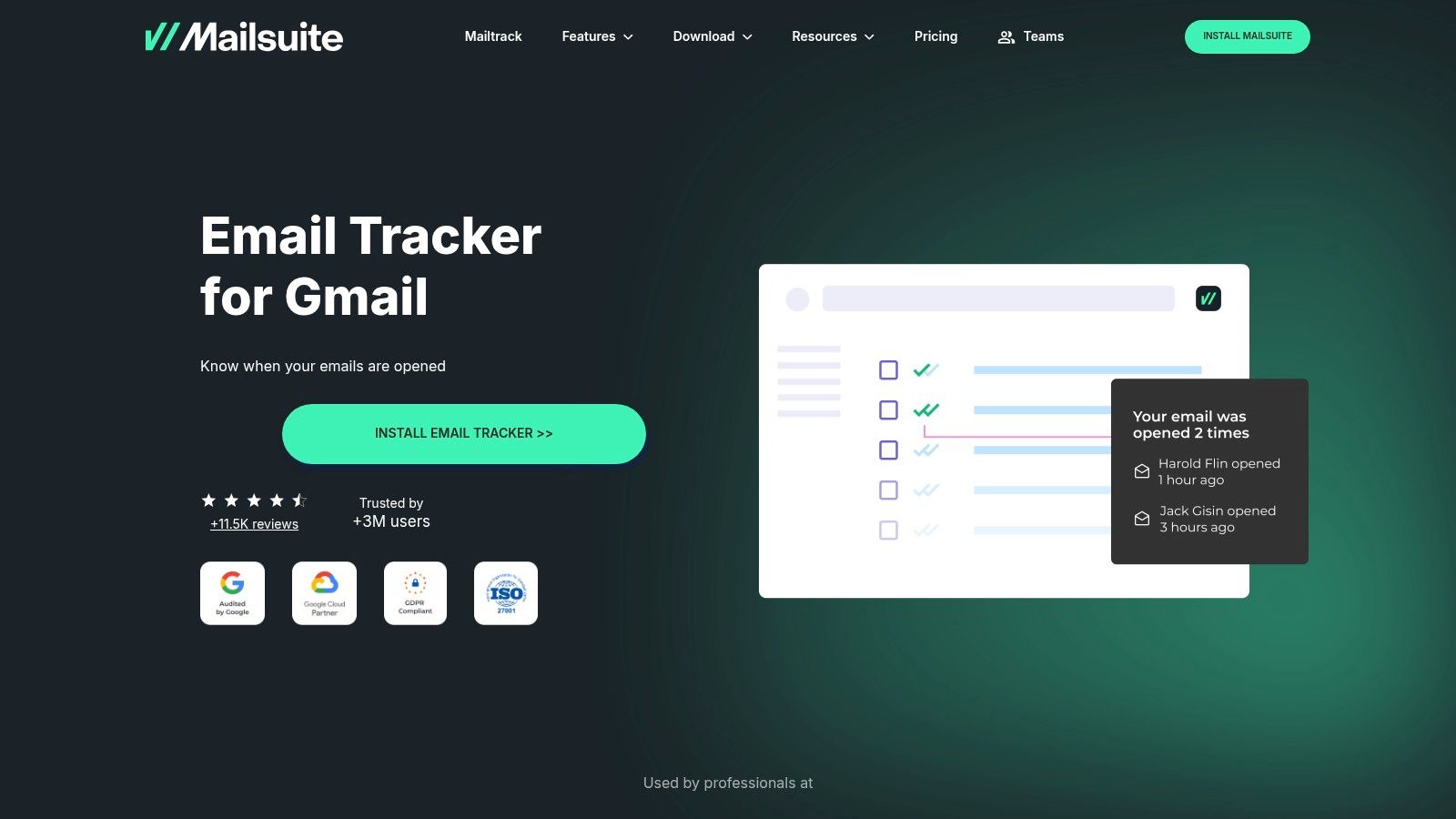
A rep sends 20 prospecting emails before lunch, then checks Gmail for one thing. Did anyone open them? Mailsuite built its reputation on answering that question fast, with almost no setup friction.
You can see the platform at Mailsuite.
Why people still start here
Mailsuite remains one of the simplest ways to add open tracking to Gmail. Install it, send from your normal inbox, and watch for the double check marks. For solo founders, independent consultants, and sales reps who live in Gmail, that simplicity is the product.
That matters more than feature depth in some workflows. If your job is direct B2B outreach and you mainly need a prompt for follow-up timing, Mailsuite does the job. I’ve seen it work best when the sender already has a clear outreach process and wants lightweight visibility without adding a CRM layer or a more complex sales tool.
Where the free plan gets expensive in other ways
The obvious trade-off is branding. Free tracked emails typically include visible Mailsuite branding, and that can be a real cost in cold outreach.
For warm follow-ups, that may be tolerable. For first-touch outbound, it can make a carefully written email feel a little less credible. Small details matter when a prospect is deciding whether your message came from a person or from a tool stack.
The second trade-off is measurement depth. Mailsuite is strongest as an open tracker, not as a broader engagement tool. If your team cares about clicks, reply patterns, send-level comparisons, or newsletter optimization, you will hit the ceiling quickly.
That is why I separate use cases here. For one-to-one B2B sales outreach, open notifications can still be useful as a timing signal, even with all the usual caveats around image loading and false positives. For B2B newsletters, Mailsuite is too thin. Newsletter teams need trend reporting across sends, click performance, and a better read on audience behavior than a simple opened-or-not view. If you want to get more disciplined about engagement patterns, this guide to reading email activity with a heat map is a useful next step.
Mailsuite is a good entry-level choice for Gmail users who want free tracking and can live with branding. It is a weaker fit for teams that need cleaner presentation, deeper reporting, or a tool that supports both outreach and newsletter analysis in one workflow.
4. Mixmax
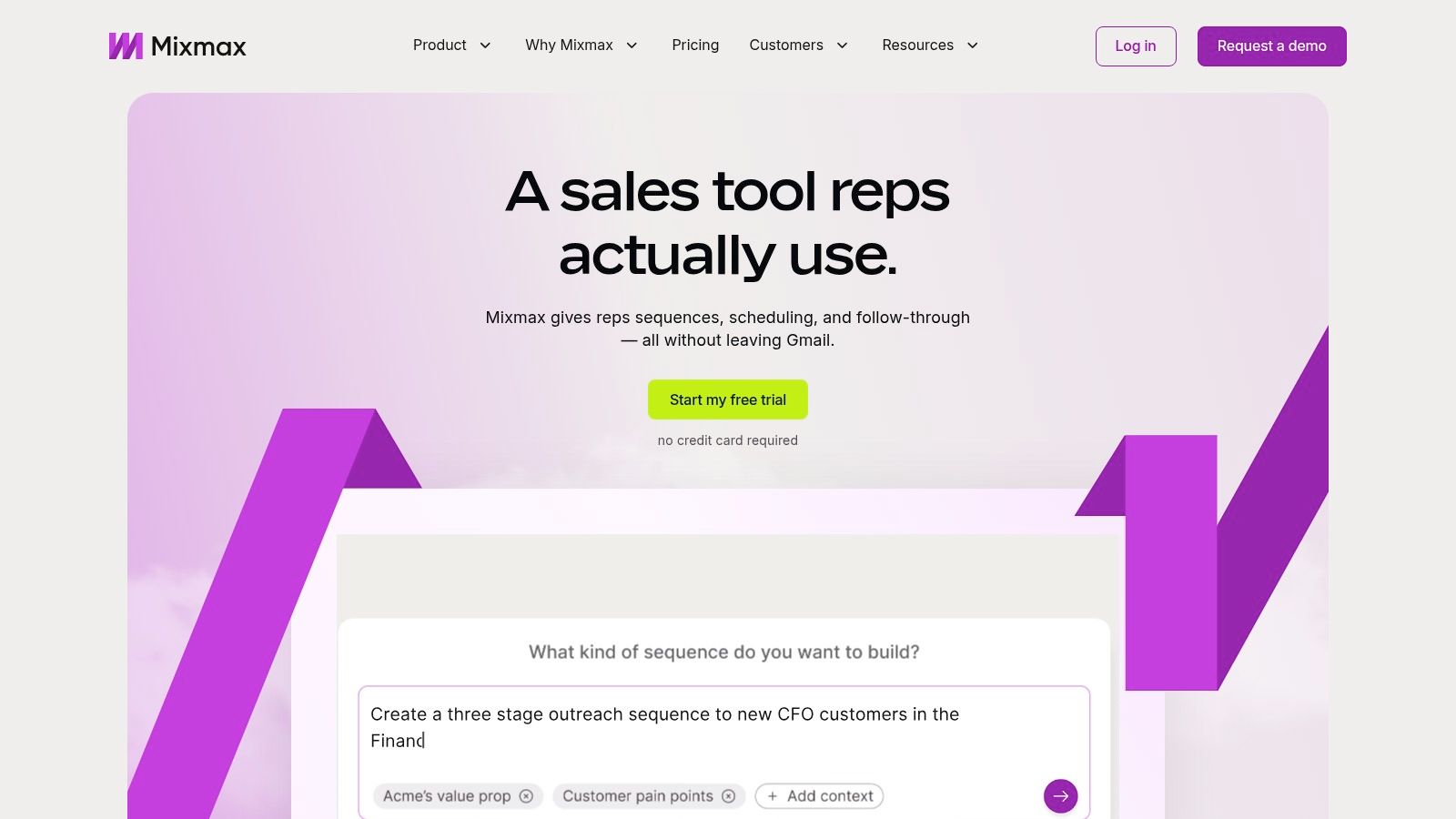
A rep sends a strong cold email, gets an open alert, then has to jump between a scheduler, a reminder tool, and Gmail to turn that interest into a meeting. Mixmax appeals to teams that want to keep that workflow in one place.
You can explore it at Mixmax.
A better fit for meeting-driven outreach
Mixmax makes more sense when the job of the email is to start a conversation, not confirm that someone opened it. Tracking is part of the value, but the bigger benefit is the layer around it: scheduling, follow-up support, and rep productivity inside Gmail.
That is why I rate it higher for B2B sales outreach than for newsletter work. A sales rep or founder doing targeted outbound can get real use from seeing engagement, offering meeting times, and staying on top of the next touch without stitching together several tools.
If you want a clearer way to interpret engagement timing instead of reacting to one open notification at a time, this guide to reading email activity with a heat map is a useful companion.
Key Trade-offs on the Free Plan
The free version is not built for volume. If you only send a modest number of prospecting emails each month, that may be fine. If outbound is part of your daily workflow, the limit becomes a planning problem fast.
Branding is the other obvious constraint. Free-plan signatures can hurt first-touch outreach because they make the message feel tool-assisted at the exact moment you want it to feel personal. In warm conversations, that may be acceptable. In cold outreach, it can reduce trust.
There is also a category fit issue. Mixmax is stronger as a rep workflow tool than as an analytics tool for newsletters. Newsletter teams usually care more about click behavior, content performance across sends, and audience trends over time. Mixmax is aimed at getting from email to meeting.
Use Mixmax if your process lives in Gmail and your goal is booked conversations. Skip it if you need clean, unbranded cold emails at scale or newsletter reporting that goes beyond basic engagement signals.
5. Right Inbox
A common Gmail problem looks like this. You send a solid follow-up, the prospect opens it twice, then the thread disappears under everything else in your inbox. The miss is not bad messaging. It is inconsistent execution.
Right Inbox fits that workflow well. It is a Gmail productivity tool with tracking built in, not a full outbound platform trying to replace the rest of your stack.
You can find it at Right Inbox.
Where Right Inbox earns its place
Right Inbox is strongest for one-person or small-team follow-up discipline. Reminders, send later, templates, notes, and email tracking all point toward the same outcome. More consistent follow-up on active conversations.
That makes it a practical option for consultants, founders, recruiters, and account managers working a manageable number of warm or semi-warm threads. In those cases, the job is usually not advanced reporting. The job is sending the next message on time, with enough context to keep the conversation moving.
I would also separate its best use cases clearly. For B2B sales outreach, Right Inbox can help a rep stay organized inside Gmail and react to engagement without adding CRM-heavy process. For B2B newsletters, it is a weak fit. Newsletter teams need campaign-level reporting, click analysis, audience trends, and a cleaner way to judge performance over time. This guide to email campaign performance metrics that matter beyond opens is a better framework for that kind of evaluation.
The trade-offs on a free tool like this
The upside is simplicity. You can install it, stay in Gmail, and get reminders and tracking without rebuilding your workflow.
The downside is scope.
Right Inbox does not solve team-wide pipeline visibility, shared reporting, or deeper analytics. It also carries the usual limitations that come with free tracking tools. Open data is useful for timing a follow-up, but it is not reliable enough to treat as a clean measure of buying intent. Privacy protections and mailbox security scans can still create noisy signals.
There is also a branding and workflow question to consider across free tools in this category. If your process depends on polished cold outreach at scale, every extra layer in the email experience deserves scrutiny. If your process depends on remembering to follow up with ten high-value contacts this week, Right Inbox is much easier to justify.
Right Inbox is best for acting on signals inside Gmail, not for analyzing email performance across a program.
That is why I would rate it higher for individual operators than for teams. If your outreach volume is light to moderate and your main issue is consistency, it is a sensible pick. If you need shared visibility, cleaner reporting, or newsletter analytics, choose something built for those jobs.
6. Snov.io Email Tracker
A common B2B setup looks like this. You start with Gmail, need basic tracking and follow-up reminders, and you know your process may grow into something closer to structured outbound. That is the lane where Snov.io makes sense.
You can explore it at Snov.io Email Tracker.
Where Snov.io fits best
Snov.io is more than a bare-bones open tracker. It adds link tracking, reminders, and send-later scheduling, which makes it more useful for reps who are actively working a prospect list instead of just watching for opens.
That matters if your workflow is sales outreach.
A rep sending targeted one-to-one emails can still get value from imperfect engagement signals because the job is operational. Did the prospect interact? Is it time to follow up? Should this contact move to the top of today’s list? Snov.io supports that kind of daily execution better than tools that only show an open notification.
It is also a reasonable choice if you expect your stack to expand over time. The tracker sits inside a broader outbound product line, so there is a logical upgrade path if your team later needs prospecting and campaign features.
For teams trying to keep reporting disciplined, this guide to email campaign performance metrics that matter beyond opens is a useful companion. It helps separate activity signals from actual performance indicators.
The trade-offs to watch
The trade-off is the same one you see across free tracking tools, but it matters more here because Snov.io can look more strategic than it is. The tracker is helpful for execution inside Gmail. It is not a clean analytics system.
Open tracking still gets distorted by privacy protections and mailbox security scans, as noted earlier in this guide. That makes Snov.io more credible for deciding when to send a follow-up than for judging message quality or campaign performance.
There is also a workflow question. If you want a lightweight bridge from Gmail into a fuller outbound motion, Snov.io is a sensible pick. If you need trustworthy newsletter reporting, shared team analytics, or a measurement setup you can present to leadership with confidence, this category of free tracker is the wrong tool.
Snov.io is a better fit for B2B sales reps managing conversations than for B2B marketers evaluating newsletter performance.
Use it if your goal is follow-up execution with room to grow into outbound. Skip it if your main requirement is accurate reporting.
7. Mailmeteor for Gmail
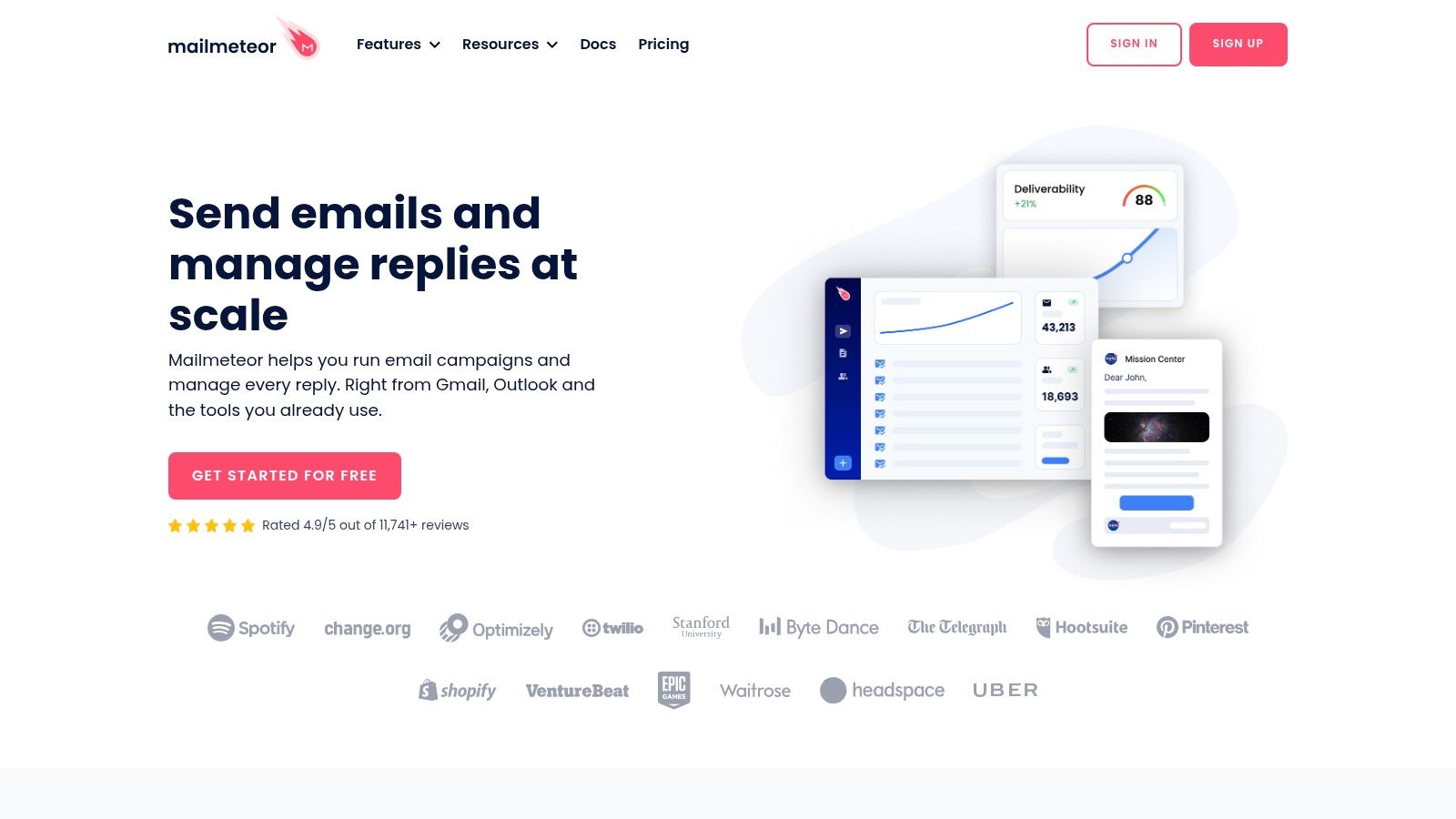
Mailmeteor deserves a place on this list because it solves a different problem than most trackers.
It’s less about one-to-one prospecting and more about lightweight campaign sending from Gmail. If your workflow looks like small-batch outreach, micro-newsletters, event follow-ups, or segmented updates, that changes what “best” means.
You can explore it at Mailmeteor.
Better for small campaign-style sends
Most free trackers are designed around individual messages. Mailmeteor is more useful when you want campaign behavior without moving into a full email platform.
That makes it a realistic choice for consultants, niche operators, and early-stage B2B teams sending personalized updates to smaller lists from Gmail.
Its tracking is limited on the free plan, which is expected. But the bigger decision isn’t feature count. It’s whether Gmail is the right sending environment for your newsletter-adjacent workflow in the first place.
Why newsletter teams should be careful
Open metrics are especially shaky for newsletter analysis now.
Privacy protections have pushed global median opens to 42.35% across 3.3 million campaigns, making traditional open rates less reliable. That’s exactly why newsletter teams should care more about click-to-open rates, replies, conversions, and downstream actions than raw open alerts.
Mailmeteor is still useful if your sending motion is modest and Gmail-based. It’s not a replacement for a newsletter platform built around deliverability, growth, and monetization.
For B2B newsletters, I’d only use Mailmeteor as a starter tool or for niche operational sends. For anything strategic, you need better list management, click measurement, and subscriber growth tooling than a Gmail mail-merge setup can usually provide.
8. Hunter MailTracker
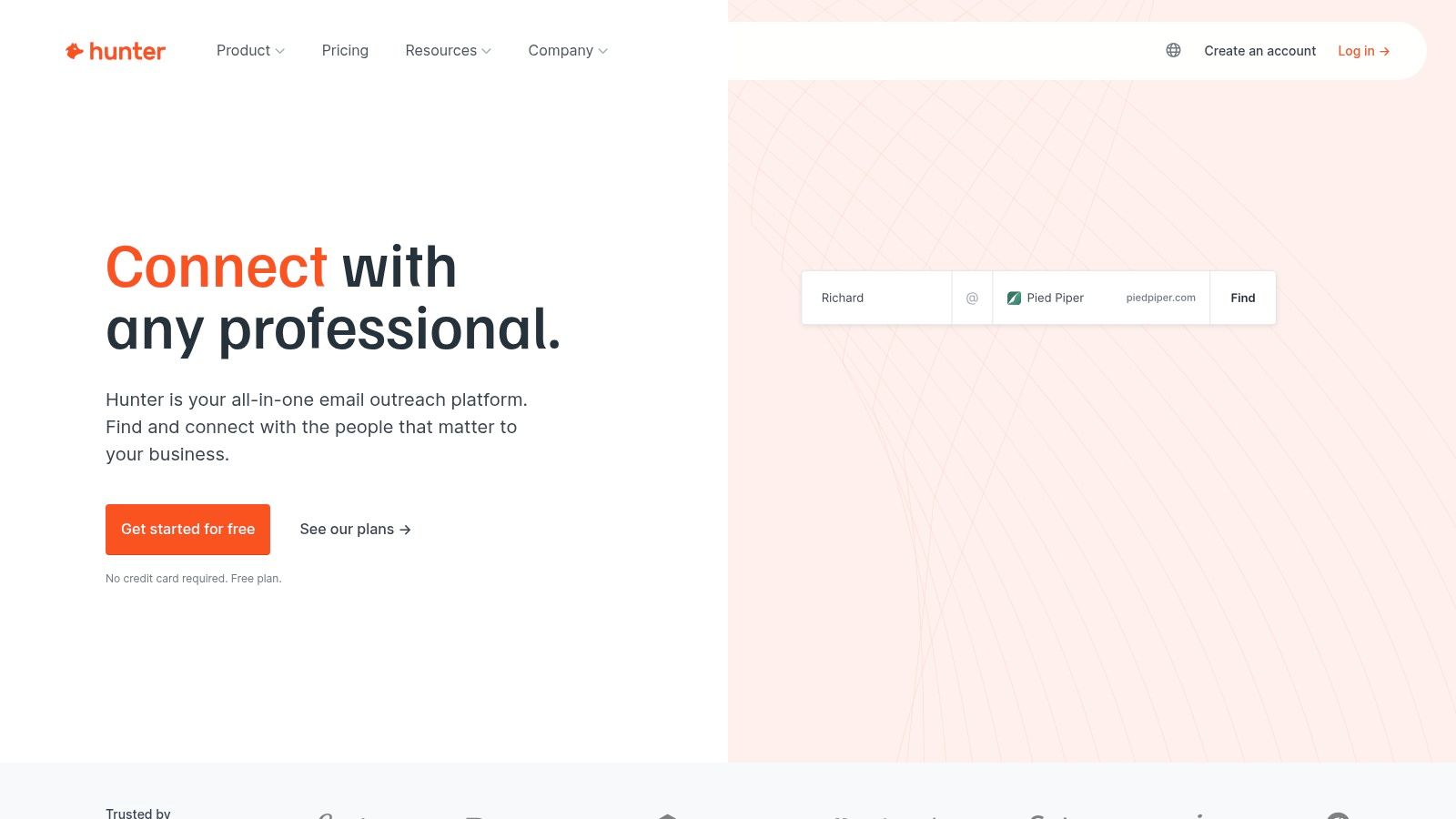
Hunter MailTracker is attractive for one reason. Restraint.
It doesn’t try to become everything. That’s good if you already use Hunter for prospecting and don’t want a second tool with its own opinionated workflow.
You can visit Hunter.
Best for minimal overhead
The appeal is simple. Per-message tracking, lightweight interface, Gmail fit, and a familiar brand for anyone already doing prospecting work.
That minimalism makes Hunter a decent choice for users who hate cluttered extensions. You install it, use it selectively, and move on.
I like that for operators who send targeted prospecting emails rather than campaigns. It keeps attention on the message itself instead of on a dashboard full of questionable precision.
The blind spot you should care about
There’s a wider issue with many free trackers, and Hunter belongs in that conversation: The search results and product messaging around free tracking often emphasize unlimited tracking and convenience, but they rarely explain consent handling, disclosure, or how to think about GDPR and CCPA risk in practical terms (as noted in this discussion of compliance gaps in free email tracking tools).
That doesn’t automatically make the tool unusable. It does mean you shouldn’t treat “it works” as the same thing as “it fits our compliance posture.”
If you’re sending into regulated industries or European markets, involve legal or compliance early. Free tracking tools rarely lead with governance.
Hunter MailTracker is fine for simple outreach by small teams. I’d be more cautious using any free tracker as a standard across larger organizations without a clear policy on consent, notice, and data handling.
9. Free Email Tracker by cloudHQ
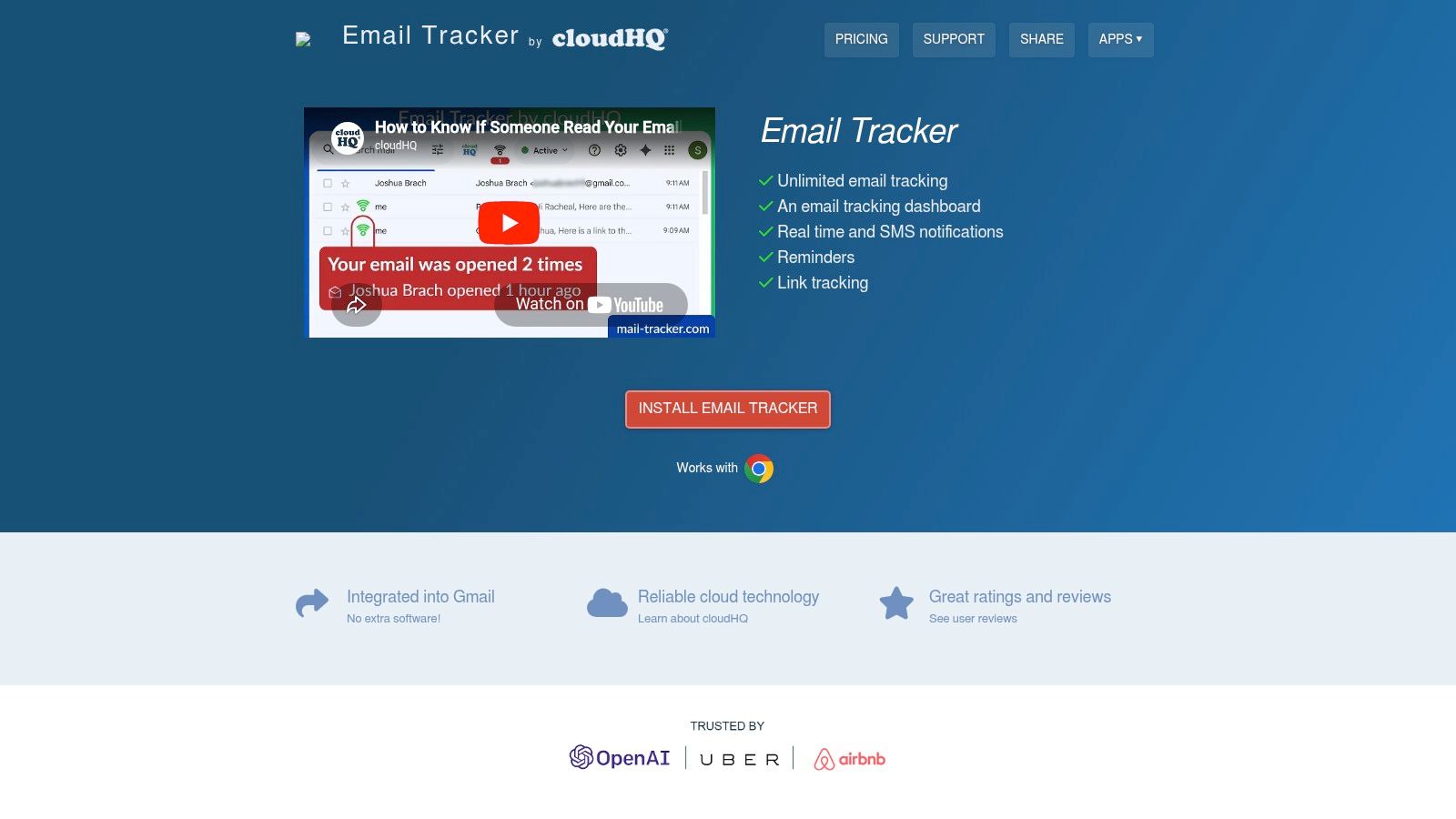
A common scenario. A sales rep is sending enough Gmail outreach that free-plan limits start getting in the way, but paying for a full sales engagement stack still feels premature. cloudHQ sits in that gap.
The offer is simple: a free tracker with generous open tracking, notifications, and a dashboard. You can check it out at Free Email Tracker by cloudHQ.
Strong fit for high-volume one-to-one outreach
cloudHQ earns attention because the free plan is usable at significant outreach volume. If you send prospecting emails, recruiting messages, or founder-led outbound from Gmail, unlimited open tracking has practical value. You can scan activity, decide who looks warm, and prioritize follow-ups without hitting a cap halfway through the week.
That is the upside.
The trade-off is branding on free emails. For some teams, that is a minor annoyance. For others, especially agencies, consultants, and B2B sellers protecting a polished first impression, it is enough to rule the tool out.
Better for sales workflow than newsletter measurement
This is a tool for operational visibility, not serious campaign analysis.
For B2B sales outreach, cloudHQ can do the job. Reps want a lightweight signal that an email was opened so they can time a follow-up or decide which accounts deserve attention first. In that workflow, imperfect data is still useful because the goal is prioritization.
For B2B newsletters, the value drops fast. Open tracking is already less reliable because of privacy protections and image prefetching, and a free tracker does not solve that. Marketing teams trying to judge subject line performance, content quality, or audience engagement need stronger reporting discipline than a basic pixel can provide.
My take on the right use case
I’d put cloudHQ on the shortlist for solo operators and small outbound teams that live in Gmail and care more about speed than presentation. It gives you enough signal to work a pipeline.
I would be cautious if brand control, privacy review, or clean client-facing emails matter more. In those cases, the free plan’s compromise is not free. You pay for it in presentation, and sometimes in policy friction.
Used with the right expectations, cloudHQ is practical. Used as a measurement system, it will disappoint.
10. TrackMailBox
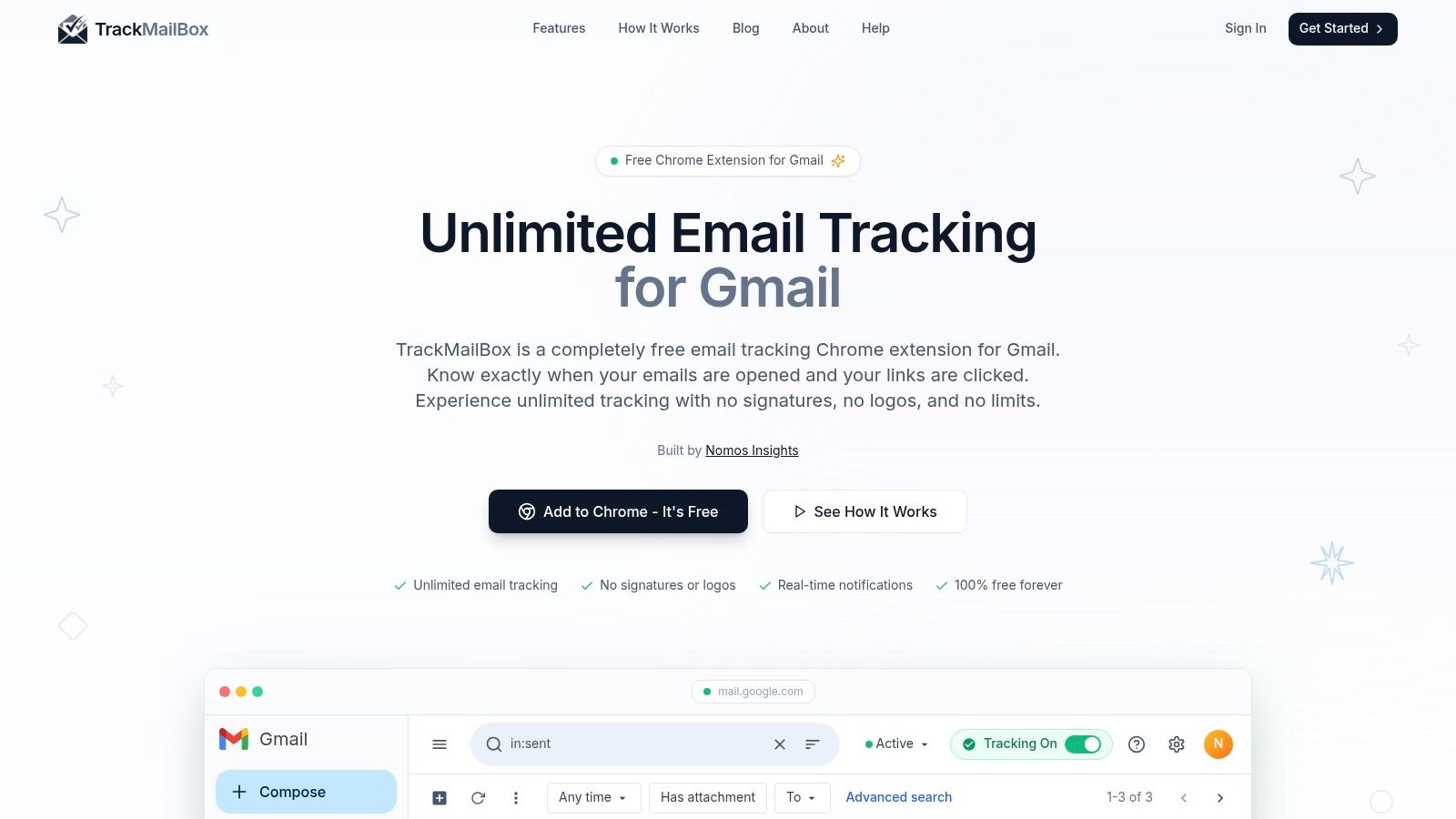
A common scenario. You want open and click tracking, you do not want a branded signature on every email, and you do not want to pay just to test whether tracking fits your workflow. TrackMailBox is built for that buyer.
You can check it out at TrackMailBox.
The pitch is simple. Unlimited open tracking, link tracking, real-time alerts, and no visible branding on free emails. For a founder sending outbound from Gmail or a consultant managing one-to-one prospecting, that is attractive because it removes the compromise that sinks many free tools.
That said, a key question is not whether the feature list looks good. The question is whether you would trust it inside a revenue workflow.
For B2B sales outreach, TrackMailBox can make sense as a low-cost testing option. If the job is basic follow-up timing, a lightweight tracker with no signature is useful. A solo rep or small team can live with some uncertainty if the upside is cleaner emails and faster setup.
For B2B newsletters, I would pass. Newsletter measurement needs more than a pixel and a notification feed. Privacy protections already blur open data, and a newer free tracker does not solve attribution, segmentation, or reporting discipline. Marketing teams need consistency, not just activity signals.
My hesitation is product maturity. With a newer tool, I look harder at extension stability, support responsiveness, data retention, and whether tracking stays reliable after browser or Gmail changes. Those details matter more than the headline promise of "free and unlimited."
Privacy is part of the trade-off too. As noted earlier in this guide, email tracking is getting harder, not easier, because inbox providers and privacy features interfere with open signals. That does not make TrackMailBox unusable. It means you should treat its data as directional, especially for click and open based decisions.
I’d consider TrackMailBox for individual outbound users who want a cleaner alternative to free tools with visible branding. I would test it carefully before rolling it out across a sales team, and I would not use it as the primary measurement layer for newsletter performance.
Top 10 Free Email Trackers: Feature Comparison
Tool
Core features
UX & reliability
Price / Value
Target audience
Unique angle
HubSpot (Free email tracking in HubSpot CRM)
CRM‑linked open & click tracking; templates; add‑ins; activity logging
★★★★; strong CRM sync; enterprise stability
💰 Free tracking in CRM; paid Sales Hub for automation
👥 Sales teams & SMBs using HubSpot
✨ Pipeline‑level engagement; 🏆 consolidated CRM+tracking
Streak Email Tracking for Gmail
One‑click open tracking; per‑message toggles; history inside Gmail
★★★★; Gmail‑native, minimal setup
💰 Free core; paid for CRM features
👥 Gmail‑centric users & reps
✨ Integrated Gmail workflow
Mailsuite (Mailtrack)
Open tracking (double‑check); notifications; basic reporting
★★★★; simple & reliable
💰 Free with branding; paid removes branding + link tracking
👥 Users wanting easy Gmail tracking
✨ Familiar UI; 🏆 large user base
Mixmax
Open & link tracking; templates; reminders; scheduling; polls
★★★★; feature‑rich Gmail addon
💰 Free basics; paid for sequences & CRM sync
👥 Sales/engagement teams
✨ Tracking + meeting scheduling + engagement tools
Right Inbox
Open/click toggles; reminders; send‑later; templates
★★★★; focused & fast adoption
💰 Free with monthly caps; paid lifts limits
👥 Productivity‑focused Gmail users
✨ Reminders + send‑later combo
Snov.io Email Tracker
Open & link tracking; follow‑up reminders; send‑later
★★★; integrated with outreach tools
💰 Free core tracker; outreach automations paid
👥 B2B outreach teams
✨ Free‑forever tracking pitch; pairs with outreach stack
Mailmeteor for Gmail
Mail‑merge sends; limited tracking; campaign analytics
★★★★; great for small campaigns
💰 Hobby free (limited); paid expands analytics
👥 Small campaigns & newsletters from Gmail
✨ Mail‑merge + live analytics
Hunter MailTracker
Open tracking; per‑message toggle; lightweight UI
★★★; minimal overhead
💰 Free basic; caps may apply
👥 Prospectors using Hunter
✨ Minimal interface; trusted prospecting brand
Free Email Tracker by cloudHQ
Unlimited open tracking (free); dashboard; notifications
★★★★; very functional free tier
💰 Free with cloudHQ signature; paid removes signature & adds link tracking
👥 Users wanting unlimited free opens
✨ Generous free tier
TrackMailBox
Unlimited open & link tracking; real‑time notifications; geo/device data
★★★; full feature set but newer product
💰 Free forever (no signature)
👥 Solo users wanting no‑cost, no‑brand tracking
✨ No‑branding + unlimited link tracking; lightweight
Final Thoughts
Free email tracking is still useful. You just have to use it for the right job.
For one-to-one B2B sales outreach, free tracking can help you prioritize. It can tell you a thread is active, a prospect revisited an email, or a follow-up shouldn’t wait another week. In that context, even imperfect data has value because the decision is tactical. You’re not building a board report. You’re deciding who to contact next.
That’s where tools like Streak, Mailsuite, Right Inbox, Hunter MailTracker, Snov.io, and cloudHQ make the most sense. They help individual operators move faster inside Gmail. The best one depends less on raw features and more on what friction you can tolerate. Branding, usage caps, CRM heaviness, or ecosystem lock-in.
For B2B newsletters, the bar is different.
Newsletter teams shouldn’t choose a tool based on read notifications or open alerts alone. Open data has become noisy enough that it can push the wrong decisions if you rely on it too heavily. Clicks, replies, conversions, subscriber quality, and deliverability matter more. So does list growth. A Gmail extension can’t replace a newsletter platform built for audience development and monetizable engagement.
That’s the strategic split most comparison posts miss.
If your goal is sales outreach, choose for workflow.
If your goal is newsletter growth, choose for analytics, deliverability, and subscriber expansion.
A few practical rules make the decision easier:
- Pick HubSpot if process matters most. It’s the strongest free choice when contact records, deal context, and team visibility matter more than minimal setup.
- Pick Streak if you live in Gmail. It’s clean, familiar, and well suited to founder-led or consultant-led outreach.
- Pick Mailsuite if simplicity wins. It’s still one of the easiest ways to start tracking, especially for solo users.
- Pick Mixmax if meetings are the goal. Scheduling and follow-up utilities make it more useful than a bare tracker for sales reps.
- Pick Right Inbox if you need follow-up discipline. Reminders and send-later features can create more value than extra tracking details.
- Pick Mailmeteor if your use case is small campaign-style sending from Gmail. It’s more relevant for light newsletter-adjacent workflows than most trackers on this list.
- Treat every free tracker with caution on privacy and consent. That’s not a niche concern anymore.
The other thing worth saying plainly is this. Email tracking free tools are often best used as assistive signals, not as performance truth. The more your team depends on precise reporting, the faster you’ll outgrow them.
That doesn’t mean they’re weak. It means you should use them where they’re strong.
For reps, founders, consultants, and operators doing direct outreach, free tracking can earn its place.
For newsletter operators and growth teams, it should be one small part of a much bigger system.
If you’ve outgrown basic tracking and need a platform that ties sending, list growth, targeting, analytics, and deliverability together, Breaker is built for that next step. It helps B2B teams run newsletters as a growth channel, not just a sending tool, with ICP-based audience expansion, real-time performance visibility, data hygiene, and deliverability support that free Gmail trackers aren’t designed to handle.
Keep reading
All articlesB2B Lead Generation via Newsletter: What Actually Works
Cold outbound is losing steam. See 7 proven newsletter tactics for B2B lead generation, from gated content to sponsorship swaps, that beat cold outreach.
How to Write a Newsletter with AI: Step-by-Step Guide 2026
Learn how to write a newsletter with AI the right way: a 7-step process to train, calibrate, and edit AI drafts that still sound like you.
How to Boost Conversions With Your Email Newsletter
Turn your newsletter into a conversion engine. See 2026 benchmarks, CTR vs CVR explained, and the fixes most email guides skip.