
7 Email Footer Examples for B2B & Newsletters (2026)
Explore 7 top email footer examples for B2B and newsletters. See how to balance compliance, branding, and conversions with actionable design tips.
Your Email Footer: Afterthought or Untapped Asset?
A B2B team ships a polished campaign. The subject line is sharp, the hero section is clean, and the primary CTA is doing its job. Then the reader scrolls to the bottom and hits a cluttered footer with tiny type, generic legal copy, three conflicting links, and no clear next step.
That final block defines the email's closing impression. It also influences compliance, trust, support volume, click quality, and the amount of intent data the team can use.
Many marketers still treat the footer like a box to check. They paste in an address, an unsubscribe link, and a few leftover social icons, then move on. The result is usually predictable: weak hierarchy, poor accessibility, and a footer that either distracts from the email or adds no value at all.
In practice, the footer should match the job of the message.
A product update footer should not behave like a sponsorship footer. A newsletter footer needs different link priorities than a transactional support email. B2B teams get better results when they treat the footer as part of the conversion path, not as the legal debris field at the bottom of the template.
This guide takes that approach. It examines seven footer types, why each one works, where each one breaks, what microcopy fits the use case, and which code and compliance details are easy to miss. The goal is not to collect pretty examples. It is to give you a playbook you can adapt for lead gen, retention, support, monetization, and global compliance.
1. 1. The Minimalist Brand Footer
A reader gets to the bottom of a polished email and finds one of two things. Either the footer feels calm, clear, and intentional, or it feels like the team dumped every leftover requirement into a narrow strip of space.
The minimalist brand footer works when the message already earned attention and the footer only needs to confirm who sent it, how to stay connected, and how to opt out without friction. I use this pattern for design-forward SaaS newsletters, product notes, founder emails, and editorial sends where brand tone matters more than link volume.
What makes it work is restraint with purpose. Minimal does not mean thin on information. It means every item has a job, and nothing competes with the final impression.
What belongs in it
Build the stack in a clear order. Recognition first, then context, then utility, then compliance.
A strong version usually includes:
- Brand identifier: Wordmark or logo that is easy to recognize at small sizes
- One-line positioning: A plain-English line such as “Weekly product notes for RevOps teams”
- Utility links: Preferences, contact, and optionally one social destination
- Compliance layer: Physical address, unsubscribe, privacy policy
This format also supports list hygiene. If a reader is done with the newsletter, the footer should help them change preferences or leave cleanly instead of forcing a spam complaint. Teams running nurture or newsletter programs alongside a broader email marketing for lead generation strategy usually benefit from that distinction.
A minimalist footer succeeds because the hierarchy is obvious at a glance.
Microcopy that fits the style
This footer type breaks when the copy turns stiff or generic. Short lines work best, but they still need intent.
Use language like:
- Preference link: “Choose what you hear from us”
- Contact line: “Questions? Reply to this email”
- Brand statement: “Practical growth ideas for B2B teams”
There is a trade-off here. The cleaner the footer looks, the easier it is to hide important actions in low-contrast text or vague labels. That hurts accessibility and usually lowers useful clicks.
Keep the code simple and durable. Use live HTML text instead of one flattened image. Maintain strong color contrast. Make links look like links, especially in the compliance block where subtle styling often goes too far. If you include social icons, be selective. One maintained profile is stronger than four neglected ones.
2. 2. The B2B Lead Gen Footer
When the email's main body educates and the footer closes, this format earns its place. It turns the last screenful into a second conversion opportunity without feeling like a duplicate pitch.
This is the footer I'd use for demand gen sends, webinar follow-ups, product education campaigns, or founder-led outbound newsletters aimed at qualified accounts. The body gives value first. The footer asks for the next committed step.
The structure that converts cleanly
The best B2B lead gen footer has one job and one obvious path. Don't bury it under generic “learn more” language.
Build it in this order:
- Primary CTA: Demo, consultation, audit, template, or playbook download.
- Short support copy: One sentence that answers “why click now?”
- Trust signal: Customer category, use case, or a simple credibility line.
- Secondary utility links: Preferences, privacy, unsubscribe.
If you're planning campaigns around pipeline, this footer pairs well with a broader email marketing for lead generation playbook because it gives the campaign a bottom-of-funnel endpoint instead of ending with housekeeping.
Practical rule: If the footer CTA asks for more commitment than the body earned, clicks will drop and the footer will feel manipulative.
Microcopy and build notes
What works:
- CTA button: “Book a 15-minute walkthrough”
- Support line: “See how teams use this workflow in live accounts”
- Soft alternative: “Not ready? Get the checklist”
What doesn't work:
- Vague CTA: “Discover more”
- Overclaiming copy: “Transform your business today”
- Too many exits: button plus three text CTAs plus social icons
From a code standpoint, keep the button as bulletproof HTML, not an image. Add enough padding for thumb taps on mobile. Keep the CTA above the compliance text so it doesn't get visually swallowed. Track the footer CTA separately from the body CTA. Even when both point to the same page, separate parameters help you see whether readers convert after reading the whole message or only from the hero section.
This footer also benefits from a lighter visual box or divider. Not heavy borders. Just enough separation to tell the reader, “This is your next step,” before they hit unsubscribe.
3. 3. The Content-Rich Newsletter Footer
Some newsletters shouldn't end at all. They should branch.
That's where the content-rich footer works. Instead of treating the footer as a mandatory sign-off, it acts like a mini resource hub. Media brands, research newsletters, creator-led B2B publications, and SaaS companies with deep content libraries all benefit from this approach.
What to link after the main story
This footer is useful when readers arrive with different levels of intent. Some want the main article only. Others are ready to binge. Give the second group a better next click.
A strong content-rich footer usually includes:
- Related reads: Two or three tightly matched articles
- Template or archive link: A browse path for readers who want more
- Feedback path: A quick way to shape future issues
- Subscription controls: Preferences and unsubscribe
If you're building recurring newsletter formats, it helps to study email newsletter templates that support repeatable content structure so the footer doesn't feel bolted on after the editorial block.
For teams that want cleaner feedback loops, I also like the idea of using Formbricks for newsletter insights. It fits this footer type well because the footer is a natural place to ask short, low-friction questions after the reader finishes the issue.
The trade-off most teams miss
A content-rich footer can become clutter. If every issue ends with five article links, three categories, and social icons, readers stop noticing all of it.
Keep the recommendation logic narrow. Link to the next most likely read, not the entire library. Write labels like a curator, not a CMS export.
Try microcopy like:
- Related section label: “Keep reading”
- Archive link: “Browse past issues”
- Feedback prompt: “Was this issue useful?”
Campaign Monitor highlights footer components such as a view-in-browser link, safelist request, and preference center in its guidance on fabulous email footers. That's especially relevant here, because content-heavy sends often get forwarded, clipped, or opened in imperfect clients. The footer can give the reader a cleaner route if rendering breaks.
For implementation, use a single-column mobile-safe layout. Don't place three article cards side by side in the footer. They'll collapse badly, and the legal links will get pushed too far down.
4. 4. The Monetized Sponsorship Footer
Sponsored newsletters often get the body treatment right and the footer treatment wrong. The sponsor placement is either too hidden to perform or so aggressive that it changes the tone of the issue.
A monetized sponsorship footer works when the sponsorship feels clearly labeled, visually separate, and easy to ignore without causing confusion. That last part matters. Readers don't mind monetization nearly as much as they mind ambiguity.
Keep sponsorship obvious and contained
The footer is a smart place for a secondary sponsor placement because it doesn't interrupt the editorial flow. It can also support sponsorship packages that include multiple placements across an issue. If you sell newsletter inventory, a clear footer option belongs in your sponsorship package templates for newsletter sales.
Use a simple format:
- Disclosure line: “Sponsored by” or “Partner message”
- One sponsor benefit line: Short and specific
- One destination link: Not a cluster
- Publisher utility links below: Contact, preferences, unsubscribe
Readers forgive sponsorship. They don't forgive trying to disguise it as editorial.
You can also support sponsored sends operationally with cleaner support routing. If readers reply with billing, trial, or complaint questions after clicking a sponsor, your internal process matters. Even a broad customer care ticketing systems guide is useful context here because monetized newsletters create support demand, not just revenue.
Microcopy and rendering advice
Good footer sponsorship copy sounds restrained:
- Disclosure: “Partner message”
- Pitch line: “See how finance teams organize approval workflows”
- CTA: “View the platform”
Bad footer sponsorship copy usually overreaches:
- Disguised label: “Recommended resource” when it's paid
- Overstuffed pitch: Three sentences, feature list, testimonial, and CTA
- Multiple sponsor exits: homepage, demo, pricing, social links all at once
Keep the sponsor block visually boxed off from the publisher footer. Different background tint, extra top padding, or a divider line is enough. Don't use a style so loud that it overpowers your own unsubscribe and address block.
Also, watch link styling. Some teams mute sponsored links so much that they look disabled. A sponsor still paid for a placement. The link needs to look clickable, just not disguised.
5. 5. The Transactional Support Footer
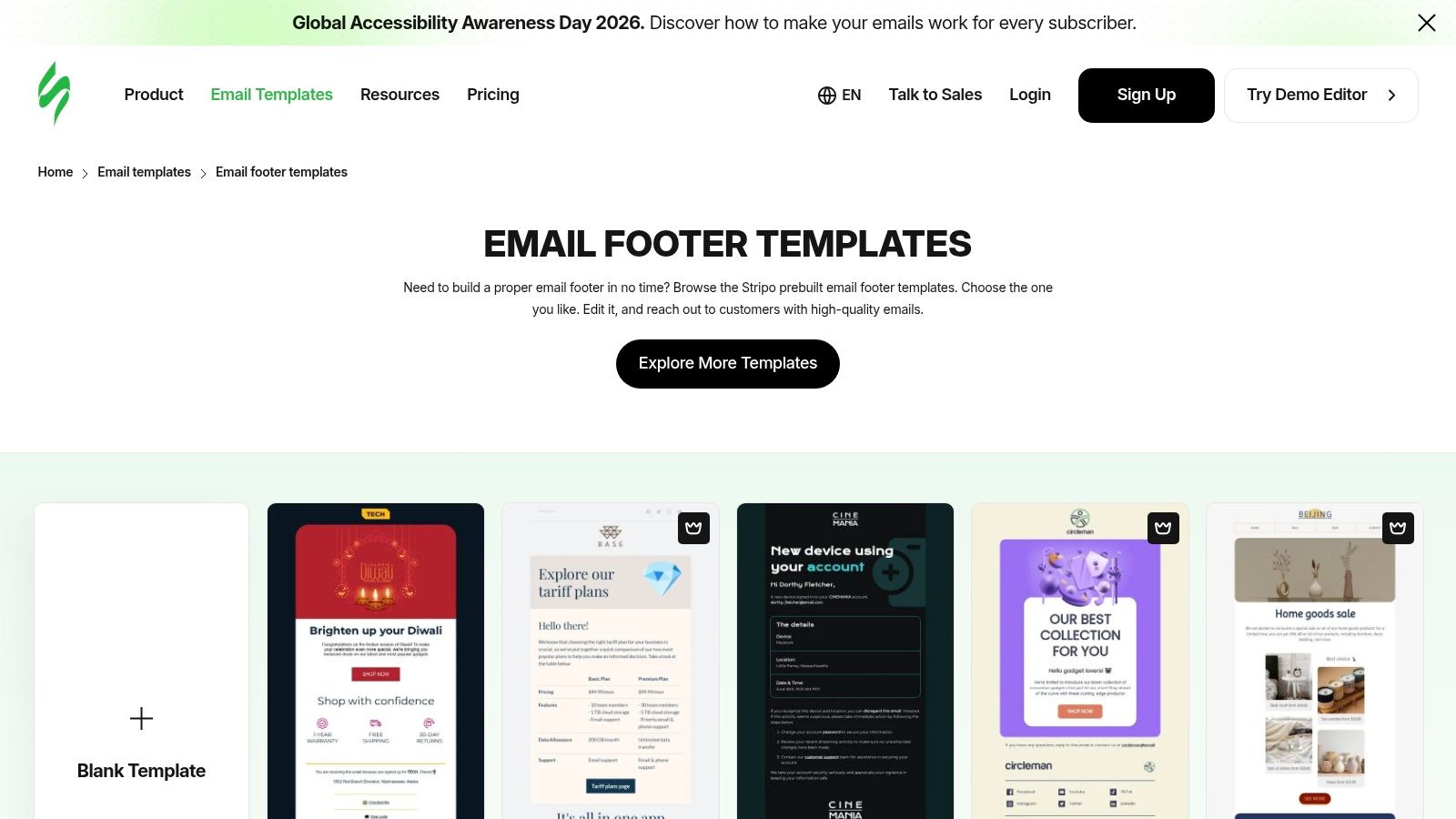
Order confirmations, shipping updates, password resets, trial notices, and account alerts all need a different footer logic from newsletters. The reader isn't browsing. They're trying to complete a task, verify a detail, or solve a problem.
That makes the support footer one of the most practical email footer examples for any product or ecommerce team. Its value isn't brand flair. It's reducing confusion fast.
Build for resolution, not decoration
In a transactional email, the footer should answer the questions support keeps seeing. “Where's my order?” “How do I update billing?” “Was this really from you?” “How do I contact support?”
A strong support footer includes:
- Support route: Help center, reply-to address, or account portal
- Identity reassurance: Company name, domain consistency, and recognizable sender details
- Policy links: Return, billing, shipping, or account help
- Required legal details: Address and privacy-related links where appropriate
The big mistake is treating transactional and marketing footers the same. Transactional readers don't need six social icons. They need one obvious recovery path.
Copy that reduces tickets
Short service-oriented language works best:
- Support line: “Need help with this order? Contact support.”
- Account route: “Manage billing in your account”
- Security reassurance: “If you didn't request this, reset your password now”
A lot of companies bury the help path under legal text because they're afraid the footer will get too busy. That's backwards. In transactional sends, the support link is often more important than anything above it except the core message itself.
From a code perspective, keep these footers durable across dark mode and older clients. Transactional emails get opened in every environment imaginable, including mobile lock-screen previews and corporate desktops with aggressive filtering. Avoid tiny text, low-contrast gray, and icon-only controls.
If your support team is drowning, audit transactional footers first. In many programs, they're the cheapest place to remove friction because the messages already have high open intent. Small clarity improvements there often matter more than another promotional module in a newsletter.
6. 6. The Community-Building Footer
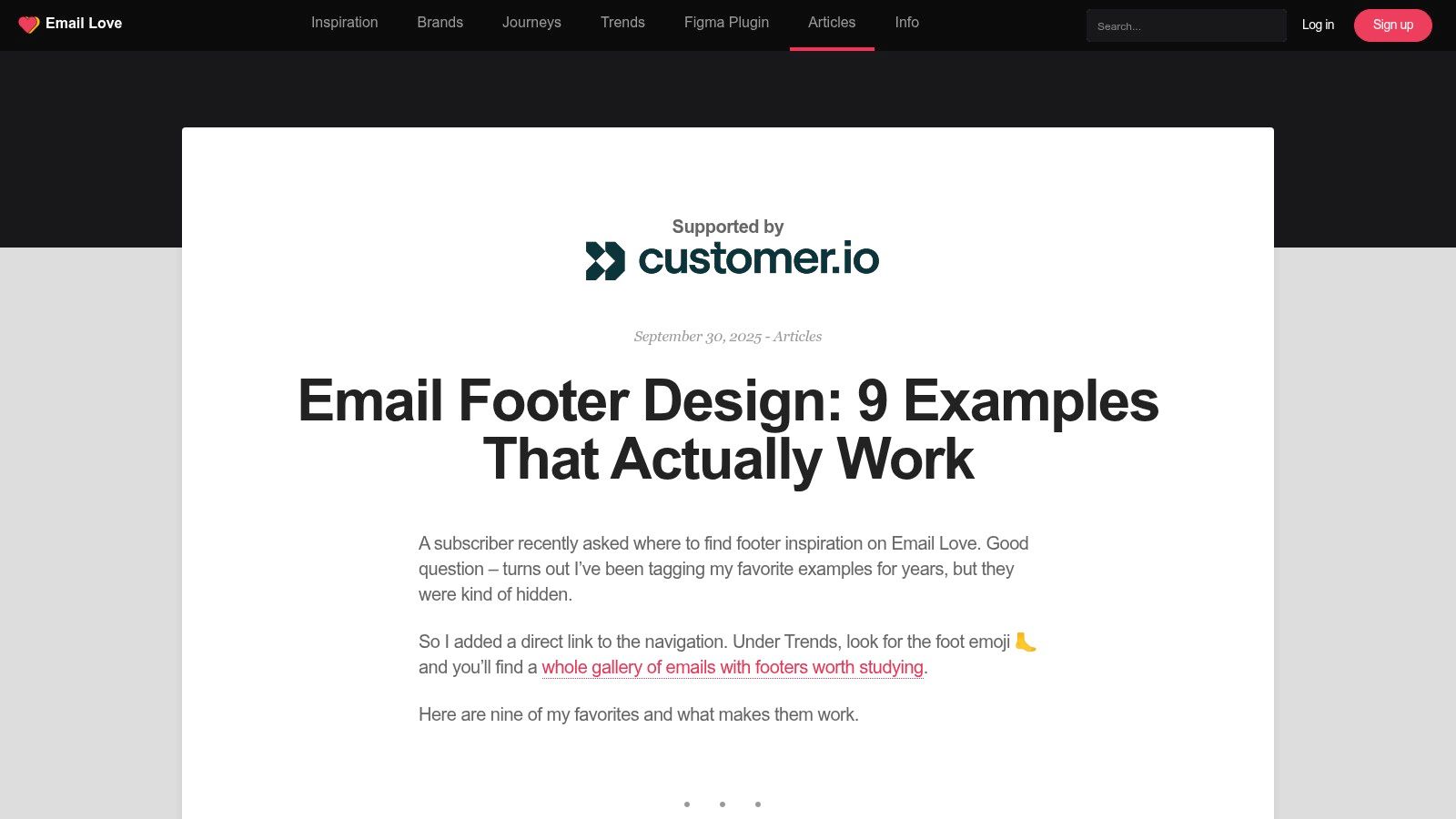
A reader finishes your newsletter, scrolls to the bottom, and pauses for two seconds. That moment decides whether the footer becomes dead space or the next step in the relationship.
Community-building footers work best when the email already delivers a clear point of view and the footer extends it with one participation ask. I use this pattern for founder-led newsletters, product communities, event brands, and niche B2B media that want replies, referrals, and repeat engagement, not just opens.
The mistake is adding every community path at once. A Slack link, five social icons, a webinar CTA, a referral prompt, and a founder reply request all compete with each other. Pick the behavior that matters most for this send, then support it with one adjacent action.
Common options include:
- Join the group: Slack, Discord, forum, or customer community
- Refer a peer: An invite or referral program
- Follow the main conversation: One primary social channel
- Reply directly: A monitored founder or team inbox
Repetition helps here. Readers often see the same footer pattern again and again, so a consistent invitation can train behavior over time. That matters more than clever design.
Field note: Community CTAs get more response when they read like a real invitation from a person.
The copy should sound human and specific:
- Community invite: “Join the conversation”
- Referral prompt: “Know someone who'd enjoy this? Invite them”
- Reply prompt: “Hit reply and tell us what you're seeing”
A few choices usually hurt performance:
- Internal naming: Branded program names that mean nothing to new readers
- Channel overload: LinkedIn, Instagram, YouTube, X, TikTok, plus a separate community link
- Fake urgency: “Join now before it's too late”
Community footers also expose list quality fast. If the audience is stale, unverified, or rarely engages, even strong footer copy will struggle to produce replies or referrals. Basic hygiene work comes first, including the process outlined in this RevoScale guide to email verification.
On the build side, label every destination in live text. “Join our LinkedIn” or “Reply to the editor” will usually outperform icon-only links because the action is obvious, screen readers can interpret it correctly, and the footer stays usable when images fail. Accessibility and conversion often point to the same implementation choice.
7. 7. The Hyper-Compliant Global Footer
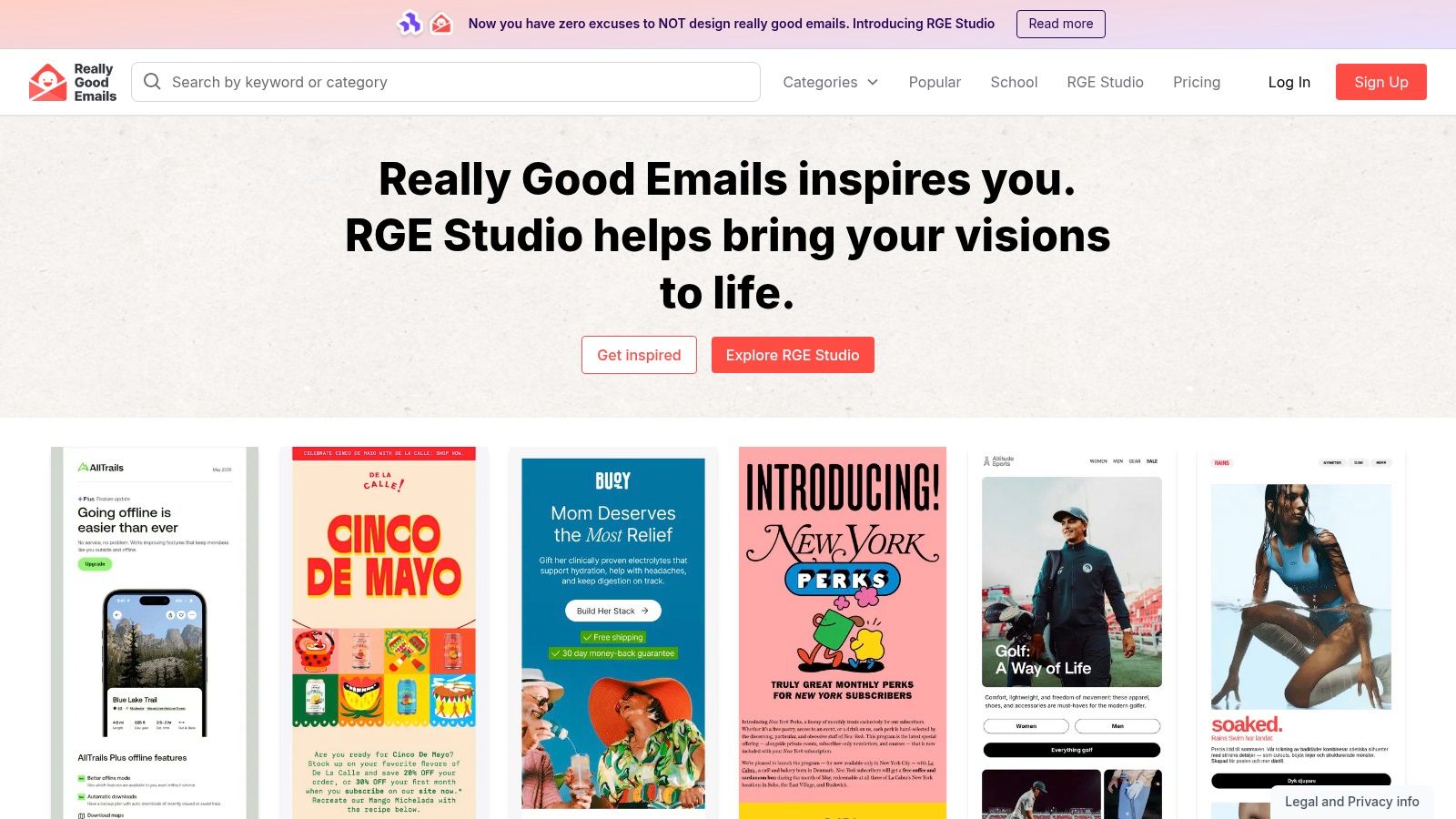
A global footer usually fails in a very boring way. Someone clones an old template, sends it across regions, and months later the team finds an outdated address, a broken unsubscribe link, or legal copy that does not match the audience receiving the message.
That risk grows fast in enterprise programs, multi-brand B2B portfolios, and publisher lists split across countries. At that point, the footer is not a design detail. It is an operating layer that protects deliverability, legal compliance, and subscriber trust.
Mandatory elements versus optional flourishes
A lot of footer inspiration focuses on aesthetics and skips the operational basics. That is a mistake.
The baseline is simple. Include a real physical mailing address, a visible unsubscribe link, an email preferences link if you offer one, and an easy-to-find privacy policy. Drip also notes in its email footer examples guidance that unsubscribe requests under CAN-SPAM must be honored within 10 business days. Global teams should treat that as the floor, then add market-specific language only where the audience or regulation requires it.
A practical global footer usually includes:
- Physical mailing address: Current and legally accurate
- Unsubscribe link: Easy to spot and easy to use
- Email preferences link: Useful for reducing full unsubscribes
- Privacy policy link: Clear destination, not buried in dense copy
- Market-specific legal language: Added by audience, brand, or region
The practical build standard
The best global footer is modular. Legal keeps approved language in one place, lifecycle or CRM teams control audience rules, and production pulls the right variant automatically. I prefer this setup because it reduces the two failure modes I see most often: outdated compliance copy and manual edits that break links.
Avoid the giant legal block. It makes the email harder to use, especially on mobile, and it can bury the exact actions regulators expect people to find.
A better standard looks like this:
- Prioritize actions first: Put unsubscribe and preferences above long-form legal copy
- Localize by rule set: Swap language by country, business unit, or send type
- Validate every path: Test unsubscribe, preferences, privacy, and address rendering in major clients
- Keep links readable: Use live text, strong contrast, and tap targets large enough for mobile users
This section matters because a compliant footer is not just a checklist item. It has to work in production. If a subscriber cannot find the unsubscribe link, if the preference page fails, or if the address is stale after a rebrand, the problem is operational, not cosmetic.
For teams sending at scale, one source of truth is the safest model. Update the module once. Propagate it everywhere. That is how you keep global compliance from turning into a manual QA problem every time the calendar gets busy.
7-Point Email Footer Comparison
Footer Type
Implementation Complexity 🔄
Resource Requirements ⚡
Expected Outcomes 📊
Ideal Use Cases 💡
Key Advantages ⭐
1. The Minimalist Brand Footer
Low, simple layout and few elements
Low, brand assets and basic legal links
Clear brand reinforcement with minimal distraction
Design-forward newsletters; brands with strong recognition
Strengthens brand identity and readability
2. The B2B Lead Gen Footer
Medium, CTA design, tracking, A/B testing
Medium, designer, copy, analytics setup
Higher bottom-of-funnel conversions and measurable leads
SaaS and B2B campaigns focused on demos/trials
Converts email readers into qualified leads
3. The Content-Rich Newsletter Footer
Medium, multi-column layout and link organization
Medium, content curation, icons, link maintenance
Increased engagement and referral traffic to content
Media publishers and content-heavy B2B brands
Drives pageviews and showcases expertise
4. The Monetized Sponsorship Footer
Medium–High, sponsor integration and disclosure handling
Medium, sponsor coordination, legal review, testing
Revenue generation with possible UX trade-offs if poorly executed
Newsletters selling ad/sponsor inventory
Monetizes audience while fulfilling sponsor obligations
5. The Transactional Support Footer
Low–Medium, prioritized links and clear hierarchy
Low–Medium, support links, tracking, possible icons
Reduced support inquiries and improved post‑purchase experience
Order confirmations, shipping notices, receipts
Provides critical support info and builds trust
6. The Community-Building Footer
Low–Medium, social/referral links and community CTAs
Low, social assets, referral mechanics, community links
Increased community engagement and referral growth
Brands focused on audience retention and advocacy
Converts passive readers into active community members
7. The Hyper-Compliant Global Footer
High, multi-jurisdiction text and dynamic content blocks
High, legal review, preference center, regional content
Compliance with global regulations and reduced legal risk
Enterprise and multinational email programs
Ensures legal compliance and granular user control
From Footnote to Foundation: Build Your Best Footer
A strong email often weakens right at the end.
The pattern is familiar. Marketing adds another CTA. Sales wants a demo link. Legal inserts disclosure copy. Support asks for help resources. By send time, the footer is carrying four jobs, and none of them are prioritized well. Readers feel that confusion fast.
High-performing teams treat the footer as a system component, not leftover space. The right question is not "what should we stick at the bottom?" It is "what job should this footer do for this send type?" That shift changes the build, the copy, and the QA process.
A newsletter footer should help a reader find the next useful piece of content. A lead gen footer should support one high-intent action without draining attention from the main offer. A transactional footer should reduce anxiety, answer support questions, and make the next step obvious. Global programs need region-aware legal copy, preference options, and unsubscribe handling baked into the template logic from the start.
That is why this article focused on seven footer types instead of showing a gallery of nice-looking examples. The real value is in the why behind each pattern, the microcopy choices that make it work, and the code details that keep it readable, clickable, and compliant across clients.
The operational side matters just as much as the design. Write approved footer microcopy once, then reuse it by template. Set one primary action. Keep secondary links clearly supportive, not competitive. Tag footer links separately so the team can see whether the block is driving content clicks, demo intent, support deflection, referrals, or sponsor engagement. Use live HTML, readable contrast, descriptive link labels, and mobile QA because footer code often breaks first.
I have seen teams improve click quality and reduce internal review friction with simple footer changes. Fewer links. Better order. Sharper labels. Clear rules for which modules belong in which email.
Once volume grows, ad hoc editing stops working. Build a small footer library by send type. Document the allowed modules, fallback copy, and compliance requirements for each one. Centralize the code so lifecycle, demand gen, and email ops are not maintaining slightly different versions of the same footer. Breaker can support that workflow for B2B newsletter teams that want campaign production, audience growth, analytics, and sending operations connected in one place, as noted earlier.
A better footer will not rescue a weak offer. It will help a good email finish cleanly, preserve deliverability and compliance work, and give the reader a next step that matches their intent.
Keep reading
All articles7 Email Platforms With Inbox Placement Testing & Suppression
Compare 7 email platforms that combine inbox placement testing with suppression management, scored on features, pricing, and best-fit sender size.
Email Automation Workflow & Drip Campaign Data Structure
Learn the database schema behind email drip campaigns—tables, workflow states, and event logs that power reliable marketing automation.
Breaker Review: AI-Native ESP for Newsletter Growth
An unbiased Breaker review: pricing, features, deliverability data, and who this AI-native email platform fits best for newsletter growth.