
10 Best Email Newsletter Templates for B2B Growth (2026)
Find the best email newsletter templates for your B2B strategy. A curated list of top tools and designs for product updates, onboarding, and lead gen.

Your team ships a strong newsletter issue. The copy is sharp, the point of view is clear, and the audience is right. Then the email lands with a cluttered header, three competing CTAs, and a layout built to show off template options instead of guiding a busy buyer to one next step.
That happens often in B2B email. Many marketing teams choose the template that looks polished in the editor, then wonder why clicks, replies, and demo intent stay flat. The problem usually is not the writing. It is the structure. Heavy modules, weak hierarchy, and generic promo blocks make useful content harder to scan and harder to trust.
Email still earns attention. The question is what your template does with it. A good template turns attention into action. A weak one burns it on decorative elements, mixed signals, and friction that never needed to be there.
The best email newsletter templates are tied to a specific B2B job. Product update emails need one clear announcement and one obvious CTA. Thought leadership emails need an editorial feel, a credible point of view, and room for the writer’s voice. Roundup emails need fast scanning and clean prioritization. Monetized newsletters need ad placement that supports revenue without weakening reader trust.
That is the lens for this guide. It does not rank tools by gallery size or visual flair. It sorts them by use case, then looks at the playbook behind the template: subject line patterns, CTA copy, performance expectations, and the trade-offs you make when you optimize for clicks, replies, pipeline, or sponsorship revenue.
I’ll also show where Breaker fits into each workflow, especially for teams that need the template to support growth, not just sending.
1. Breaker
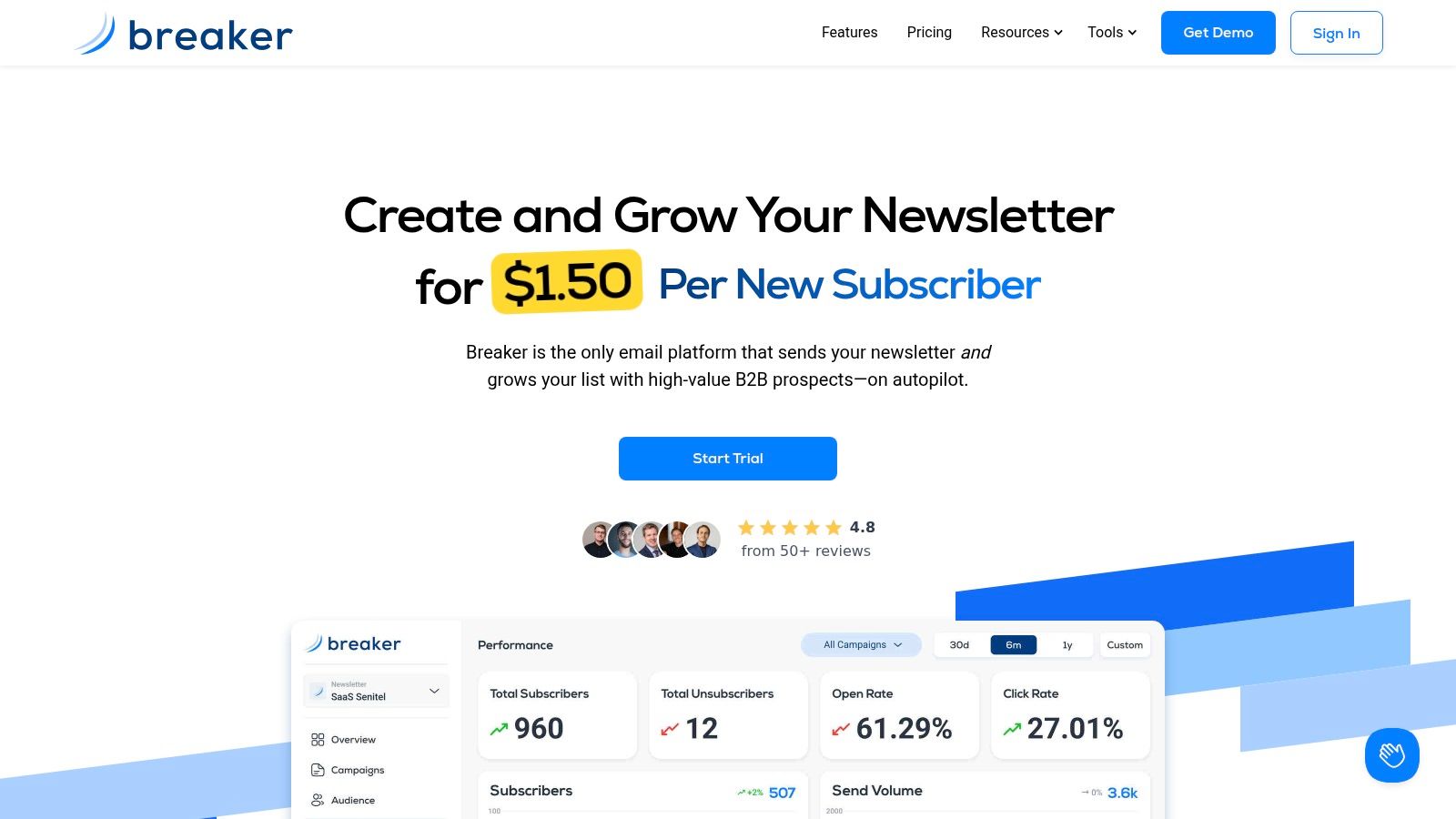
A B2B team sends a polished newsletter, gets a decent open rate, and still sees little pipeline movement. The usual problem is not the copy. It is that the template was chosen for appearance, while the actual job was lead capture, product education, or sponsor revenue.
Breaker stands out because it treats the template as part of a growth system. The builder matters, but so do list growth, deliverability, targeting, and what happens after the click. This focus on growth profoundly alters the role of a template.
Best for product updates and thought leadership
Breaker fits two B2B newsletter jobs especially well.
The first is the product update email. One release, one reason it matters, one proof point, one CTA. The second is the thought leadership issue built around a clear point of view. Both formats reward restraint. They give the reader a quick decision path and give the team a repeatable structure they can improve over time.
That trade-off is worth stating plainly. Breaker is less interesting if your priority is browsing a huge gallery of decorative layouts. It is stronger when the template needs to support a specific business outcome, especially for teams using email to drive demos, product usage, replies, or sponsorship inventory.
A practical rule I use for B2B sends: one hero section, one primary CTA, one supporting proof block. Past that, every extra module has to earn its place.
Sample subject lines by use case:
- Product update: New feature, less manual work
- Thought leadership: Why your newsletter clicks stall after month three
- Roundup: 3 B2B signals worth your attention this week
- Sponsored issue: The workflow our team kept after testing it
CTA copy that matches those formats:
- Demo CTA: Book a walkthrough
- Content CTA: Read the analysis
- PLG CTA: Try it on your list
- Sales CTA: See it for your ICP
What Breaker gets right
Breaker combines template building with the operational pieces B2B teams usually end up patching together elsewhere. That includes audience growth, forms for paid and organic capture, analytics, deliverability support through TruSend, reputation monitoring, CRM integrations, and sponsorship integrations such as Paved and LiveIntent.
That setup creates a clear advantage for newsletters with revenue pressure attached. A product marketing team can run a cleaner product update template while also tightening list quality. A media or community team can keep sponsor placements controlled instead of stuffing them into a cluttered layout. A demand gen team can connect a newsletter CTA to CRM follow-up without rebuilding the workflow in separate tools.
The pricing model is also different from the standard template-tool approach. Breaker frames pricing around new engaged subscribers, which can be a good fit for narrow, high-value B2B audiences and a weaker fit for broad lists where each additional subscriber is worth less. That is the essential trade-off. You pay for growth infrastructure, not just sending volume.
For teams comparing growth-oriented options against more general email tools, this guide to marketing newsletter software for B2B teams is a useful companion.
Breaker implementation playbook
On Breaker, I would set up four repeatable templates and keep each one disciplined:
- Thought leadership: Brief editor intro, one clear argument, one example, one CTA to reply, read, or book time
- Product update: Release headline, why it matters now, screenshot or visual, one CTA
- Sponsored issue: Core editorial block first, sponsor block near the lower half of the email, clear visual separation
- Lead nurture: Educational opening, one practical takeaway, one conversion CTA
Here is where teams often get it wrong. They combine every stakeholder request into one send. Product wants a feature block. Sales wants a demo banner. Recruiting wants job links. Events wants a webinar promo. The template becomes a compromise and the reader has no clear next action.
Breaker works best when you commit to one job per email and build the template around that job. For B2B teams that care about list growth, sender health, and business outcomes, not just layout control, that makes it one of the strongest options in this list.
2. Mailchimp
Mailchimp is still one of the easiest places to start if you want lots of ready-made layouts and a familiar workflow. It’s broad, mature, and serviceable for teams that need a general-purpose email platform with a large template library.
Best for company roundups and multi-section newsletters
Mailchimp fits best when your newsletter needs multiple content blocks. Think monthly company updates, partner spotlights, event recaps, or editorial roundups with several links. If your team wants to ship quickly without building a template system from scratch, Mailchimp gives you plenty of starting points.
That’s also its trade-off. More template variety can create more inconsistency. Teams often end up tweaking a different layout every send instead of committing to one repeatable structure.
A practical setup for B2B:
- Header block: Logo and edition name
- Lead story block: One key update with one CTA
- Secondary blocks: Two or three short content previews
- Footer CTA: Book a call or visit the resource hub
For teams evaluating broader platform options beyond Mailchimp, this roundup of marketing newsletter software is a useful next read.
Where it works and where it gets messy
Mailchimp’s drag-and-drop editor is accessible, and support for custom-coded templates matters if you have an in-house email developer or agency. The platform also benefits from sheer familiarity. Its widespread use means many have experience with it, so onboarding friction is low.
What I wouldn’t use Mailchimp for is a highly opinionated B2B newsletter operation where audience growth and newsletter monetization are central. You can absolutely send from it. You just won’t get the same built-in alignment around B2B subscriber acquisition or sponsorship workflows that you get from a more specialized tool.
If your team keeps changing the template every issue, the problem usually isn’t design skill. It’s lack of newsletter discipline.
Best use case: a brand-conscious team that wants attractive, responsive templates and decent reporting without rebuilding process around email.
3. MailerLite
MailerLite is a good pick when simplicity matters more than depth. Its template gallery is modern, the editor is clean, and a newsletter can quickly look polished.
That makes it a strong option for consultants, small B2B teams, and creators who want clean execution without a heavyweight platform.
Best for educational newsletters and founder-led notes
MailerLite works especially well for templates that rely on clarity over complexity. Educational emails, weekly insights, and founder-led commentary all fit that model.
The best version of a MailerLite newsletter is usually text-forward, lightly branded, and direct. Short intro. One main idea. One call to action. It doesn’t need a lot of design flourish to feel credible.
A simple playbook:
- Subject line: One strong promise or opinion
- Opening: One paragraph that sets context fast
- Body: Two to three short sections with clear subheads
- CTA: Download, reply, or book
The trade-off
MailerLite is best when you want a publishing tool with enough built-in extras to support list growth basics. Landing pages, websites, and forms inside the same product make that convenient.
Where it starts to thin out is on advanced operational complexity. If you’re running a more layered B2B motion with sponsorships, richer CRM workflows, or a larger team with stricter governance, you’ll feel the limits sooner.
Still, for a lot of teams, that’s the point. You don’t always need more capability. You need fewer moving parts and a template that doesn’t get in the way.
One practical note. If your newsletter depends heavily on brand control, remember that removing MailerLite branding requires a paid plan.
4. Campaign Monitor
Campaign Monitor has always appealed to teams that care about presentation. Its templates tend to look refined out of the box, and the builder feels designed for marketers who don’t want to fight the interface.
Best for polished brand newsletters
If you’re sending a client-facing agency newsletter, a premium company digest, or a visually controlled executive update, Campaign Monitor is a strong fit. It gives you enough structure to maintain a sharp brand without requiring custom build work every time.
This is the tool I’d pick when the newsletter needs to look expensive, even if the content format stays straightforward.
Useful layout pattern:
- Hero block: Strong headline and short supporting line
- Insight block: One featured article or takeaway
- Proof block: Customer result, event recap, or product visual
- CTA block: One button, not three
Why minimal beats ornamental
The platform is a nice fit for visually polished B2B brands, but the bigger lesson is about restraint. Image-heavy newsletters often look impressive in review mode and underperform in inbox reality. Minimal designs tend to hold up better, especially when the CTA matters more than the creative.
That’s one reason simple layouts continue to show up in strong examples. The same pattern appears in galleries of high-performing newsletters and in plain-text hybrid sends used for sponsorship-heavy formats.
Campaign Monitor also offers analytics, A/B testing, scheduling, and stronger governance features on higher tiers, which helps if multiple people or clients are touching the same templates.
The catch is price sensitivity. As lists grow, it can become a premium option compared with simpler tools.
5. Brevo
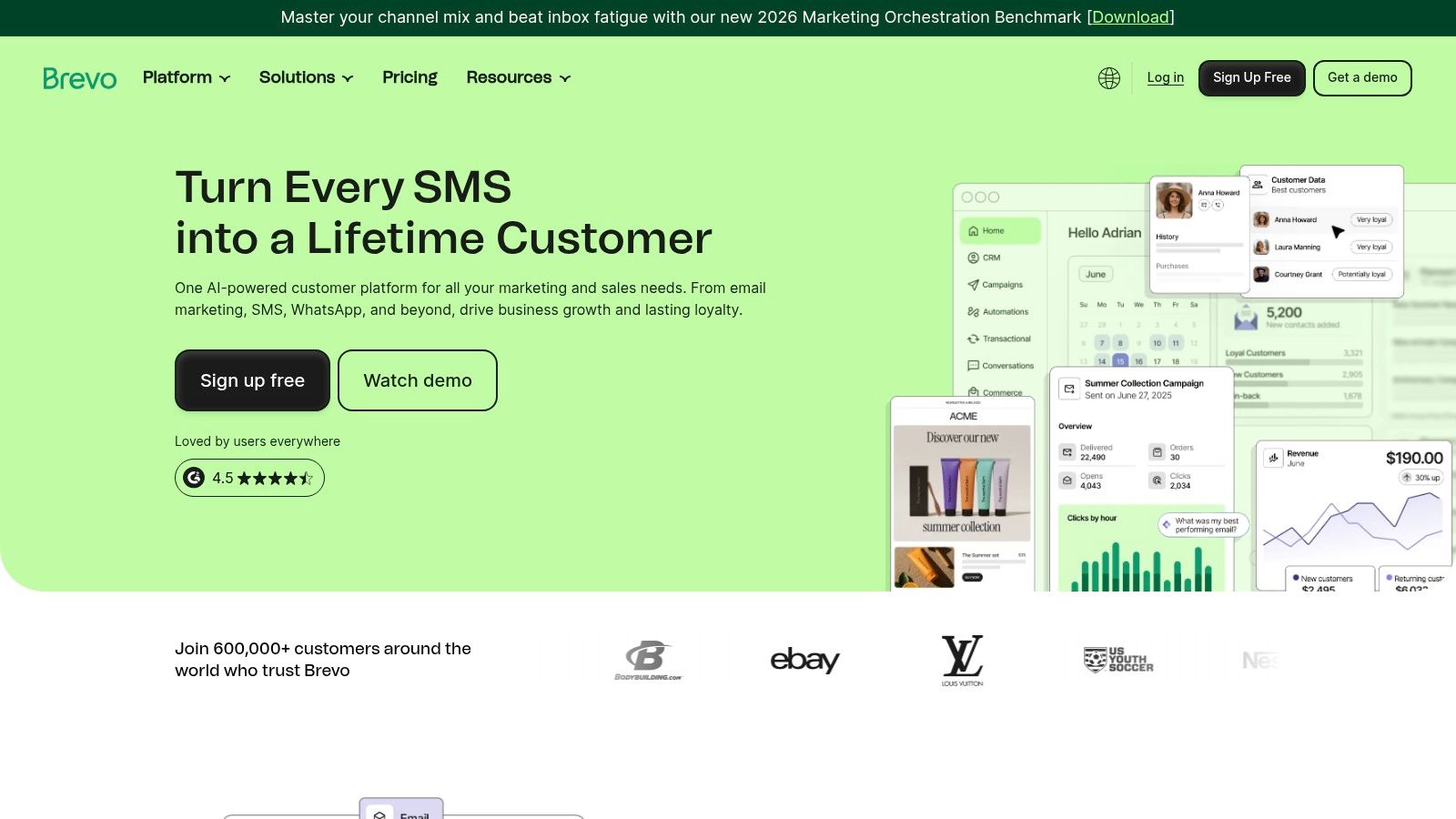
Brevo makes sense for teams with a large contact database but moderate sending volume. Its pricing model is tied to email volume rather than contact count, which is often a better economic fit for B2B databases that are broad but not hammered daily.
Best for operational newsletters and nurture sends
Brevo is practical, not glamorous. That’s a compliment.
If you run customer education emails, partner updates, onboarding newsletters, or periodic nurture sends, Brevo’s template system covers the basics without forcing you into a higher-cost contact-based model too early.
I like it most for templates that need consistency more than strong editorial personality. Think lifecycle communication rather than signature media product.
A workable structure in Brevo:
- Top section: Context and intended audience
- Middle section: One or two updates with short copy
- Action section: CTA to documentation, webinar, or meeting
- Footer: Support or account contact
What to watch
Brevo’s straightforward builder is good for execution speed. It’s not the tool I’d choose if template design is a strategic differentiator for your brand. It’s the tool I’d choose if efficient sending matters more than creative ambition.
Some of the more useful reporting and automation features sit on paid tiers, and branding removal can require additional plan depth.
For many B2B operators, though, that’s acceptable. Not every newsletter needs to be a media product. Some just need to deliver the right message, in a stable format, to the right segment.
6. Stripo
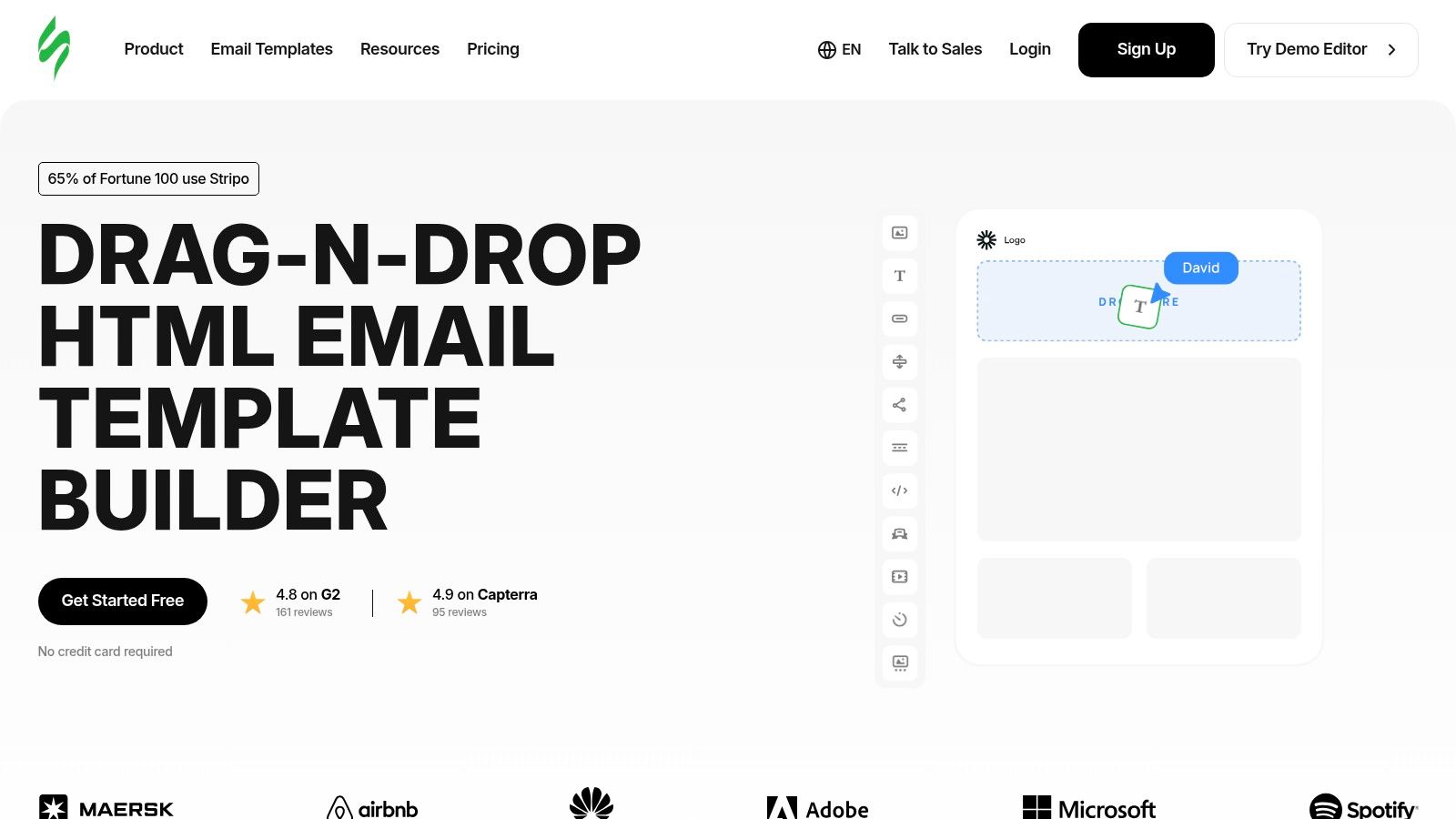
Stripo isn’t really an ESP-first choice. It’s a template production tool. That distinction matters.
If your team already has an email platform it likes, but the template creation process is messy, slow, or dependent on one person who knows too much HTML, Stripo can clean that up.
Best for modular template systems
Stripo shines when you want reusable blocks. Not just one nice newsletter, but a repeatable system.
That’s useful for B2B organizations with multiple recurring formats:
- Weekly thought leadership issue
- Monthly product digest
- Event newsletter
- Sponsored edition
- Customer education sequence
You can standardize each one as a module set, then export into your sending platform.
For inspiration on newsletter structure before you build those modules, this collection of B2B newsletter examples is worth reviewing.
Why teams adopt it
Dedicated template builders solve a specific operational problem. They separate design production from sending platform limitations. If your ESP’s native editor feels restrictive, Stripo gives you more flexibility without forcing a full platform migration.
That’s especially valuable for agencies or internal creative teams supporting multiple brands.
What I like most is the reusable block logic. Once you build a strong CTA strip, sponsor unit, intro block, or editorial summary section, you don’t need to reinvent it. That speeds up production and keeps branding consistent.
What you need to be careful about is overengineering. Teams sometimes build a beautiful modular system and then stuff every issue with too many components because they’re available. Resist that. The best email newsletter templates are often the most opinionated ones.
7. Beefree
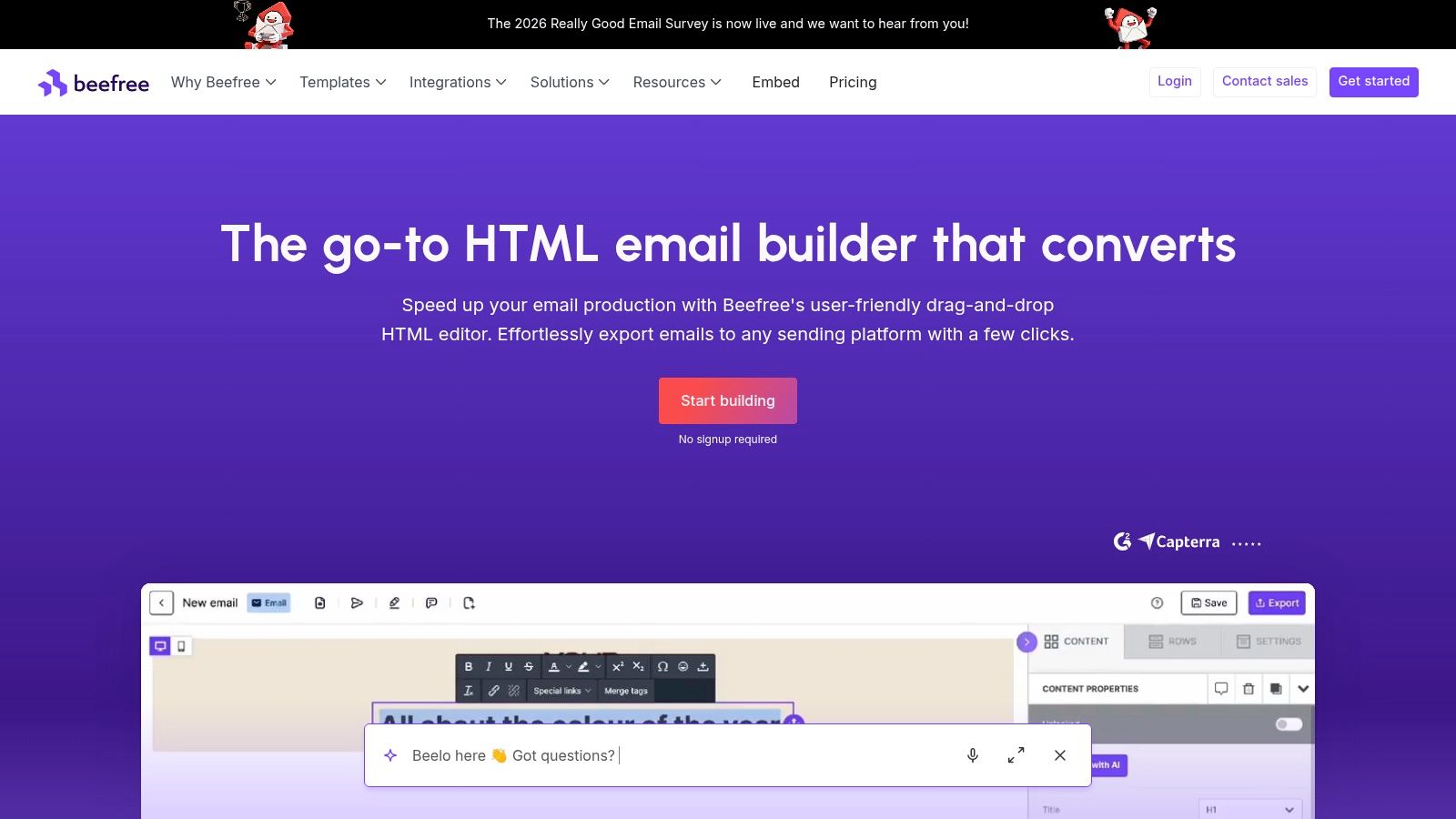
Beefree is another strong dedicated design environment, but it feels a little more geared toward fast visual production and team collaboration than pure modular discipline.
If your team says, “We want a design studio for email,” Beefree is usually in the conversation.
Best for agencies and brand teams
Beefree works well for agencies producing newsletters across multiple clients, and for in-house teams that need reusable layouts, asset libraries, and collaboration without being locked into one ESP.
The practical benefit is speed. You can build polished templates fast, export the HTML, and push them into connected platforms when needed.
That flexibility is useful for brand-heavy B2B newsletters like:
- Client intelligence roundups
- Executive briefings
- Design-forward product announcements
- Event follow-up newsletters
Where it fits in a Breaker workflow
If you like Beefree’s design process but want Breaker’s B2B growth and sending engine, use Beefree as the template studio and keep your newsletter architecture disciplined when you deploy.
One useful rule for that handoff:
Keep the first screen focused on one job. If a reader can’t tell the email’s purpose in a glance, the template is doing too much.
Beefree is also worth considering for teams that need future flexibility. If you expect your stack to change, separating template production from delivery can save rework later.
The downside is predictable. Collaboration and enterprise controls get better as pricing climbs. Smaller teams may not need that overhead unless design complexity is already creating friction.
8. HubSpot Marketing Hub Email
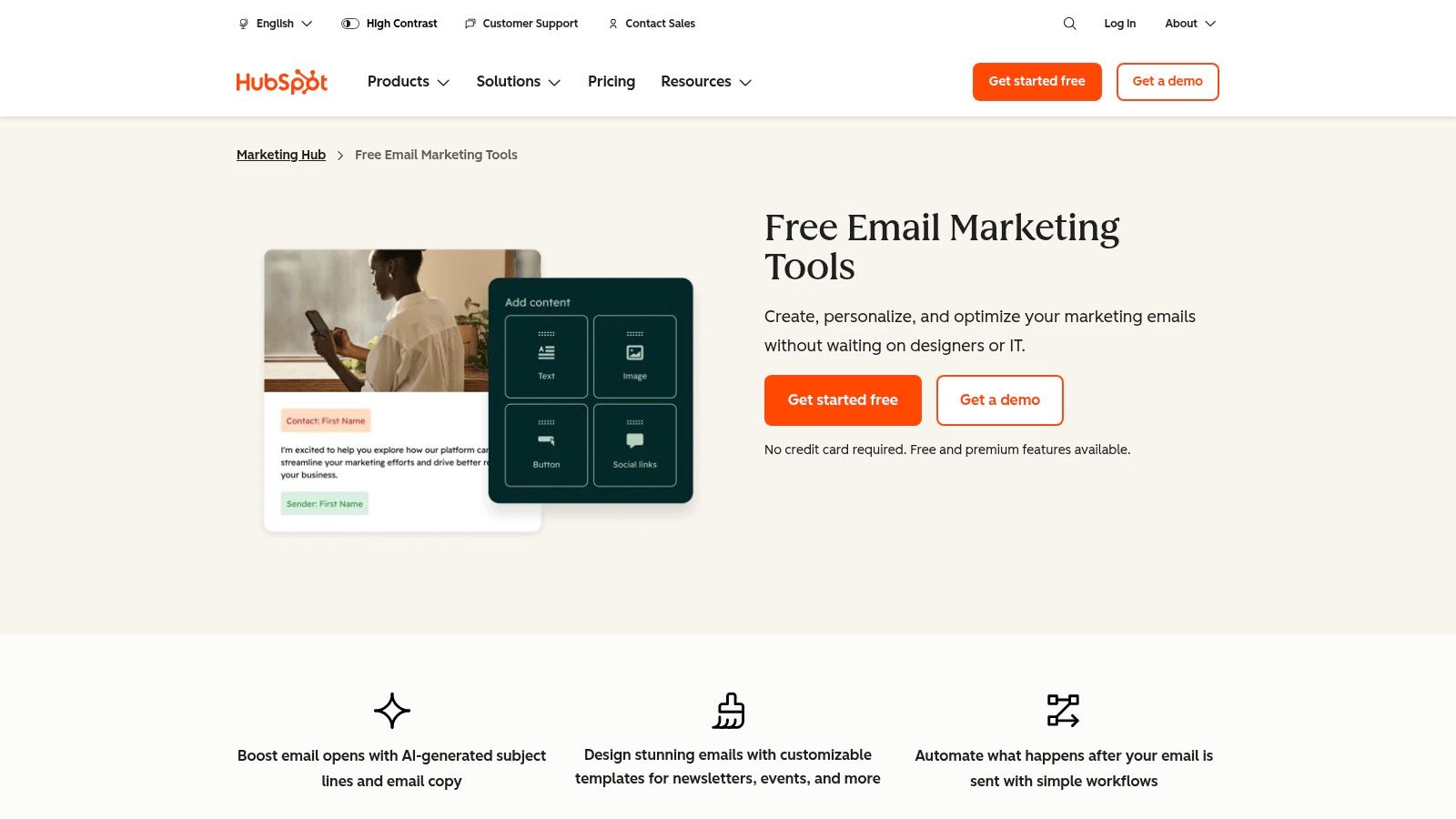
A common B2B scenario looks like this: marketing sends a newsletter, sales follows up, and customer success needs the same contact history to shape the next conversation. HubSpot fits that workflow well because the email template sits inside the CRM, not beside it.
Best for CRM-driven nurture templates
HubSpot is strongest for newsletters tied to lifecycle marketing, where audience, message, and CTA should change by segment and stage instead of staying fixed for the whole list.
That makes it a strong option for:
- Lead nurture newsletters
- Segment-specific educational sends
- Customer expansion campaigns
- Sales-assisted content newsletters
A key advantage is controlled relevance. A product update template can show different proof points to prospects, active customers, and high-fit accounts without forcing your team to build separate campaigns from scratch. As noted earlier, personalization tends to improve engagement when it is based on useful audience context rather than cosmetic token fields.
That distinction matters. Adding a first name is easy. Matching the email to funnel stage, account type, or lifecycle intent is what improves pipeline outcomes.
A practical HubSpot playbook
For B2B teams, I would not start with a large template library. Start with three templates mapped to business use case, then standardize subject lines, CTAs, and success benchmarks inside each one.
1. Thought leadership nurture
Use this for top-of-funnel education.
- Subject line examples: Weekly brief: [topic] that matters to [role] | What changed in [industry] this week
- CTA copy: Read the analysis | See the full brief
- What good looks like: Healthy opens from a broad segment, steady clicks to one primary asset
- HubSpot setup: Build active lists by persona or industry, then swap the hero copy and proof block by segment
2. Product update newsletter
Use this when adoption or expansion is the goal.
- Subject line examples: New in [product]: [feature] | Built for [use case]: a faster way to [outcome]
- CTA copy: See what changed | View the update
- What good looks like: More clicks from active users and cleaner downstream product engagement
- HubSpot setup: Use lifecycle stage and product usage properties to keep upgrade messaging away from early-stage leads
3. Sales-assisted newsletter
Use this for high-intent accounts that need a clear next step.
- Subject line examples: How teams like [company type] handle [problem] | A practical approach to [pain point]
- CTA copy: Book a walkthrough | Talk with our team
- What good looks like: Lower click volume, but stronger meeting conversion from the right accounts
- HubSpot setup: Pair the template with account lists, owner assignment, and follow-up tasks so sales can act on engagement quickly
HubSpot gets expensive as you move up-market and need more governance, automation, and reporting. That is the trade-off. If your team already runs marketing and sales through HubSpot, keeping newsletter templates inside the same system usually saves time, reduces handoff mistakes, and makes performance easier to interpret.
The failure mode is predictable. Teams use every personalization option available, clutter the template, and bury the main action. Keep each send focused on one job, one audience, and one CTA.
9. Omnisend
Omnisend is the outlier on this list because it’s built more for ecommerce than B2B. I’d still include it because some B2B teams now sell like ecommerce brands. Self-serve product-led offers, storefront-style merchandising, bundles, and direct purchase paths are common enough that the template style matters.
Best for PLG merchandised newsletters
If your newsletter highlights products, plans, bundles, or feature-led offers in a grid-like way, Omnisend is strong. Its auto-branding from URL and commerce-oriented layouts make it quick to create a send that looks aligned with the site.
That makes it useful for:
- PLG product highlight newsletters
- Feature and pricing recap emails
- Storefront-style bundle announcements
- Promotional campaign sends
The trade-off for B2B teams
The reason Omnisend isn’t higher for a pure B2B buyer is simple. Its strongest assumptions come from ecommerce behavior, not longer consultative buying cycles.
That means some templates can feel too retail for enterprise or service-led audiences unless you simplify them. Strip out excess promotional framing. Keep product blocks clean. Limit CTA variety.
Where it can still work very well is a hybrid motion. SaaS with add-ons, training products, or paid community offers can borrow from ecommerce template logic effectively.
If your newsletter needs more editorial authority than product merchandising, another tool on this list will fit better.
10. Klaviyo
Klaviyo is also ecommerce-first, but it earns a place because many modern lifecycle tactics now cross over into B2B, especially in product-led businesses. Its template library, drag-and-drop builder, and automation depth make it compelling if your newsletter strategy is tightly tied to user behavior.
Best for behavior-based newsletter sequences
Klaviyo is useful when the newsletter is less of a publication and more of a behavior-informed touchpoint.
That includes:
- Usage-based product nudges
- Lifecycle update newsletters
- Trial-to-paid education sequences
- Feature launch follow-ups
For teams building those journeys, this guide to email drip campaign templates pairs well with Klaviyo’s strengths.
Where it works and where it doesn’t
Klaviyo’s free plan includes up to 250 profiles, 500 monthly email sends, and basic templates on the Klaviyo website. That’s enough for early experimentation.
The platform becomes more interesting when you use its segmentation and automation seriously. If your newsletter strategy depends on event-triggered sends and deeper behavioral logic, Klaviyo is much more capable than a simple broadcast tool.
If your need is a classic editorial B2B newsletter, though, Klaviyo can feel like overkill. It’s built for dynamic customer journeys, not just a recurring issue with a sharp point of view.
That’s the core trade-off. Strong engine. Less natural for publication-style B2B media unless your company already operates with ecommerce-like lifecycle sophistication.
Best Email Newsletter Examples: What Actually Matters
Templates are the starting point, but the best email newsletter examples share a few traits that no template can supply on its own. Before picking a tool from the list above, it helps to know what you are aiming for.
- One job per issue. The strongest newsletters make one point or one offer and give it the whole email. Multi-story issues still lead with a single headline story.
- A visible hierarchy. Headline, one paragraph of context, one call to action. The reader knows in three seconds what the email is about and what to do next.
- Mobile-first proportions. Single column, 16px body text or larger, buttons that are easy to tap, and images that still make sense when they do not load.
- A consistent module system. The best newsletters reuse the same five or six blocks every issue. Readers learn the pattern and scan faster.
- A human sender. A named author, a real reply-to address, and a voice that sounds like a person. This matters more in B2B than most teams expect.
Examples by level
Beginner: the founder note. Plain text or near-plain text, one column, one link, no hero image. Newsletters in this style consistently post the highest reply rates because they look like email from a person. Build it in MailerLite, Breaker, or any tool with a clean text template.
Beginner: the single-story issue. One headline, one image, three paragraphs, one button. This is the fastest way to a newsletter that looks designed without a designer. Campaign Monitor and Mailchimp both ship good defaults for it.
Intermediate: the curated roundup. Three to five items, each with a bold title, two lines of commentary, and a link. The commentary is what makes it worth opening. Stripo and Beefree modules make this easy to keep consistent week to week.
Intermediate: the product update digest. A short "what shipped" list, one feature deep dive, and a changelog link. Works best on a fixed cadence so customers expect it. Brevo and HubSpot handle the operational side well.
Advanced: the segmented modular issue. The same template with sections that swap by segment, so a marketing lead and an ops lead get different middle blocks under the same header. Requires clean role data and a platform with dynamic content, such as HubSpot or Klaviyo.
Advanced: the behavior-based sequence. Not a single newsletter but a series where the next issue depends on what the reader clicked. This is where newsletter design meets automation, and it is worth reading best practices for behavior-triggered emails before attempting it.
For a closer look at real issues in each style, see our teardown of 7 top B2B newsletter examples and the broader collection of B2B newsletter examples. Our newer roundup of the 10 best email newsletter examples of 2026 adds media and consumer picks such as Morning Brew.
How to choose
Match the example to your goal, timeline, and stack. If the goal is relationships and replies, the founder note wins and you can ship it this week. If the goal is traffic and engagement across a broad list, the roundup is the safe bet and takes a couple of weeks to get the module system right. If the goal is pipeline from a segmented audience, plan for the modular or behavior-based formats, which depend on your CRM data being clean and connected. Whatever the format, the headline and the footer deserve as much attention as the body.
Top 10 Email Newsletter Templates Comparison
Product
Key features ✨
Quality ★
Pricing / Value 💰
Best for 👥
Breaker 🏆
Send + automated list growth; TruSend deliverability; real‑time analytics; CRM & sponsorship integrations
★★★★★ (4.8/5)
💰 Pay‑per‑new‑engaged‑subscriber (Starter ≈ $200/mo for 100 new subs); 7‑day trial; scales
👥 B2B growth teams, agencies, publishers
Mailchimp
Large template library; drag‑&‑drop + custom code; automations & segmentation
★★★★☆
💰 Contact‑based tiers; limited free tier; advanced features paid
👥 SMBs & marketers needing integrations
MailerLite
Polished responsive templates; landing pages & forms; simple editor
★★★★☆
💰 Competitive, transparent pricing; free tier
👥 SMBs, creators launching quickly
Campaign Monitor
Designer templates; brand governance; A/B testing & scheduling
★★★★☆
💰 Premium as lists grow
👥 Agencies & brand‑conscious teams
Brevo (Sendinblue)
Drag‑&‑drop templates; automation; multichannel flows; volume‑based model
★★★☆☆
💰 Volume (emails/mo) pricing; budget‑friendly for large contact lists
👥 Large lists with modest sends, budget teams
Stripo
Template studio; modular blocks; export to many ESPs; team controls
★★★★☆
💰 Freemium templates; paid for collaboration/export features
👥 Designers, agencies, ESP‑agnostic teams
Beefree
Intuitive editor; reusable templates; SDK/API & export to ESPs
★★★★☆
💰 Freemium; paid tiers for teams & enterprise
👥 Agencies & marketing teams needing embedded editor
HubSpot (Marketing Hub)
CRM‑powered emails; personalization & workflows; asset management
★★★★☆
💰 Pro/Enterprise pricing & onboarding costs
👥 B2B lifecycle teams, enterprise marketers
Omnisend
Ecommerce templates; auto‑brand from store; email+SMS+push flows
★★★★☆
💰 Free plan; paid for advanced sends & channels
👥 Ecommerce merchants (Shopify/Woo)
Klaviyo
Ecommerce flows; deep Shopify integration; templates & segmentation
★★★★☆
💰 Free tier; pricing scales with profiles (can rise with data)
👥 DTC brands & lifecycle marketing teams
Beyond the Template Build a Newsletter That Grows Itself
A B2B team ships a polished newsletter every Tuesday. The design looks sharp. The open rate is acceptable. Pipeline impact is still fuzzy, replies are rare, and each send takes too much coordination. That usually means the problem is not visual quality. The format, workflow, and growth model are out of sync.
Templates matter because they shape attention, reading flow, and click behavior. They influence whether a product update feels clear, whether a thought leadership issue is easy to finish, and whether a CTA earns action. But a template only performs when it matches the job.
That is the lens that matters in this guide. A product update template should compress information and push one next step. A thought leadership template should support a strong editorial voice, clean hierarchy, and low-friction reading on mobile. A sponsored or monetized newsletter needs ad placements that are visible without weakening trust. A nurture template needs personalization that feels relevant, not overbuilt.
For B2B teams, simpler usually wins. Heavy layouts often create clipping, rendering inconsistencies, and extra QA work across devices. A lighter structure is easier to maintain, easier to skim, and easier to adapt across use cases such as launch notes, event follow-ups, customer education, and executive commentary.
The newsletters that keep growing tend to share the same operating model:
- One clear job per issue: educate, announce, convert, or re-engage
- A repeatable structure: readers know where the value sits
- A primary CTA: one action gets the best placement and copy
- A format built for forwarding: the email still makes sense when it lands outside the original segment
- A stable production process: the team is editing content, not rebuilding layout blocks every send
Workflow is where many teams lose momentum. A common example is a newsletter that looks "too busy" because five contributors each add a section late in the process, nobody has final control over CTA priority, and the send goes out with three competing asks. That is not a design failure. It is an operating failure that shows up in the design.
The same applies to growth. Audience growth rarely comes from a template alone. It comes from publishing a format worth forwarding, pairing it with the right signup path, and measuring whether each issue leads to more subscribers, more qualified clicks, or more conversations. Shareability matters because readers recommend newsletters that make them look informed, not newsletters with the fanciest hero image.
Breaker stands out here because it connects template decisions to the rest of the system. A B2B team can choose a format by use case, then build around it with the parts that drive performance: acquisition paths, deliverability controls, analytics, and monetization options. That makes the template a working asset, not a design file that gets re-litigated every week.
A practical playbook looks like this. For product updates, use a compact template, a subject line tied to the release, and one CTA such as "See what's new" or "Book a walkthrough." For thought leadership, use a text-first layout, a subject line that stakes out a point of view, and a CTA such as "Read the full analysis" or "Reply with your take." For lifecycle or nurture sends, keep the design restrained and let segmentation, timing, and CTA relevance do the heavy lifting.
If the current setup is just sending polished emails, results will stay inconsistent.
If the setup is built around repeatable formats, clear CTAs, production discipline, and channel-level measurement, the newsletter starts contributing to growth in a way the team can defend. That is the standard worth aiming for. The best email newsletter templates support the business model, reduce execution drag, and make each send easier to scale.
If you want a newsletter platform built for B2B growth, not just email design, try Breaker. It combines template-friendly sending, automated list growth, deliverability controls, sponsorship support, and real-time analytics so your newsletter can do more than look polished. It can grow pipeline.
Keep reading
All articlesNewsletter Segmentation Strategy: Increase Engagement in 2026
Build a data-driven newsletter segmentation strategy using behavior, intent score, and topic affinity to lift opens and clicks. Step-by-step guide.
How to Grow Newsletter Subscribers with Qualified Leads in 2026
Discover 8 channels to grow engaged newsletter subscribers in 2026, with real cost-per-engaged-subscriber data to focus your list-building strategy.
B2B Lead Generation via Newsletter: What Actually Works
Cold outbound is losing steam. See 7 proven newsletter tactics for B2B lead generation, from gated content to sponsorship swaps, that beat cold outreach.