
Best Email Marketing Software for Small Business 2026
Best email marketing software for small business - Find the best email marketing software for small business in 2026. Compare top tools, features, and pricing
You’re probably in one of two situations right now. Either you’ve outgrown sending one-off emails from a simple tool and you need something that can help your business grow, or you’re starting fresh and don’t want to pick the wrong platform, migrate six months later, and clean up the mess.
That’s why choosing the best email marketing software for small business matters more than most reviews admit. The software doesn’t just send newsletters. It shapes how you collect subscribers, how fast you can launch campaigns, how easy it is to segment contacts, and whether your emails land in the inbox or disappear into spam. If you’re also trying to understand email automation, then the choice starts to affect your day-to-day work.
Most small businesses don’t need the same thing. A local service company may want simple templates and phone support. A Shopify brand may care more about abandoned cart flows. A B2B growth team may need list growth and targeting as much as sending itself. That difference is where many “best tools” articles fall short. They rank general-purpose platforms together without asking what kind of small business you run.
So let’s get practical fast.
Some tools are best for ease of use. Some are best for ecommerce. Some are best when you need deep automation. And one category gets skipped far too often: platforms built to help B2B teams grow the list itself, not just email the people already on it.
Below, you’ll find the tools that deserve a serious look in 2026, with plain-English guidance on who each one fits, where it shines, and where it may frustrate you later.
1. Breaker
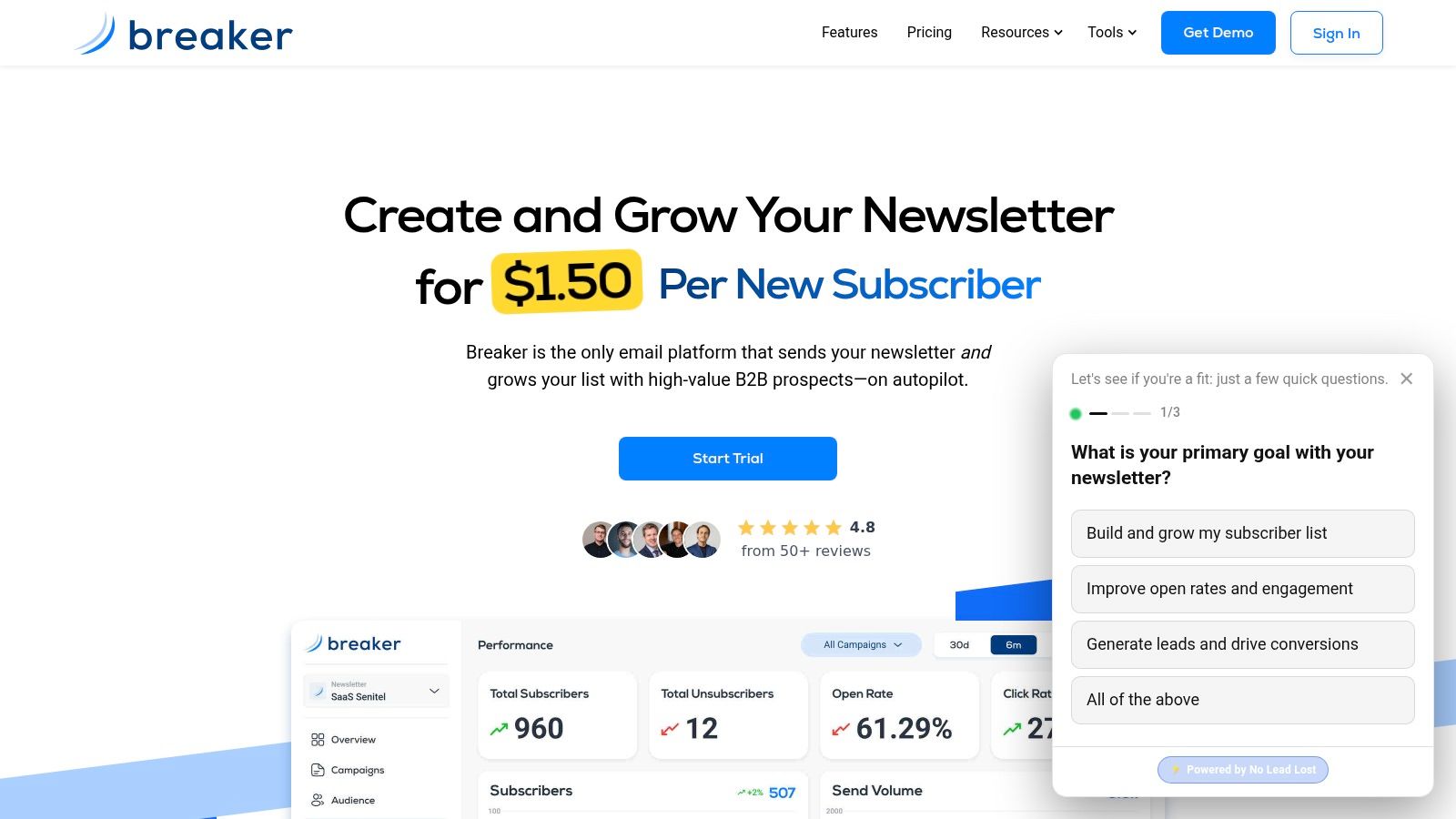
A common small B2B problem looks like this. You have a decent newsletter, a clear offer, and a team that can write useful emails. But every week, the bottleneck is the same. Who should be on the list next, and how do you add the right people without turning email growth into a manual research project?
Breaker is built for that situation.
Instead of treating email software as a tool for sending to a fixed list, Breaker treats list growth and email execution as part of the same system. That distinction matters more than many reviews explain. A lot of small business platforms are good at templates, scheduling, and simple automations. Far fewer are designed to help a B2B company define an ideal customer profile, grow a newsletter around that profile, keep data clean, and protect sender reputation along the way.
That makes Breaker especially relevant for B2B newsletters, agencies, consultants, product-led growth teams, and operators who use email to generate pipeline, not just publish updates.
Why Breaker feels different in day-to-day use
Many email tools start with a contact database. Their main question is, "What do you want to send to the people already here?" Breaker adds a second question: "Who fits your audience, and how should the list grow from here?"
A practical way to understand the difference is to compare it to running a store. Standard email software helps you arrange the shelves, write the signs, and greet the people who walk in. Breaker also helps you identify the right neighborhoods to reach, bring in more qualified visitors, and keep low-fit traffic from crowding the store.
For a small B2B team, that changes the workflow. Instead of splitting work across prospecting tools, spreadsheets, enrichment tools, and an email platform, you can manage audience definition, subscriber growth, newsletter sending, and list hygiene in one place. If you want a clearer framework for the sending side of that equation, these B2B email marketing best practices pair naturally with a growth-focused platform.
Breaker also puts real weight on deliverability. That is easy to overlook until it becomes a problem. If your list gets sloppy, your targeting drifts, or disengaged contacts pile up, inbox placement gets harder. Breaker includes TruSend deliverability management, reputation monitoring, compliance controls, and automated list hygiene, so sender health is treated as part of list growth, not cleanup work for later.
Practical rule: If your team spends nearly as much time finding the next qualified subscriber as writing the next campaign, your bottleneck is audience growth, not email creation.
Best fit and tradeoffs
Breaker is strongest for businesses where email has a direct job to do. That could mean generating leads, activating product users, growing a niche B2B newsletter, or building an audience that supports sponsorship revenue.
Here’s where it stands out:
- Automated audience growth: You define the audience you want, and Breaker helps add engaged, ICP-matched subscribers instead of relying only on forms and organic traffic.
- Cleaner targeting: AI enrichment and data controls help narrow broad lists into groups that better match your offer.
- Deliverability support: Reputation monitoring and ongoing hygiene help reduce the risk that bad data slowly hurts inbox placement.
- Pricing tied to growth activity: The model is based on new engaged subscribers, which can fit teams focused more on acquisition than on storing a large passive list.
- Useful reporting: Real-time analytics and ROI tracking make it easier to connect campaigns to subscriber growth and business outcomes.
There are limits.
Breaker is not a CRM, and it is not the best fit for every small business. A local business that sends a monthly update to an opt-in list may not need audience expansion tools at all. A solo creator with a small organic audience may get enough value from a cheaper, simpler platform.
But if your business wins by reaching more of the right B2B buyers, and your current stack makes list growth feel separate from email marketing, Breaker deserves a close look.
2. Mailchimp
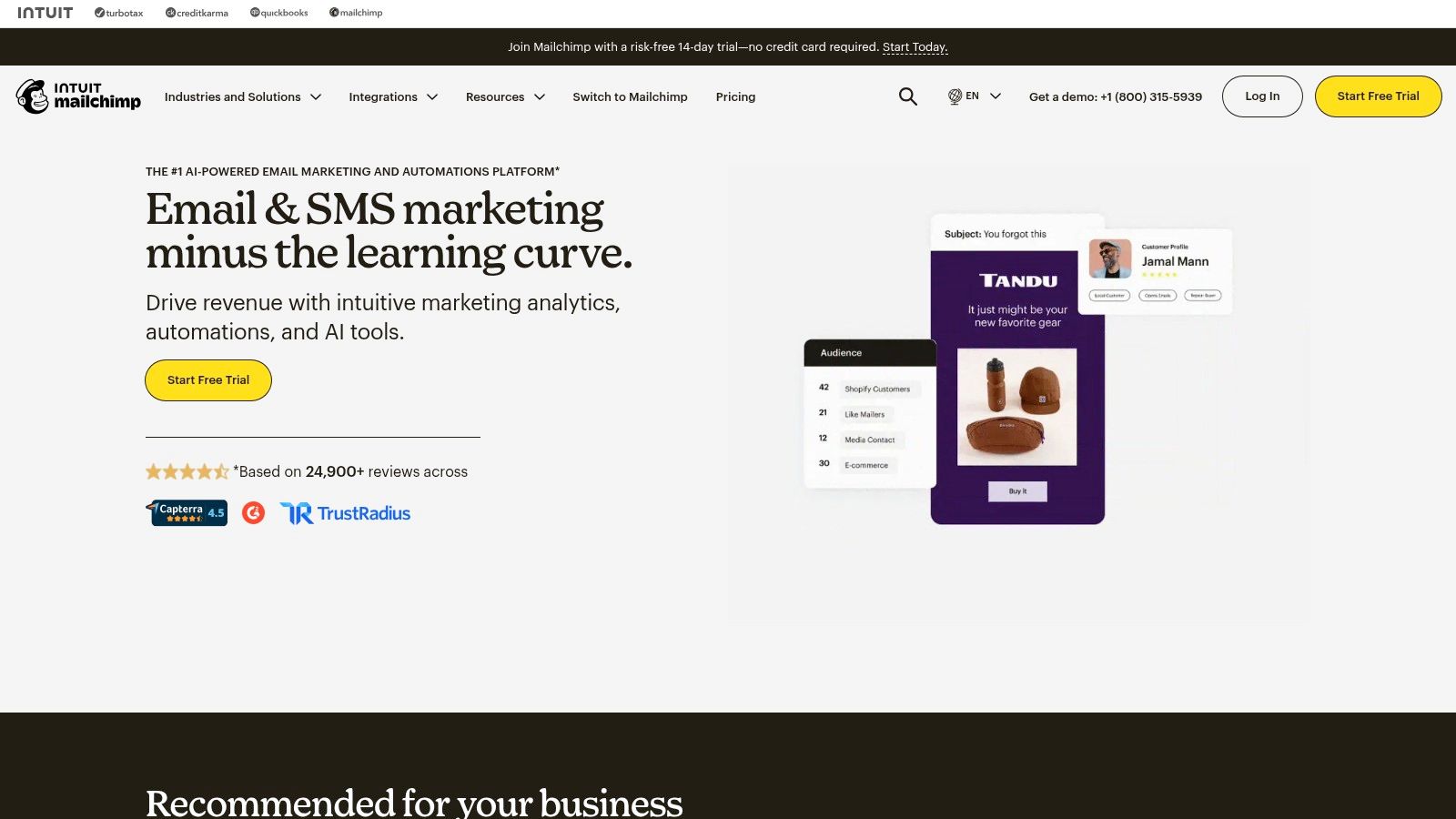
A common small business scenario goes like this. You need to send your first real newsletter, welcome new subscribers, and connect a signup form to your website without hiring a specialist. Mailchimp keeps showing up because it handles those early jobs well.
Its appeal is simple. The interface is familiar, the template library is large, and the setup process helps new users get from zero to sent campaign faster than many advanced tools.
Where Mailchimp works best
Mailchimp is a good fit when email is one part of your marketing system, not a channel that needs heavy customization. You can build campaigns with a drag-and-drop editor, connect your store or booking tool, and set up straightforward automations such as welcome emails, abandoned cart reminders, or post-purchase follow-ups.
That makes it useful for a few specific cases:
- New email programs: You need a reliable place to start and want to learn the basics while still sending polished campaigns.
- Small teams with limited time: One person may be writing emails, checking reports, and updating forms. Mailchimp keeps those tasks in one dashboard.
- Businesses with mixed channel needs: If you want email plus signup forms, landing pages, and basic audience management, the platform covers a lot of ground.
The practical advantage is speed. A local service business can build a monthly newsletter in an afternoon. A small ecommerce brand can connect products and create a simple customer flow without much technical work. For many owners, that matters more than having every advanced feature on day one.
Where the limits show up
Mailchimp gets harder to justify once your list strategy becomes more exact. B2B teams that care about firmographic targeting, layered segmentation, and coordinated list growth often find that the platform handles sending better than acquisition strategy.
That distinction matters. Sending software is the delivery truck. List growth is the pipeline that keeps the truck worth running. If your subscriber growth has stalled, better templates will not solve the underlying problem.
Mailchimp can still play a useful role in that setup, but the stronger results usually come from pairing it with a clearer acquisition plan. If that is the gap you are trying to fix, these email list building strategies for small businesses are a better next step than tweaking another subject line.
For businesses that want familiar UX, broad integrations, and quick setup, Mailchimp still earns its place on this list.
3. Constant Contact
You run a local business, carve out 45 minutes between customer calls, open your email tool, and hit a wall. The editor feels unfamiliar, the setup questions pile up, and you are not sure whether the campaign is ready to send. Constant Contact is built for that kind of owner.
Its appeal is less about chasing advanced workflows and more about reducing hesitation. The platform gives small businesses a clear editor, guided setup, and access to support when something does not look right. That changes the experience from “figure it out alone” to “get the campaign out the door.”
Why that approach works
Many owners do not need a tool that feels like a control panel for a full marketing department. They need to send newsletters, promote a seasonal offer, invite customers to an event, and check whether people engaged. Constant Contact fits that job well because it keeps those tasks close together instead of scattering them across several tools.
It also adds practical extras that many roundups gloss over. Surveys can help a service business learn which offers customers want next. Event tools matter if you run workshops, classes, fundraisers, or open houses. Social posting and landing pages give you a basic way to support the email campaign without buying another platform right away.
The reporting is useful for the same reason a simple car dashboard is useful. You do not need twenty gauges if what you really need is a clear view of speed, fuel, and warning lights. Constant Contact focuses on understandable performance views, so owners can connect opens, clicks, and campaign results to real business decisions instead of staring at charts they will never use.
Best fit and likely friction
Constant Contact usually makes the most sense for businesses that value guidance over precision-heavy automation.
It is a strong match if you want:
- Hands-on help: Onboarding and support matter when no one on your team wants to troubleshoot email tools.
- More than newsletters: Events, surveys, landing pages, and social features are useful if your marketing happens across a few simple channels.
- Reporting you can act on: Clear dashboards help you decide what to send again, what to change, and what to stop.
The tradeoff is straightforward. As your list gets larger or your segmentation gets more detailed, pricing and flexibility can become bigger factors. Teams that want highly customized automations or very granular audience logic may outgrow it.
That is common.
Small businesses often lose more momentum from tool friction than from missing one advanced feature. A platform your team can use confidently every week often beats a more complex option that sits half-configured.
If subscriber growth is the main bottleneck, better sending software will only solve part of the problem. A stronger plan for attracting and converting subscribers usually has a bigger effect, especially if you apply a few proven email list building strategies for small businesses alongside the platform.
For owners who want a guided experience and practical, everyday marketing tools, Constant Contact remains a dependable choice.
4. Brevo
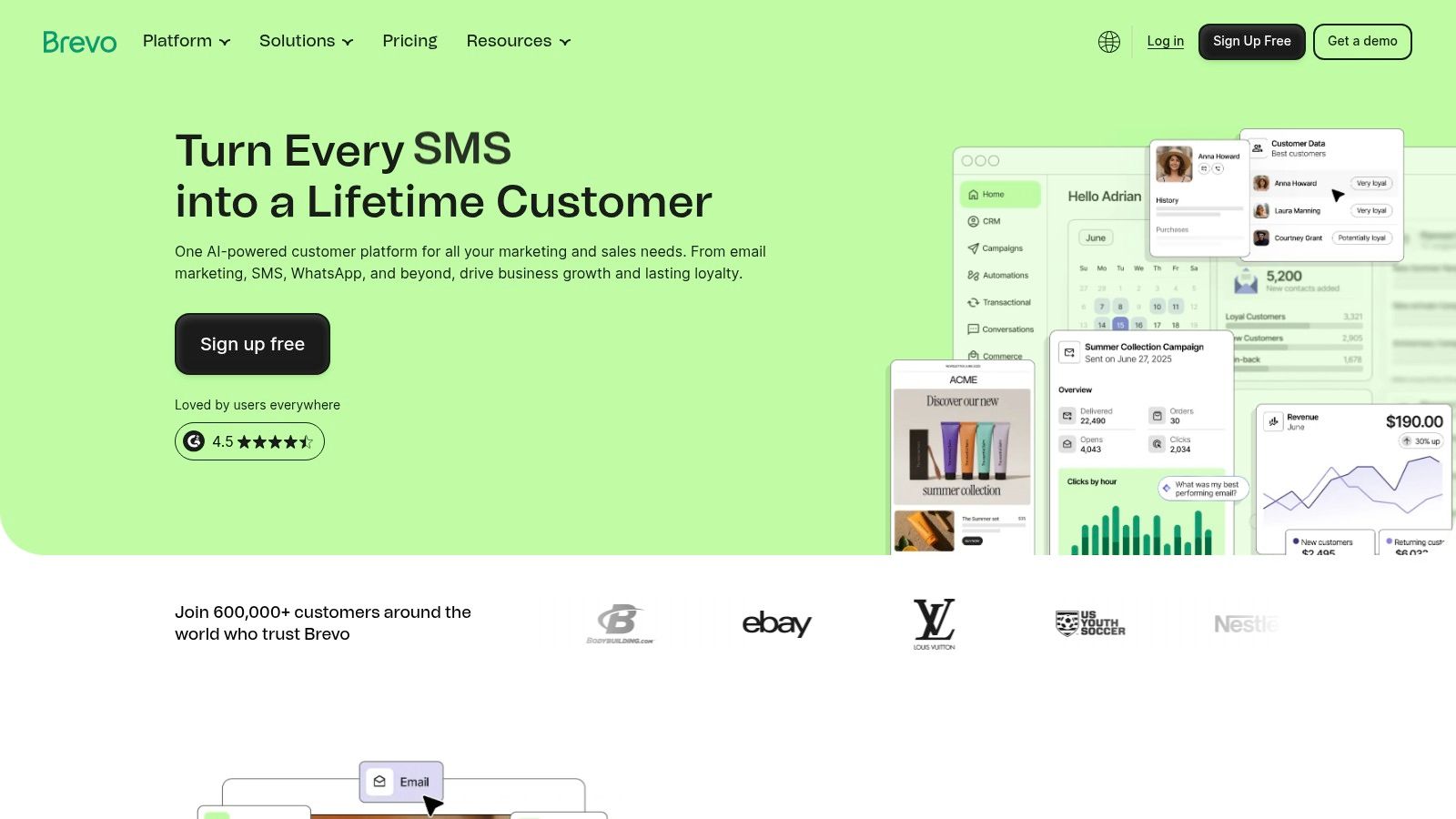
Brevo is a good fit when your biggest pricing headache is contact count.
Many small businesses build a list faster than they build a sending rhythm. If you have a large database but don’t email every segment constantly, contact-based billing can feel wasteful. Brevo’s volume-based approach is why it keeps showing up on shortlists for value-conscious teams.
What makes Brevo practical
Brevo brings several channels into one place: email, SMS, WhatsApp, web push, and transactional messaging. That’s useful if your business doesn’t want separate tools for marketing emails and operational messages.
The interface is usually straightforward enough for everyday use, but its key advantage is economic and operational. You can manage broader communication needs without paying primarily for stored contacts. For some businesses, that creates a simpler path from “newsletter tool” to “messaging system.”
A second reason Brevo is worth considering is the broader market shift toward deliverability management. Recent developments highlighted by Email Vendor Selection’s platform review show more attention on reputation monitoring, hygiene, and inbox placement features, especially for smaller businesses that don’t send at huge scale. Brevo sits closer to that trend than many beginner-first tools.
Best fit and caution points
Brevo is easy to recommend in a few specific cases:
- Large list, moderate send volume: You don’t want pricing driven mainly by database size.
- Multichannel outreach: You want email plus SMS or WhatsApp in one interface.
- Transactional needs: You’d rather not maintain a separate setup for system emails.
The limits are also clear. Some advanced capabilities sit behind higher plans or add-ons, and teams that want very polished templates or complex specialized workflows may find other tools more aligned with their needs.
Brevo also isn’t the strongest answer if your business is highly ecommerce-specific or primarily B2B-targeted. It’s better as a flexible generalist than as a niche specialist.
For small businesses trying to balance cost control with enough channels and automation to stay useful, Brevo is one of the more practical options on this list.
5. MailerLite
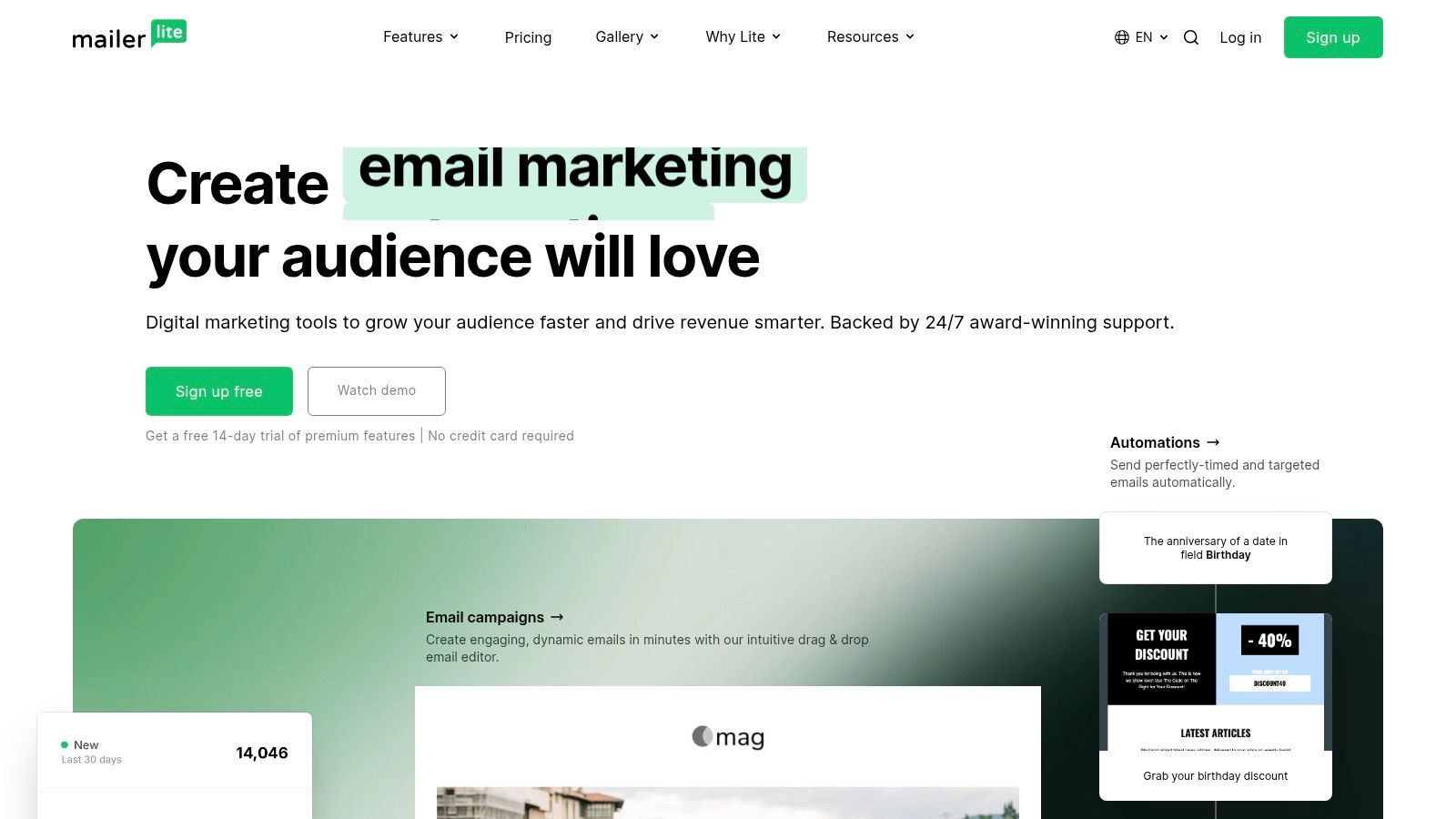
A common small business scenario looks like this. You want to send a weekly newsletter, collect leads from a form on your site, welcome new subscribers automatically, and check whether people opened or clicked. You do not want a tool that feels like staff training software.
MailerLite fits that situation well.
Its appeal is less about having every advanced feature and more about keeping the common jobs easy to find and easy to run. For consultants, solo operators, local businesses, and small teams, that matters more than a long feature checklist. The platform covers newsletters, signup forms, landing pages, automations, and even a basic website builder, which means a business can run a simple email system without piecing together several separate tools.
That practical range is a key selling point. A bakery could use MailerLite to collect email addresses from a preorder page, send a Saturday menu update, and trigger a short welcome series for new subscribers. A service business could offer a quote request form, follow up with a three-email introduction sequence, and keep monthly updates going from the same dashboard.
Why small teams keep choosing it
MailerLite reduces decision fatigue.
Many email platforms are like a commercial kitchen with every appliance imaginable. That sounds useful until you only need a reliable oven, a mixer, and enough counter space to work quickly. MailerLite works more like a well-organized home kitchen. You can still cook real meals there, but you are less likely to waste time opening drawers to find what you need.
That is especially helpful early on, when the challenge is consistency, not complexity. If your team can publish regularly, capture leads cleanly, and set up one or two automations without getting stuck in configuration screens, the software is doing its job.
A few strengths stand out:
- Fast setup: You can get a form, landing page, and welcome email live without turning onboarding into a project.
- Useful built-ins: Landing pages and simple website tools cover jobs that often force small businesses to add another platform.
- Clear day-to-day workflow: Writing emails, checking results, and editing automations usually feels straightforward.
- Reasonable starting point: It is often easier to justify for a smaller budget than platforms built for heavier segmentation or larger teams.
Where it starts to feel narrow
MailerLite is strongest when your email program is simple but real. It is weaker when your business starts needing many exceptions, branches, and layers of targeting.
For example, a local gym sending class updates, promotions, and an onboarding sequence for new members can do a lot with MailerLite. A B2B company that needs account-based segmentation, sales handoff logic, and detailed lead scoring will probably hit the ceiling faster. The same goes for stores that want deep ecommerce automation tied closely to product behavior and purchase history.
The gap usually shows up in a predictable way. At first, the simplicity saves time. Later, if your team keeps building manual workarounds in spreadsheets, your CRM, or another app, the time savings start to disappear.
A simple platform helps only while it still matches the job. Once routine tasks depend on outside workarounds, the lower complexity stops being a real advantage.
If your priority is ease of use, solid core features, and pricing that stays sensible for a smaller operation, MailerLite remains one of the best email marketing software for small business options in the general-purpose category.
6. Kit
Kit makes the most sense when your business acts a little like a media brand.
That includes creators, educators, coaches, consultants, and small businesses that grow through an audience first and products second. If your list is part community, part sales engine, Kit is built for that rhythm.
What Kit is really optimized for
Kit focuses on subscriber growth, visual automations, forms, landing pages, and built-in monetization paths. It’s less about becoming a giant all-in-one marketing suite and more about making audience businesses easier to run.
That shows up in the free plan, too. Brevo’s 2026 roundup notes that Kit supports up to 10,000 subscribers on its free plan, which is unusually generous for small operators building an audience-based business model. That generosity matters when you’re still finding your publishing cadence and offer mix.
Best use cases and limits
Kit is a strong fit if you:
- Publish consistently: Newsletters, educational sequences, and creator-led content are central to your growth.
- Sell digital products or subscriptions: Built-in commerce features support that model well.
- Want visual automation without enterprise complexity: You need logic, but not a giant system.
Its limits are also part of the design. If you need advanced collaboration, richer analytics, or broad multichannel marketing, you may feel the creator-first emphasis more than you want to. A local services company or B2B sales-led team may not use half of what makes Kit appealing.
There’s also a style difference. Kit assumes your email program is a direct relationship with an audience. That’s excellent for many businesses, but less ideal if your email program is mostly operational or tightly tied to sales workflows.
For businesses growing through content, community, and direct audience relationships, Kit remains one of the clearest specialist choices available.
7. ActiveCampaign
A common turning point looks like this. Your welcome email works, your newsletter goes out on time, and a few simple automations are in place. Then leads start behaving differently. One person books a demo after reading three emails, another clicks pricing twice and disappears, and a third downloads a guide but is not ready for sales. At that point, a basic email tool starts to feel like a light switch when you need a control panel.
ActiveCampaign fits that stage well. It is built for businesses that want email to respond to behavior, timing, and customer intent, not just a calendar. That makes it a strong option for service businesses, SaaS companies, consultants, and other small teams with more than one path to purchase.
The practical difference shows up in how you build automations. Instead of sending the same five-email sequence to everyone, you can branch based on what a contact specifically does. If someone visits a booking page but does not schedule, you can send a reminder. If a lead replies or reaches a score threshold, you can route that person to sales. If a customer buys one service but ignores another, you can follow up with a more relevant offer.
That kind of setup takes planning.
ActiveCampaign rewards teams that know their customer journey well enough to map it. Analysts at Ramp noted earlier that the platform is used by a smaller share of SMBs than some bigger names, but it stands out for behavior-based automation and stronger ROI potential in the right hands. The tradeoff is simple. More control means more setup, more testing, and more maintenance.
What to expect before you commit
ActiveCampaign makes sense when automation is part of how you grow, not just a box to check.
It is especially strong for:
- Multi-step customer journeys: Different messages based on page views, form fills, purchases, or inactivity.
- Precise segmentation: You can send based on behavior, tags, deal stage, and engagement patterns.
- Marketing and sales coordination: CRM-style features help connect email activity with follow-up tasks and pipeline movement.
Here is where small businesses often get tripped up. They buy the tool for its advanced logic, then recreate the same basic newsletter process they already had. That is like buying a commercial oven and using it to toast bread. The software is capable, but the value only shows up if you design flows that match real customer decisions.
That is why strategy matters before setup. If you are shifting from campaigns to lifecycle messaging, this guide to the benefits of marketing automation can help you decide which automations are worth building first and which ones will only add maintenance work.
Pricing and add-ons can also take some sorting out. A small team without a clear plan can end up paying for features it does not use, or building automations so elaborate that no one wants to update them six months later.
For small businesses that need more than newsletters and simple drip sequences, ActiveCampaign is one of the clearest step-up options available.
8. Klaviyo
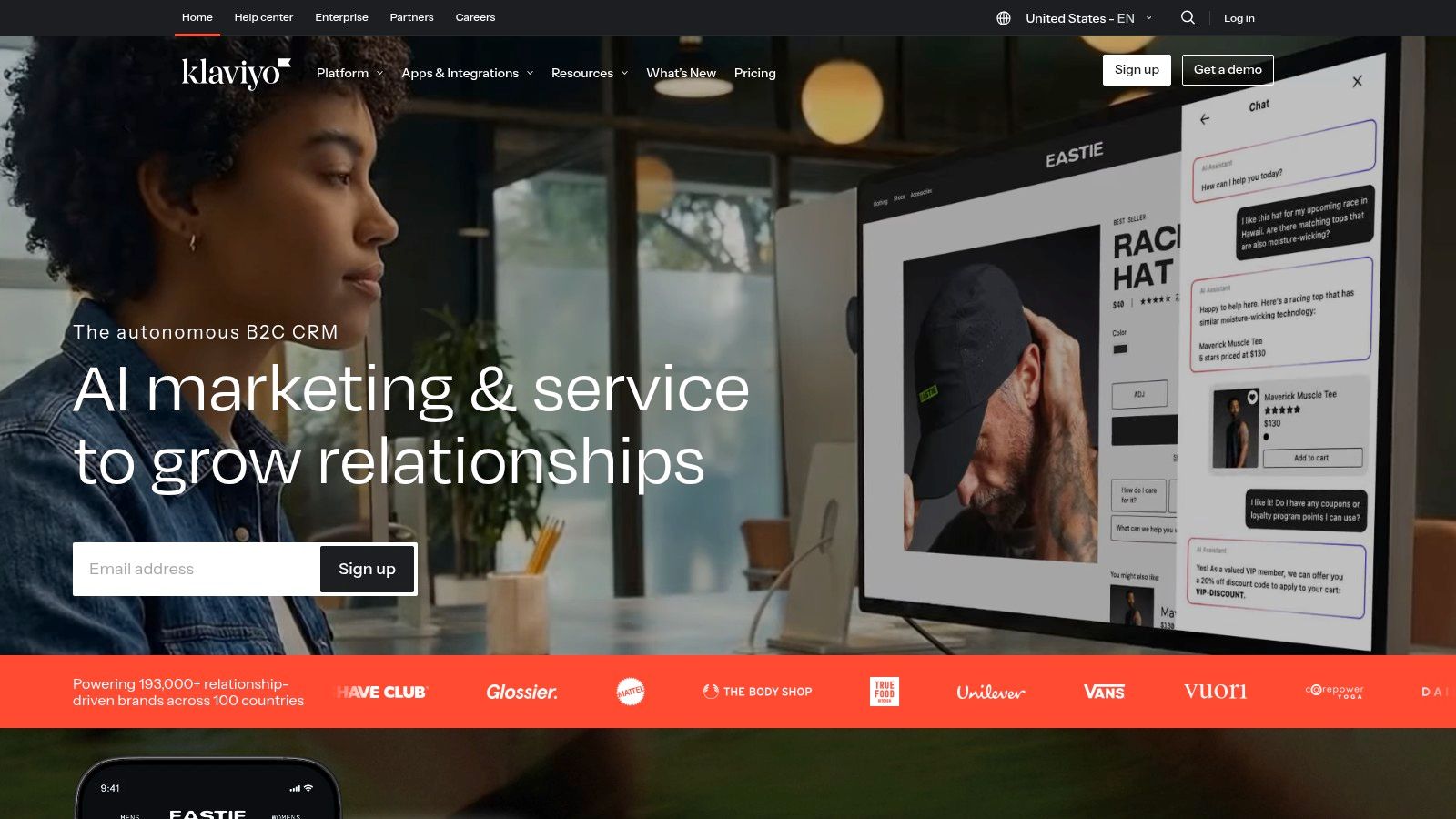
A small online store sends the same promo email to everyone on its list. New subscribers get the same message as loyal buyers. Someone who looked at running shoes yesterday gets the same offer as someone who has not visited in six months. Sales come in, but a lot of obvious opportunities get missed.
Klaviyo is built to fix that specific problem.
It is a strong fit for ecommerce businesses that want email tied closely to store behavior. If you sell through Shopify, WooCommerce, or BigCommerce, Klaviyo makes it easier to turn browsing, checkout activity, product interest, and order history into campaigns and automations that feel relevant instead of generic.
Why ecommerce teams choose it
Klaviyo centers its system around customer and catalog data. In practice, that changes how you build email.
You are not limited to broad groups like “newsletter subscribers” or “customers.” You can create segments closer to real buying intent, such as people who viewed a category three times, first-time buyers who have not reordered, or shoppers who purchased winter products last year but have not returned this season.
That matters because ecommerce timing is often the whole job. A cart reminder sent one hour after abandonment serves a different purpose than a cross-sell sent seven days after delivery. Klaviyo is designed for those moments.
Where it tends to fit best
Klaviyo usually makes the most sense if email is part of how your store drives revenue day to day.
It tends to work well for:
- Store-based brands: Your marketing depends on product feeds, order events, and customer purchase history.
- Teams that segment extensively: You want to send different messages based on viewed items, average order value, repeat purchases, or predicted buying behavior.
- Operators who watch revenue closely: You care less about vanity metrics and more about which flows and campaigns lead to orders.
A simple example helps. If someone buys coffee beans, a general email platform can send a receipt and maybe a welcome series. Klaviyo can help you set a replenishment email based on expected usage, exclude that buyer from beginner offers, recommend related products like grinders or filters, and separate one-time buyers from subscribers. That is the practical difference between “email software” and “ecommerce retention software.”
Where small businesses can hit friction
Klaviyo is less appealing if your business is not product-led. A consultant, local service business, or B2B firm may end up paying for ecommerce depth it will rarely use.
It also asks for more thought than beginners sometimes expect. The platform gives you many ways to segment and automate, but that flexibility only helps if your store has a clear offer structure. If your catalog is messy, your tagging is inconsistent, or your team has not decided which customer journeys matter most, the account can become crowded fast.
Pricing is another watchout as your contact profiles grow.
For online stores that want email to work like an extension of merchandising and retention, Klaviyo remains one of the clearest specialist choices in this category.
9. Omnisend
Omnisend is another ecommerce-focused platform, but it often appeals to smaller stores that want strong prebuilt automations without the heavier feel of a more advanced stack.
Think of it as practical ecommerce messaging software. It combines email, SMS, and web push, gives you common store workflows out of the box, and makes pricing easier to understand than some rivals.
Where Omnisend is strongest
Omnisend works well when you want revenue automations fast. Welcome series, cart recovery, browse abandonment, follow-up messaging, and common promotional flows are central to the product experience.
That matters for lean ecommerce teams. You don’t always need a platform that can do everything. You need one that helps you launch the automations most likely to matter to an online store without making setup feel technical.
The platform also tends to suit businesses that want clear support expectations and transparent plan structure. That’s often a bigger quality-of-life factor than feature comparison charts admit.
When to choose it over a broader tool
Omnisend usually makes sense if your business is clearly store-driven and you want built-in ecommerce messaging across a few channels.
You’ll likely prefer it if you want:
- Prebuilt ecommerce workflows: Less setup from scratch.
- Email plus SMS plus push: Enough channel coverage for store communication.
- Early-stage usability: A simpler path for smaller retail teams.
The main caution is that contact and billing rules can become more important as you scale. Some businesses also find that ecommerce-first logic doesn’t translate well once they want broader brand or B2B-style communication.
For small and mid-sized online stores that want a solid commerce engine without unnecessary complexity, Omnisend is a strong contender.
10. Campaign Monitor
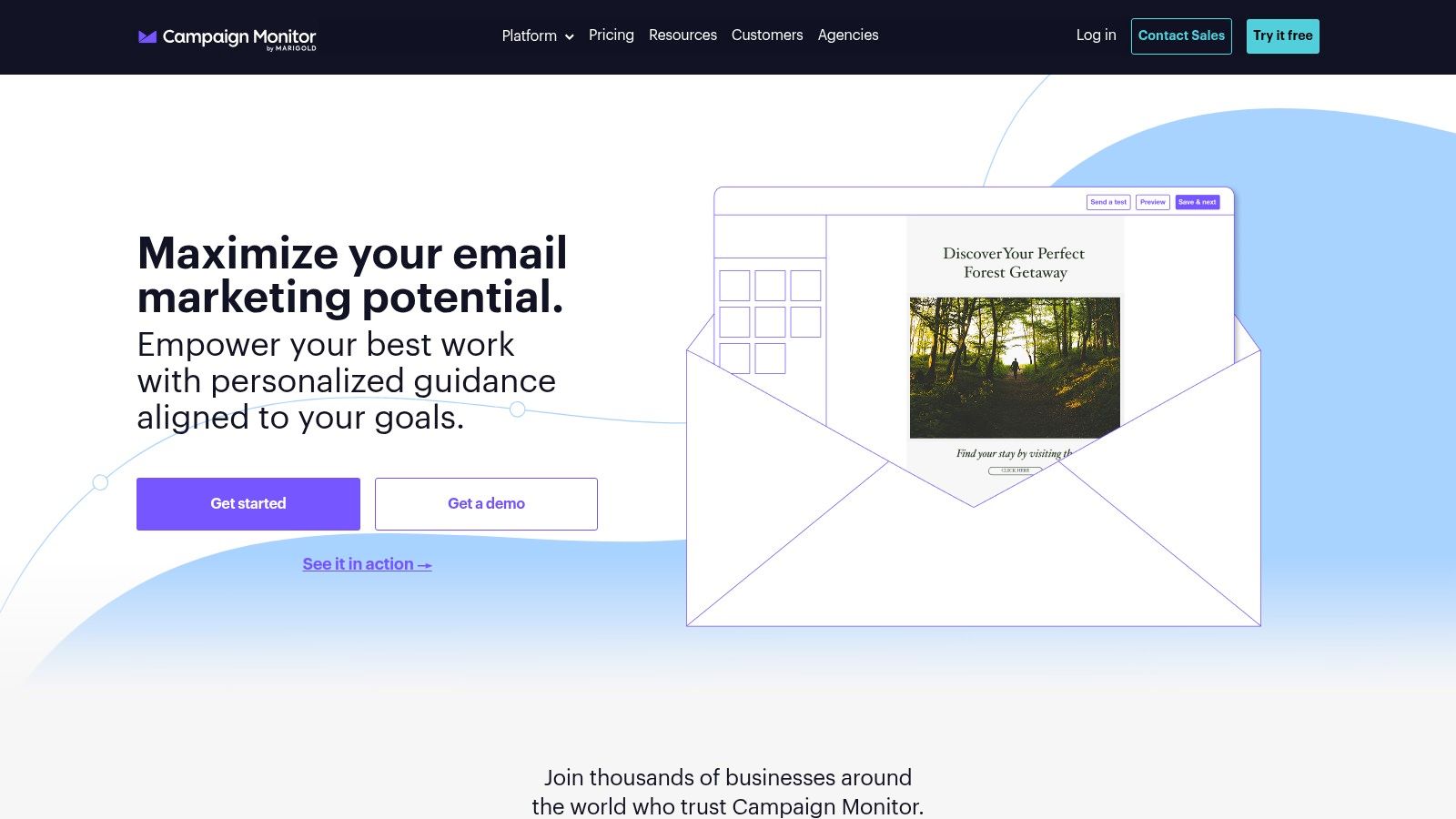
Campaign Monitor earns its place for one simple reason. Some small businesses care a lot about how the email looks.
Not every team wants a highly technical automation platform. Some want polished, branded campaigns that feel on-message every time, with clean reporting and a workflow that doesn’t fight the designer or marketer creating the send.
Why design-led teams still consider it
Campaign Monitor has long been attractive to teams that prioritize presentation. It offers a strong template experience, branded design control, segmentation, forms, and straightforward journeys without trying to become a giant operating system.
That makes it useful for agencies, service businesses, in-house marketers, and brands where the email itself is a visual extension of the company. If your campaigns are heavily tied to brand standards, that can matter more than having the deepest automation builder in the category.
It also helps if your team wants a tool that feels focused. Some businesses work better with software that does fewer things more cleanly.
Where it fits in a crowded market
Campaign Monitor is best for small businesses that want reliable sends, simple journeys, and attractive emails.
It’s a solid fit when you want:
- Designer-friendly campaign creation: More control over look and feel.
- Straightforward segmentation and journeys: Enough automation, not endless branching.
- Clean reporting: Useful visibility without dashboard overload.
The tradeoff is value at scale. There’s no permanent free plan, and contact-tiered pricing can look less attractive than ultra-budget alternatives once the list expands.
If your priority is on-brand email execution with less platform sprawl, Campaign Monitor still deserves consideration.
Top 10 Email Marketing Software Comparison
Product
Core features
Quality (★)
Pricing/Value (💰)
Target audience (👥)
Unique selling points (✨)
🏆 Breaker
Intuitive campaign builder, automated ICP‑matched list growth, deliverability & real‑time analytics
★★★★☆ (4.8)
💰 Pay‑per‑new‑engaged‑subscriber; Starter: 100 subs / 50k sends; 7‑day trial
👥 B2B growth teams, agencies, PLG teams, creators
✨ ICP matching, TruSend deliverability, ROI calculator, white‑glove support
Mailchimp
Drag‑and‑drop editor, templates, automations, basic CRM, large integrations
★★★★☆
💰 Contact‑based; free plan limited (250 contacts / 500 sends)
👥 Small teams, DIY marketers, ecommerce starters
✨ Huge integration marketplace, fast time‑to‑value
Constant Contact
Email builder, event tools, list growth, surveys, phone support
★★★★☆
💰 Contact‑tiered; pricing rises with list size
👥 Small businesses valuing live help
✨ Strong onboarding & phone support, event marketing tools
Brevo (Sendinblue)
Volume‑based email pricing, SMS/WhatsApp, transactional email, automation
★★★★☆
💰 Volume‑based (emails/month), cost‑effective for large lists
👥 Large databases, multichannel marketers
✨ Email+SMS+WhatsApp+push in one UI
MailerLite
Drag‑drop editor, automations, landing pages, ecommerce tools
★★★★☆
💰 Affordable, transparent pricing; nonprofit discounts
👥 Creators, consultants, small businesses
✨ Low learning curve, strong price‑to‑value
Kit (ConvertKit)
Visual automations, landing pages/forms, commerce for creators
★★★★☆
💰 Generous free plan (up to 10k subscribers)
👥 Creators, bloggers, newsletter sellers
✨ Creator Network, built‑in commerce & referrals
ActiveCampaign
Advanced automations, segmentation, AI builders, CRM add‑ons
★★★★☆
💰 Tiered + add‑ons; contact‑based pricing
👥 SMBs needing deep automation & sales ops
✨ Automation depth + CRM capabilities, 1k+ integrations
Klaviyo
Email + SMS, rich segmentation, ecommerce prebuilt flows
★★★★☆
💰 Can be pricier as profiles grow (profile‑based)
👥 Ecommerce merchants (Shopify, WooCommerce)
✨ Best‑in‑class ecommerce flows & analytics
Omnisend
Email, SMS, web push, prebuilt revenue workflows, A/B testing
★★★★☆
💰 Transparent ecommerce pricing; free plan for starters
👥 Small/mid ecommerce stores
✨ Prebuilt revenue automations, SMS credits on Pro
Campaign Monitor
Designer templates, journeys, segmentation, send‑time optimization
★★★★☆
💰 Contact‑tiered; no permanent free plan
👥 SMBs prioritizing brand‑forward campaigns
✨ Designer‑quality templates and simple reporting
Final Thoughts
You sit down to choose an email platform, open five tabs, and every tool claims it can do everything. That is usually where small businesses make the wrong call. They buy for the longest feature list instead of the job they need done every week.
A better way to choose is to match the software to the kind of engine your business runs.
For a local service business, consultant, coach, or small team with a simple sales cycle, email often works like a steady front desk. You need clean newsletters, a signup form, a welcome sequence, and reports you can read without training. MailerLite, Constant Contact, and Mailchimp fit that job because they keep setup manageable and cover the basics well.
For an online store, email works more like a sales floor with memory. The platform needs to notice what shoppers viewed, what they left in the cart, what they bought before, and when they are likely to buy again. Klaviyo and Omnisend are stronger fits here because their automations are built around product feeds, revenue flows, and customer behavior. Brevo can also make sense if you want email plus SMS or WhatsApp in one place and prefer pricing tied more closely to send volume.
As a business grows, email often stops being a standalone channel and starts acting more like part of the operating system. A lead downloads a guide, visits a pricing page, books a call, then becomes a customer who needs onboarding and renewal reminders. ActiveCampaign is useful in that stage because it can connect those steps with more detailed automation logic. The tradeoff is setup time. A powerful tool that sits half-configured helps less than a simpler one your team uses every week.
One area many roundups gloss over is small B2B growth. Sending to an existing list is only half the problem. The harder half is attracting the right subscribers, keeping bad-fit contacts out, and protecting deliverability while the list grows. Breaker stands out for that reason. It is built for teams that care about ICP fit, list quality, reputation monitoring, and measurable pipeline impact, not just campaign design.
The practical test is simple. Look at the next 90 days of work, not the next two years of possibilities.
If your plan is monthly newsletters and a few automations, choose ease of use. If your revenue depends on carts, repeat purchases, and product behavior, choose ecommerce depth. If your customer journey has many branches, choose stronger automation. If your problem is B2B audience growth and deliverability, choose a platform designed for that workflow.
That is how small businesses avoid paying for complexity they will not use, or choosing simplicity that they outgrow in a quarter.
If your small business email program needs more than templates and basic sends, Breaker is worth a serious look. It’s especially strong for B2B growth teams, consultants, agencies, and newsletter operators who want to grow an ICP-matched audience while improving deliverability and tracking ROI in one place.
Keep reading
All articlesB2B Newsletter Strategy for Marketers Who Sell to Niche Pros
Build a B2B newsletter that drives real pipeline. Covers audience definition, content structure, frequency, deliverability, and ROI measurement.
The Subscriber Acquisition Channels That Actually Move the Needle for B2B Newsletters
Every B2B newsletter eventually runs into the same wall: content is going out reliably, the format works, and the list still isn't growing fast enough.
Email Open Rate: What It Means and How to Improve It
Learn what email open rate really measures, how to calculate it, what a good benchmark looks like, and the tactics that actually lift opens in 2026.