
The 10 Best Apps for Writers in 2026
Find the perfect apps for writers in 2026. Our guide covers the top 10 tools for drafting, editing, and research, with expert picks for every workflow.
Beyond the blank page, most writers are dealing with a messier problem. Notes live in one app, the draft lives in another, edits arrive in email, and publication happens somewhere else entirely. The writing itself isn't always the bottleneck. The handoffs are.
That's why choosing apps for writers isn't really about finding one magical tool. It's about building a system that fits the kind of work you do. A novelist needs structure for chapters, scenes, and research. A B2B content lead needs comments, approvals, and version control. A newsletter operator needs a fast path from idea to draft to send.
This guide stays practical. It focuses on where each app fits, where it breaks down, and which combinations reduce friction. Some tools are great drafting environments but poor collaboration hubs. Others are perfect for editorial review but terrible for deep work. Knowing that difference saves time and frustration.
If you also use AI in your process, this guide pairs well with a look at offline content AI for professionals, especially if privacy and local workflows matter to your team.
The category itself has matured. The global writing app market is projected to grow at an 11.5% CAGR from 2023 to 2030, and the baseline feature set now includes grammar support, collaboration, and cloud storage. That means the question isn't whether you need software. It's which stack supports your actual writing workflow without making you babysit the tools.
1. Scrivener
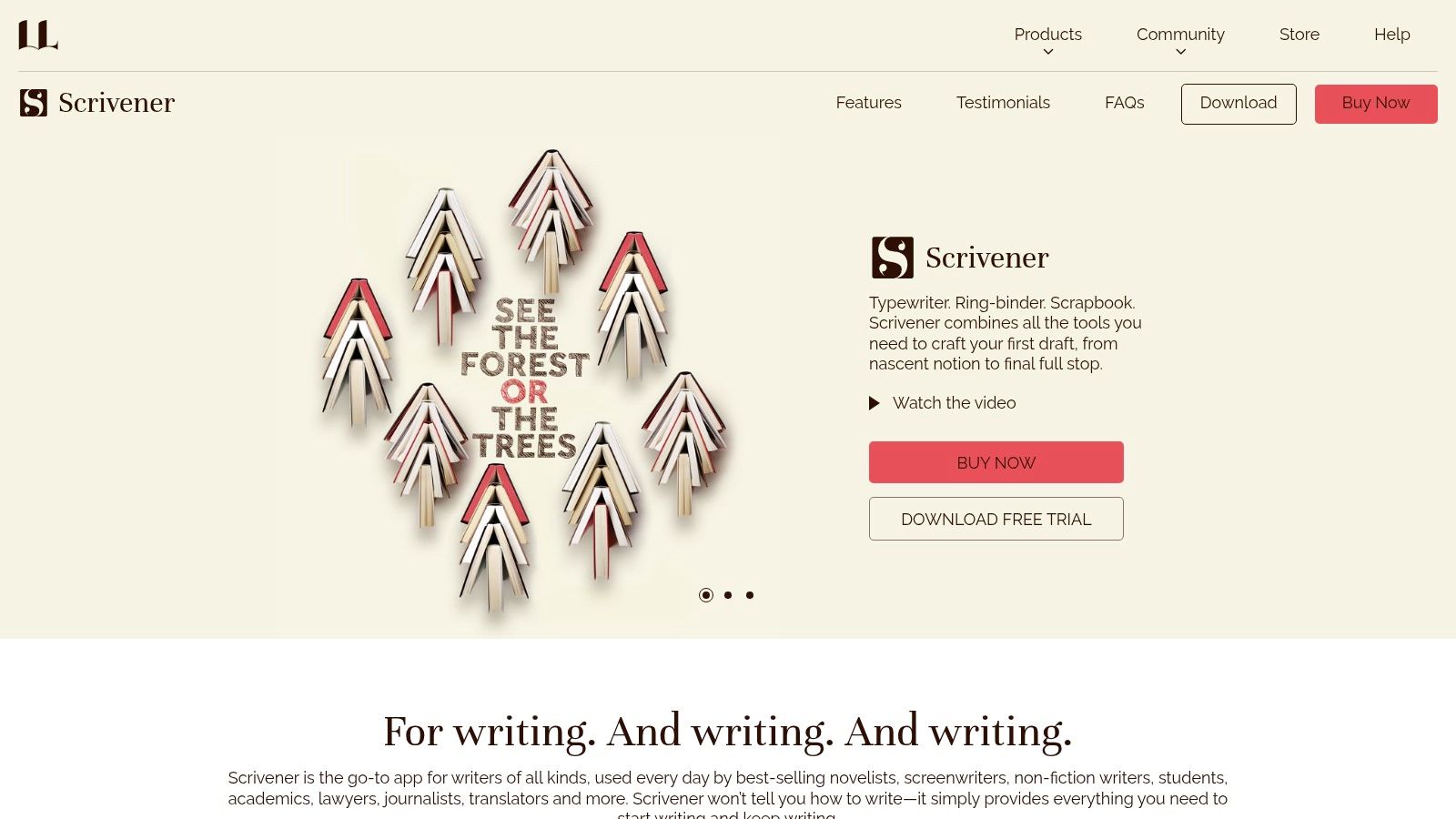
A 40-page white paper, a book proposal, and a folder full of interview notes will break the rhythm of a standard document fast. Scrivener is built for that kind of project. It gives long-form writers a working environment where draft, structure, and source material stay in one place instead of being scattered across tabs and files.
That matters if your writing process involves more than drafting paragraphs in order. Scrivener handles manuscripts, theses, scripts, and research-heavy reports well because it lets you split the work into smaller parts, then rearrange those parts without losing the whole. The Scrivener overview page shows the core setup and pricing.
Where Scrivener earns its place
Scrivener is strongest at the messy middle of a project, when you are outlining, drafting, cutting, and rebuilding.
- Binder structure: Organize chapters, scenes, notes, and reference material inside one project instead of juggling separate documents.
- Corkboard and outliner: Reorder sections at the planning stage or halfway through a draft without turning the manuscript into a formatting problem.
- Research storage: Keep PDFs, images, links, and notes beside the draft so source material stays close to the writing.
For a B2B writer, that can mean one Scrivener project for a flagship report with interview excerpts, positioning notes, draft sections, and executive summary variants. For a book writer, it means chapter-level control without maintaining a desktop full of versioned files. That operational advantage is the main reason to use it.
The trade-off is clear. Scrivener is a drafting and organization tool, not a team review hub.
Practical rule: Use Scrivener to build and draft the project. Move the file to Word or Google Docs when legal, clients, or editors need to comment.
That handoff matters in a real app stack. Scrivener works well at the front of the workflow, where structure and focus matter most. It works poorly at the approval stage, where tracked changes, live comments, and shared access decide whether a project moves.
Its pricing also appeals to writers who want to avoid another monthly subscription. The current offering includes a one-time license option and a trial period, which makes it easier to justify if you write long-form work regularly. If your core problem is complexity, not collaboration, Scrivener is still one of the strongest apps for writers on this list.
2. Ulysses
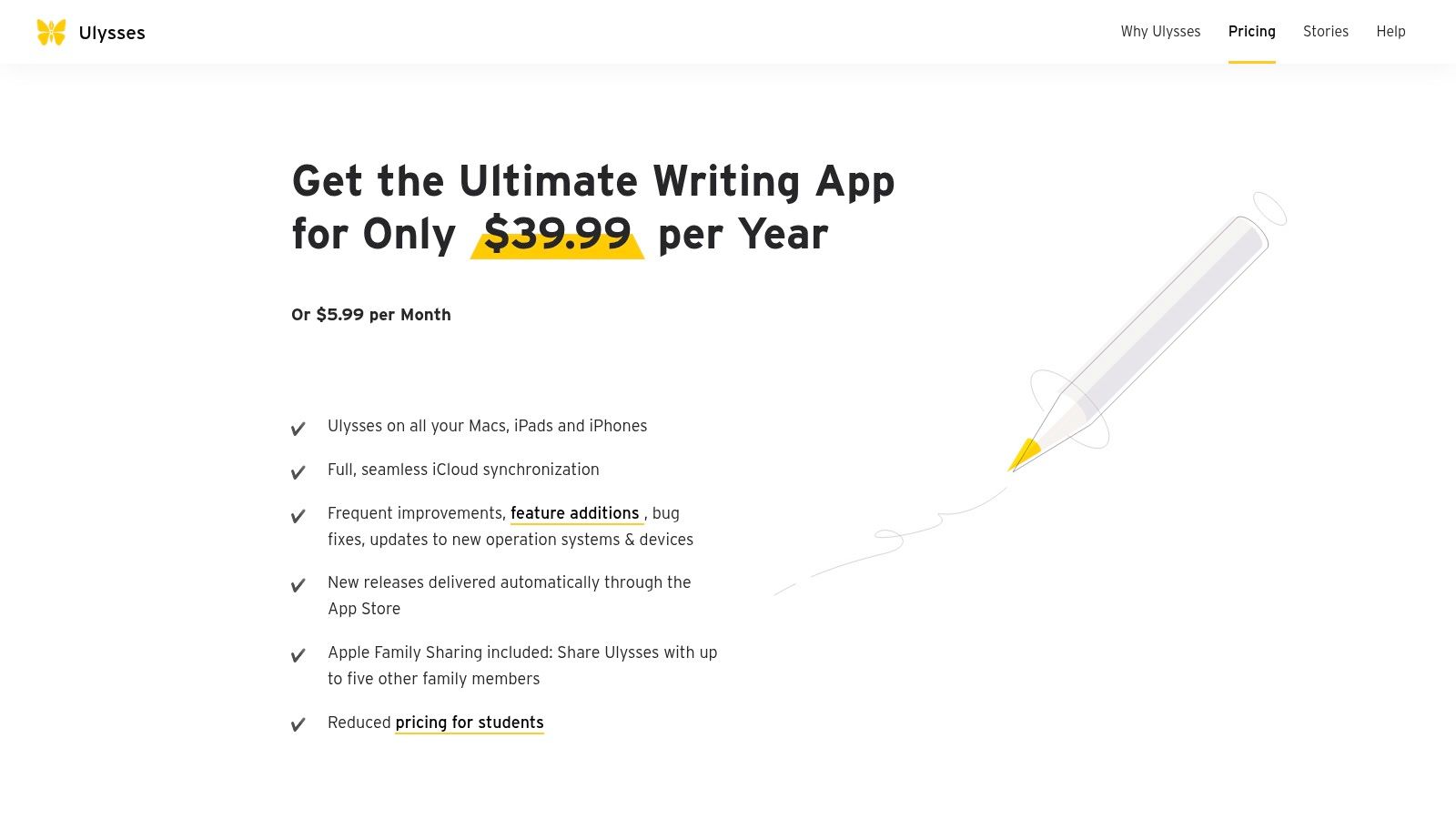
Ulysses is the cleanest writing environment on this list if you live entirely inside Apple hardware. It feels less like a traditional word processor and more like a well-designed library for ongoing writing work. Short posts, essays, newsletter drafts, client articles, and notes all sit comfortably in the same system.
What separates Ulysses from many other apps for writers is how little friction it creates once you're set up. Its sheet-based structure keeps your writing broken into manageable units, and the iCloud-first sync makes moving between Mac, iPad, and iPhone feel natural. For solo writers who draft in bursts across devices, that matters more than a giant feature set.
Best fit and limits
Ulysses works best when your workflow values speed, consistency, and a polished environment.
- Best for: Apple-only writers, bloggers, columnists, and newsletter creators who want one place for drafts and archives.
- Less ideal for: Teams using mixed operating systems or anyone who needs broad compatibility outside the Apple ecosystem.
- Strong point: Direct publishing options help if your final destination is a CMS, blog platform, or web publication.
Its biggest weakness is also obvious from the start. You're buying into an Apple-only workflow. If a collaborator uses Windows, or if your own device mix changes later, Ulysses becomes less convenient than it first appeared.
The wrong app often isn't bad. It's just built around a different operating system, a different review process, or a different kind of writer.
That's why I rarely recommend Ulysses as a universal answer. I recommend it when someone already knows they want a clean Apple-native workspace and doesn't need heavy-duty collaboration. In that lane, it's excellent, and the Ulysses pricing page makes the platform scope clear before you commit.
3. iA Writer
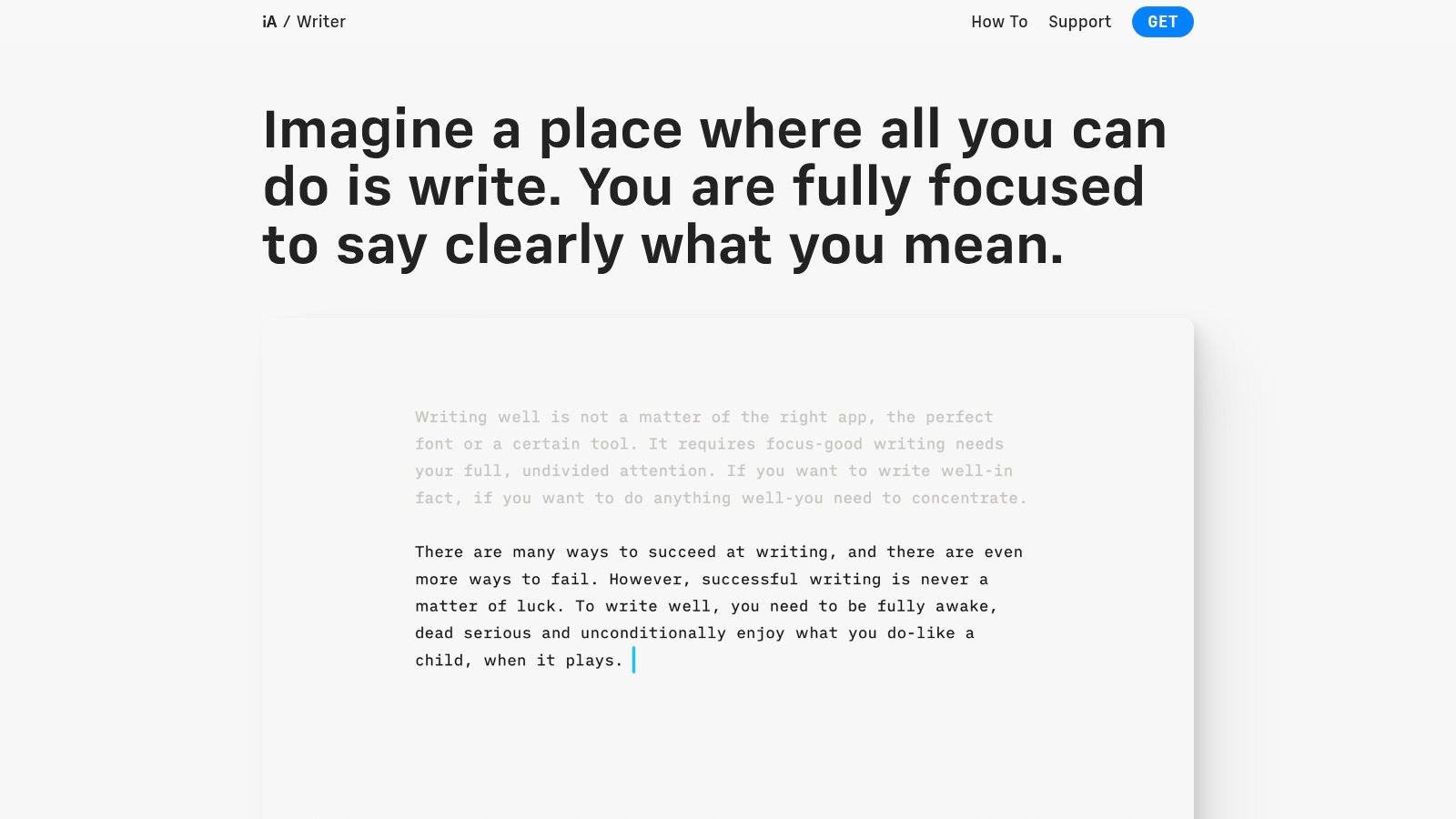
iA Writer is for people who want the screen to disappear. It doesn't try to be an all-in-one command center. It's a focused drafting tool built around plain text, Markdown, and the idea that fewer interface decisions produce better concentration.
That makes it a strong fit for writers who already have a separate planning and publishing system. If your process is “think elsewhere, draft here, edit somewhere else,” iA Writer holds up well. It's fast, private, and comfortable for long drafting sessions without the feeling that the software is constantly asking for attention.
Why purists stick with it
The signature features are opinionated in a useful way. Focus Mode narrows your attention to the sentence or paragraph you're working on. Syntax Highlight and Style Check push you toward cleaner prose without turning the app into a full editorial dashboard.
I especially like iA Writer for first-draft B2B work, where velocity matters and over-formatting early usually hurts more than it helps. If you're trying to write B2B messaging that converts, a plain-text drafting environment can keep you focused on claims, proof, and audience language instead of layout decisions.
- Works well for: Articles, landing page copy, email drafts, and thought leadership pieces.
- Works poorly for: Projects that need complex hierarchy, embedded research, or collaborative review inside the same app.
- Operational advantage: Local files keep ownership simple. Your drafts aren't trapped in a proprietary structure.
The limitation is obvious once projects expand. iA Writer won't replace Scrivener for a book, and it won't replace Notion for content operations. But that's fine. Not every app for writers should try to be the whole workflow. You can see the product philosophy clearly on the iA Writer website.
4. Obsidian
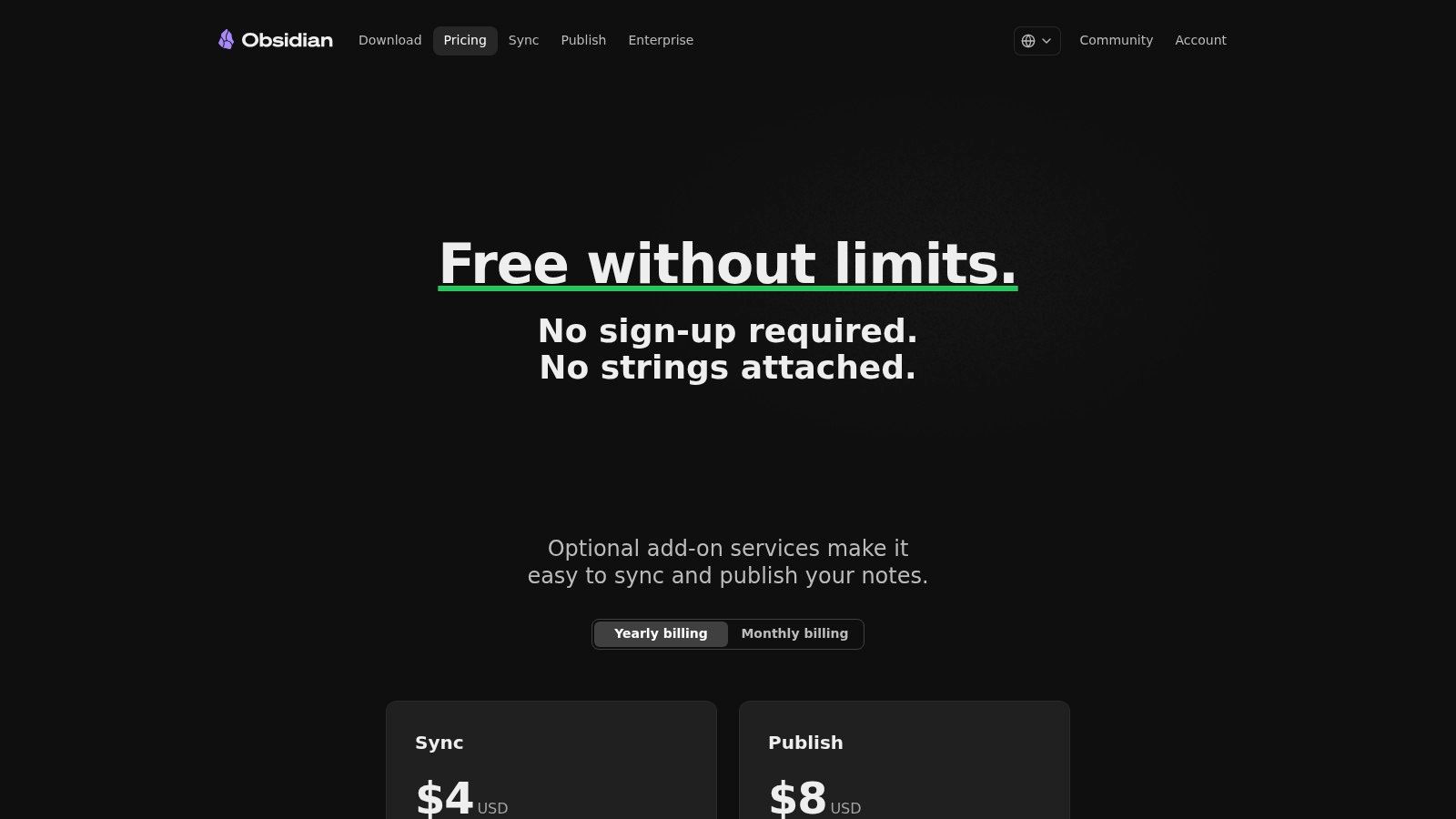
Obsidian isn't just a writing app. It's a thinking environment. For writers who produce work from accumulated notes, linked ideas, interview fragments, and recurring themes, that distinction matters.
Its local-first approach is one of the best reasons to use it. Notes are stored as Markdown files on your device, which gives you direct ownership of your material. That's a practical advantage, not just a philosophical one. You're less dependent on a vendor's database structure, and your archive stays portable.
Best for idea-heavy writers
Obsidian shines when your writing process starts long before the draft.
- Backlinks: You can connect concepts across notes and surface relationships that would stay buried in folders.
- Graph View: Useful for people building bodies of work around recurring topics, arguments, or source material.
- Plugin ecosystem: Calendars, Kanban boards, and publishing add-ons let you shape the environment around your process.
This is especially effective for essayists, researchers, strategists, and nonfiction writers who revisit ideas over months or years. Obsidian supports that slow accumulation better than most traditional writing software.
A draft often gets easier when the note system is stronger. Obsidian is one of the few tools that treats that as the main job.
The downside is the setup burden. Out of the box, Obsidian can feel sparse. Many writers install it, see an empty vault, and wonder what the fuss is about. It becomes powerful after you develop a note structure and decide which plugins effectively support your process. If that sounds appealing rather than exhausting, the Obsidian pricing page is the right place to start.
5. Notion
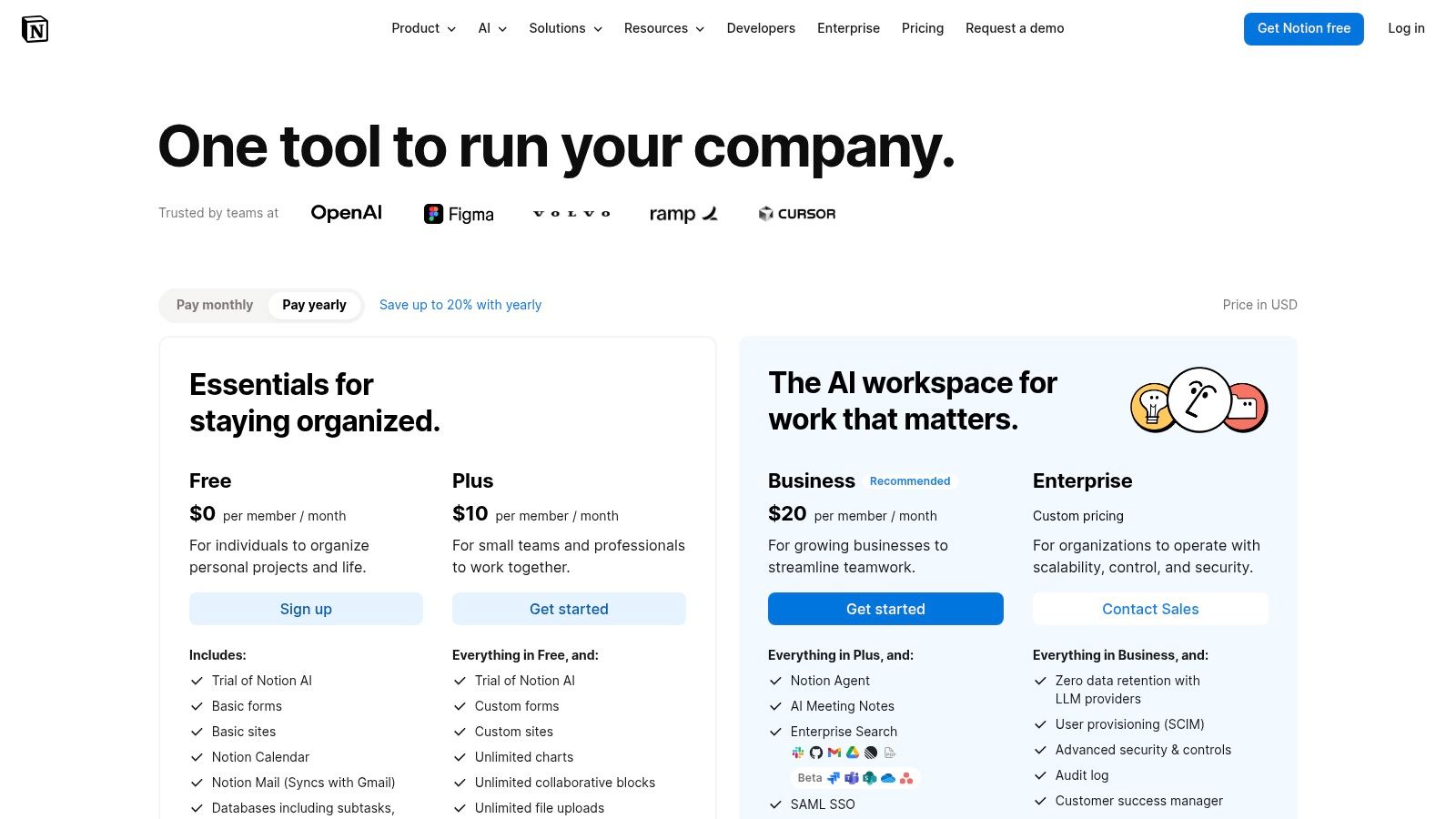
Notion is where writing meets operations. I don't love it as a pure drafting tool, but I do recommend it constantly as a content management layer. If your work includes editorial calendars, assignment tracking, source databases, briefs, and approvals, Notion can pull those moving parts into one place.
That's the primary use case. Notion helps writers who aren't just writing. They're managing a pipeline.
A recurring weakness in coverage of apps for writers is workflow fragmentation. Most roundups separate note apps, drafting apps, grammar tools, and project managers without addressing how a writer moves from idea to published asset across devices and formats. The Venture Harbour roundup on distraction-free writing apps reflects that broader gap and points toward the more useful question: integrated workspace or modular stack?
Where Notion earns its place
For B2B teams, agencies, and editorial operations, Notion often becomes the source of truth.
- Content tracking: Build databases for briefs, status, owners, due dates, and repurposing plans.
- Collaboration: Comments, mentions, and shared workspaces keep discussion attached to the work.
- System design: You can create a complete operating model around content production, not just a writing window.
If you're comparing B2B content marketing tools, Notion often belongs in the stack as the coordination layer rather than the final writing environment.
Its weakness is speed. Some writers find it slow, overbuilt, or distracting for first drafts. I agree. Drafting in Notion can feel like writing inside a project management app, because that's partly what you're doing. Still, if your bottleneck is process chaos rather than sentence-level craft, the Notion pricing page is worth a close look.
6. Google Docs
Google Docs is still the easiest answer when multiple people need to touch the same draft quickly. It wins on familiarity, access, and real-time collaboration. Most clients, editors, marketers, and subject matter experts already know how to use it, which means your workflow starts immediately instead of after onboarding.
For professional writing, that matters more than elegance. A tool can be beautiful and still lose because nobody else wants to work inside it. Google Docs solves the social side of writing software better than most alternatives.
When collaboration is the job
Docs is strongest when a draft moves through several reviewers before publication.
- Suggestions and comments: Great for editorial review, client feedback, and fast revision cycles.
- Version history: Essential when multiple stakeholders disagree or when a change needs to be rolled back.
- Workspace integration: Easy handoff with Drive, Gmail, and shared folders.
This is my default recommendation for agency copy, thought leadership pieces, webinar scripts, and collaborative blog production. If legal, marketing, product, and sales all need to weigh in, Google Docs reduces the friction of getting them into the same place.
The drawback shows up on very long documents. Big manuscripts, heavy formatting, and complexly structured projects can start to feel unwieldy. That's where Scrivener or Word usually takes over.
There's also a broader category point here. Modern writing software increasingly includes collaboration and cloud storage as standard expectations, not premium exceptions. That baseline feature cluster appears in the writing app market overview only through product reality in Docs itself, which is why Google's own product page remains the clearest place to assess fit.
7. Microsoft Word
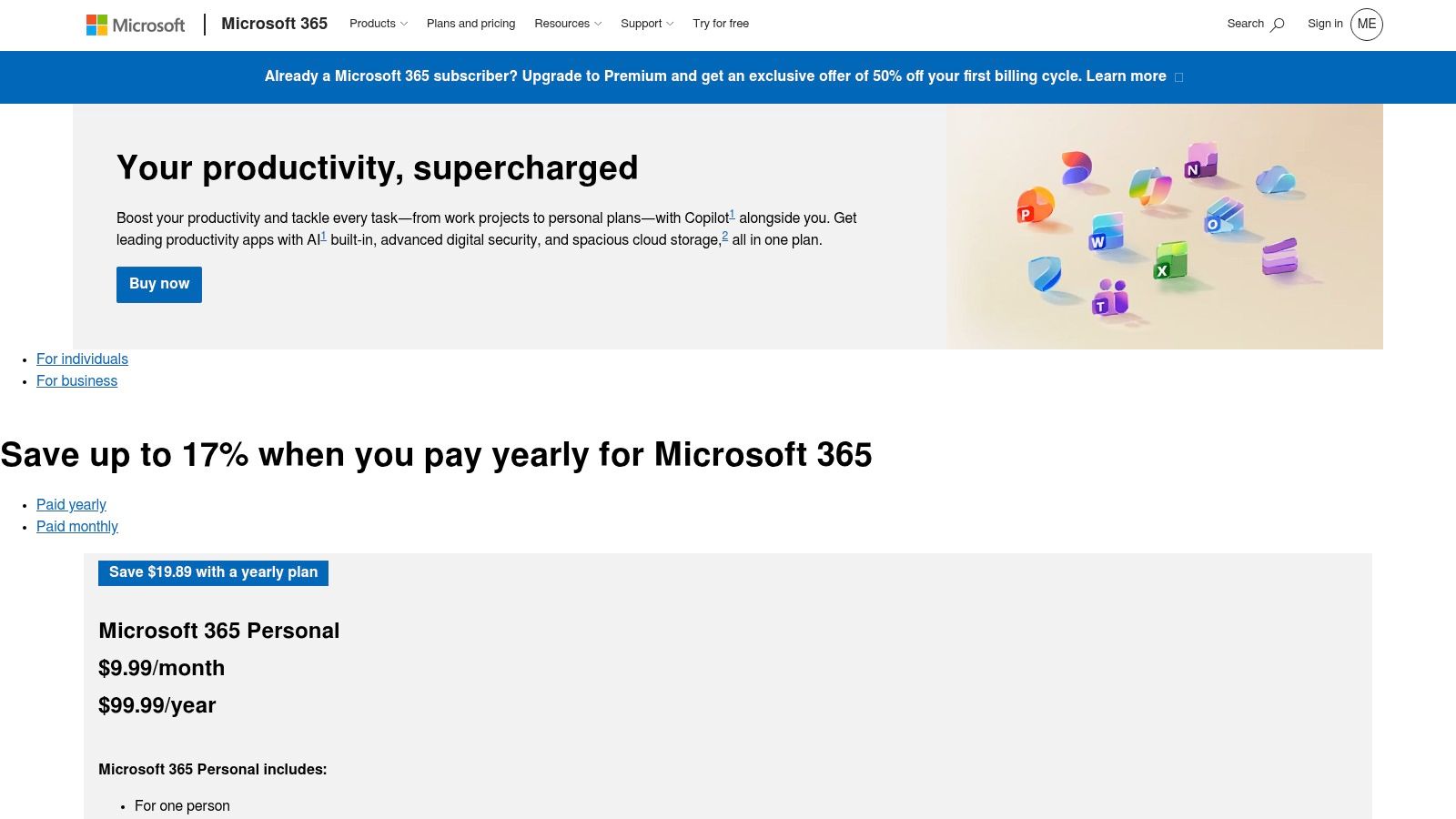
Word is the least fashionable app on this list and one of the most useful. In publishing, legal work, academia, corporate communications, and any environment where formal document exchange matters, Word remains hard to avoid. That's not because it's trendy. It's because it's accepted everywhere.
The core advantage is reliability in serious editorial workflows. Track Changes remains the format many editors and organizations expect by default. If you're sending a manuscript to a traditional editor, circulating a policy document, or handling a contract-heavy review process, Word is often the safe choice.
Where Word still dominates
Word earns its place when formatting and review precision matter.
- Editorial review: Track Changes is still the standard for line edits and approval chains.
- Layout control: Better suited than Docs for print-focused documents and formatting-sensitive files.
- Offline work: Desktop access matters when writers can't depend on a browser connection.
I don't recommend Word for every stage of writing. It's not my favorite drafting environment, especially for ideation-heavy work. But I trust it for delivery. That distinction matters. Some tools are where you think best. Others are where your work becomes acceptable to the systems around you.
If the final file has to survive procurement, legal, publishing, or enterprise review, Word is often the path of least resistance.
Writers sometimes dismiss it because the interface feels bloated. Fair criticism. But software doesn't need to feel modern to be operationally valuable. For many teams, the Microsoft 365 comparison page answers the only question that matters: will everyone on this workflow be able to open, edit, and return the file cleanly?
8. Grammarly
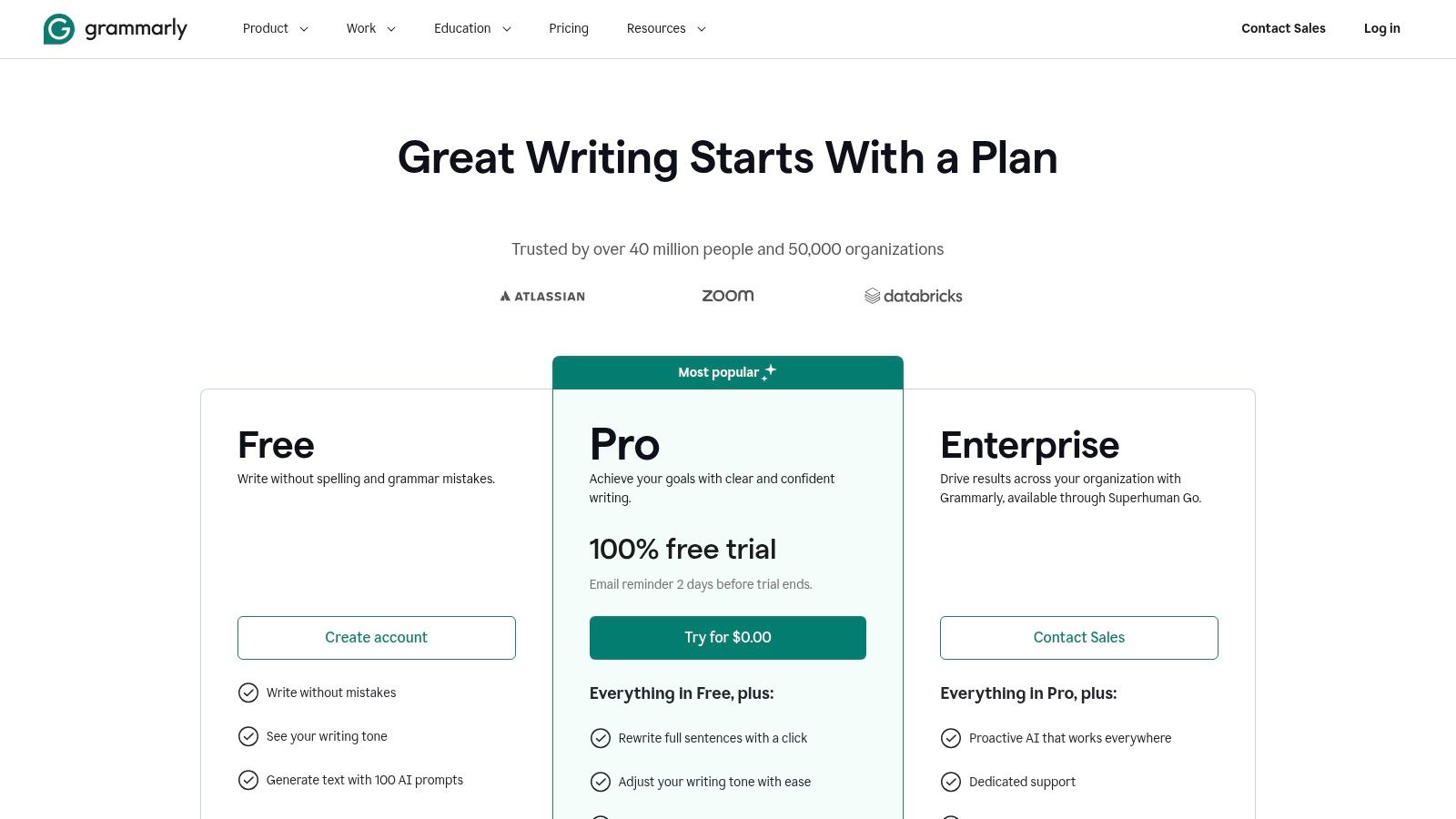
Grammarly is less a writing destination and more an editing layer that follows you around. That's why it's so widely adopted. You don't need to move your process into Grammarly. It attaches itself to the places you already write, including browsers, documents, and email.
That utility aligns with what the broader AI writing assistant market is rewarding. The segment was valued at USD 1,810.5 million in 2024 and is projected to reach USD 3,640.4 million by 2032, with cloud deployment holding nearly 70% share, grammar and spelling checking accounting for over 35% of revenue, and commercial users representing about 65% of demand. In plain terms, the winning products aren't obscure specialty environments. They're cloud-friendly tools that solve frequent writing problems with low friction.
Best use of Grammarly
Grammarly works best as a final-pass assistant, not as your source of truth for style.
- Useful for: Catching grammar, punctuation, tone mismatches, and avoidable clarity issues across many platforms.
- Less useful for: Preserving a distinctive voice if you accept every suggestion blindly.
- Operational benefit: Teams get a consistent review layer even when drafts begin in different tools.
That last point matters in mixed workflows. One writer drafts in Word, another in Docs, another in a browser CMS. Grammarly creates some consistency across those environments.
The caution is simple. Don't outsource judgment. Grammarly can flatten voice if you treat every flag like a command. Used well, it catches avoidable mistakes and speeds up revision. Used badly, it turns your prose into compliance copy. The Grammarly plans page makes clear which features sit behind paid tiers.
9. ProWritingAid
If Grammarly is a broad editing layer, ProWritingAid is closer to a writing coach. It goes deeper into style, repetition, sentence habits, and manuscript-level issues. That makes it especially useful for authors and long-form writers who want more than grammar cleanup.
I don't suggest using every report. That's the fastest way to lose momentum. The better approach is selective use. Run the reports that match the problem you have. If your draft feels repetitive, check overused words. If pacing drags, inspect sentence variety and readability. Treat it like diagnosis, not homework.
Why authors keep it in the stack
ProWritingAid works well after the draft exists but before human editing gets expensive.
- Deeper reports: Better than basic checkers for recurring habits and structural style problems.
- Long-form compatibility: Particularly helpful when a manuscript's issues only become obvious across many chapters.
- Integration: It fits reasonably well with tools many writers already use, including Scrivener and Word.
This is one of the few apps for writers that earns a place through depth rather than convenience. It's not the prettiest interface, and new users can absolutely overdo it. But if you're willing to learn which reports matter for your own habits, it can sharpen revision in a way lighter tools don't.
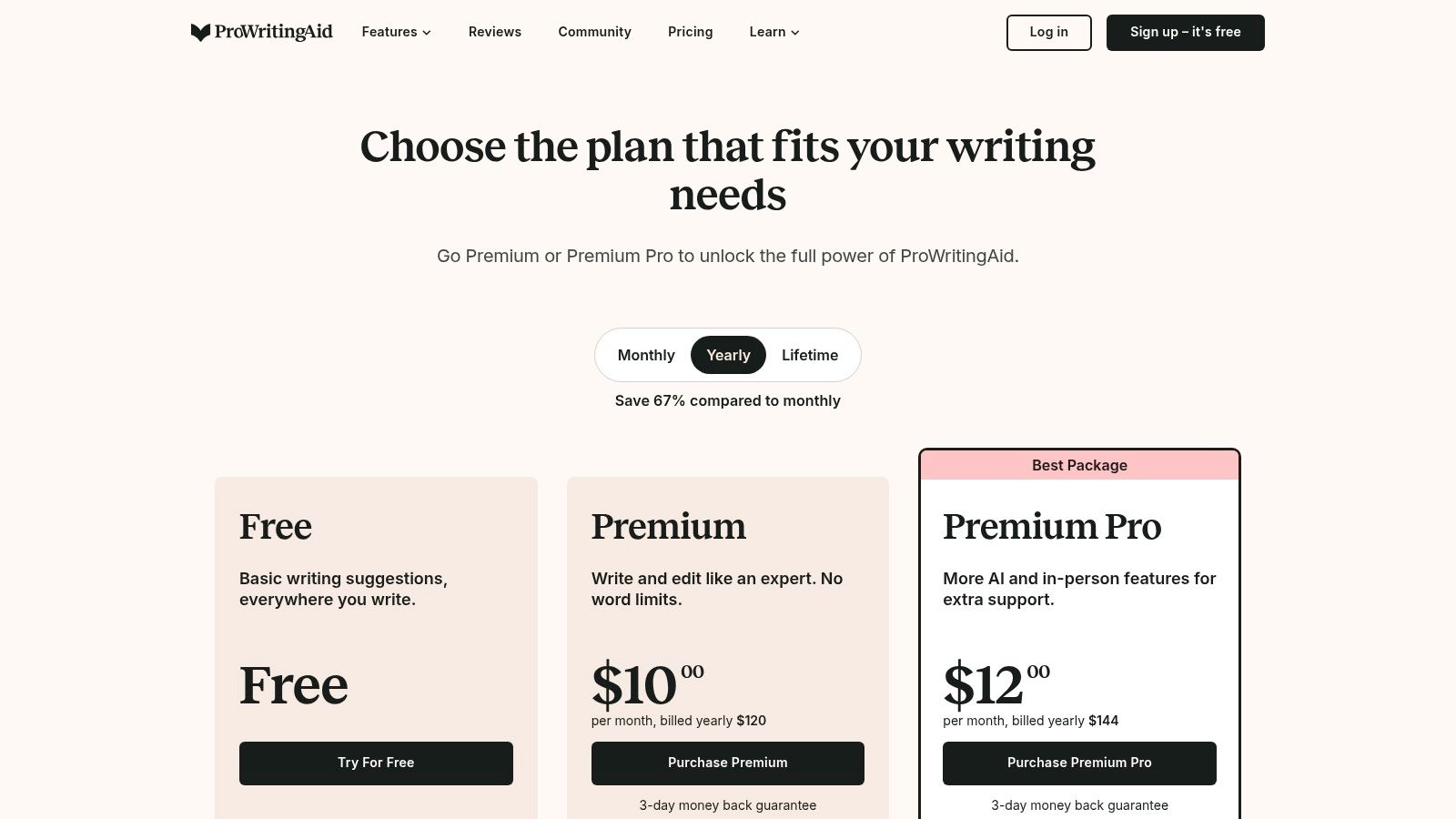
I often suggest a sequence like this: draft in Scrivener or iA Writer, run targeted checks in ProWritingAid, then move to Word or Docs for editorial review. That stack keeps each tool in its proper lane. If that workflow sounds right, the ProWritingAid pricing page is the next step.
10. Hemingway Editor
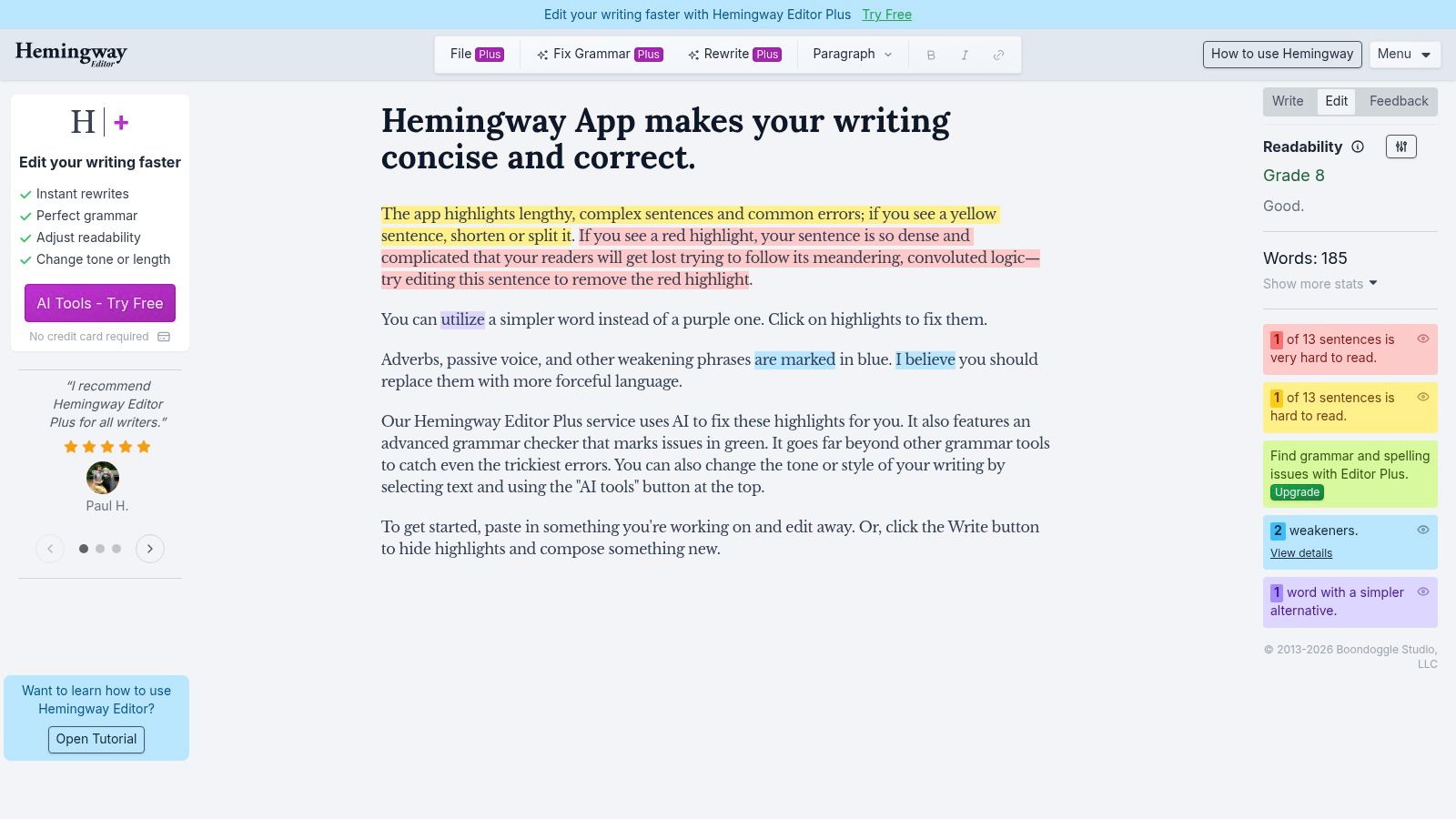
Hemingway Editor does one job well. It makes muddy sentences obvious. That simplicity is exactly why it survives in crowded lists of writing tools. You drop in a draft and quickly see where prose has become dense, passive, or padded.
For marketers and newsletter writers, that's useful because clarity usually beats cleverness in the final pass. The app's color-coded highlights push you to tighten sentences, cut filler, and simplify where the message got buried. It's not subtle, but subtle isn't the point.
Best as a finishing pass
Hemingway is strongest near the end of revision, when the ideas are already right and the language needs tightening.
- Great for: Landing pages, email copy, newsletter intros, and web articles that need to read cleanly on the first pass.
- Not great for: Grammar correction, research-heavy nuance, or stylistic writing that benefits from complexity.
- Fast workflow: Paste, scan, trim, and move on.
For newsletter operators, this matters at the exact moment before send. Tightening a subject line and opening paragraph often does more than polishing paragraph six. That's also the right time to pair clarity editing with a subject line testing workflow, because strong copy still needs a strong entry point.
I wouldn't use Hemingway as an always-on editor. Its rules are too rigid for that. But as a pressure test for clarity, it remains one of the fastest apps for writers who publish online. The Hemingway Editor website shows both the free web version and desktop option, which is enough for someone to decide whether they need it.
Top 10 Writing Apps: Side-by-Side Comparison
Tool
Core features / characteristics
UX & quality
Value & price
Target audience
Unique strength
Scrivener
Binder, Corkboard, Research pane, Compile
★★★★☆, powerful, steeper learning
💰 One-time license; 30-day use-count trial
👥 Novelists, academics, long-form writers
✨ Robust project structuring & export 🏆
Ulysses
Sheet-based library, iCloud sync, publish integrations
★★★★☆, polished Apple UX
💰 Subscription (macOS/iOS), Family Sharing
👥 Mac/iPhone writers, bloggers
✨ Clean Markdown + direct publishing
iA Writer
Focus Mode, Syntax Highlight, Style Check
★★★★☆, fast, minimal, private
💰 One-time purchase per platform
👥 Minimalists, keyboard-focused writers
✨ Syntax-aware focus editing
Obsidian
Local Markdown files, Backlinks, Graph View
★★★★☆, extensible, learning curve
💰 Free personal + paid Sync/Publish add-ons
👥 Knowledge workers, "second-brain" users
✨ Networked notes & plugin ecosystem
Notion
Pages, databases, calendars, team collaboration
★★★★, highly flexible, can feel heavy
💰 Freemium → scalable team plans
👥 Content ops, teams, project managers
✨ All-in-one workspace with DBs 🏆
Google Docs
Real-time co-editing, Drive & Workspace integration
★★★★☆, ubiquitous, seamless collaboration
💰 Free personal; Workspace subscription for orgs
👥 Teams, editors, clients
✨ Best-in-class real-time collaboration
Microsoft Word
Track Changes, advanced layout, offline desktop app
★★★★☆, feature-rich, industry standard
💰 Microsoft 365 subscription (enterprise)
👥 Corporate, legal, publishing pros
✨ Unrivaled formatting & editorial tools 🏆
Grammarly
Grammar, clarity, tone, plagiarism checks
★★★★, broad coverage, prescriptive at times
💰 Freemium → Premium subscription
👥 Everyone wanting polished prose
✨ AI-driven corrections & tone detector
ProWritingAid
25+ reports, manuscript analysis, integrations
★★★★, deep feedback, dense interface
💰 Subscription or lifetime license option
👥 Fiction/nonfiction authors seeking depth
✨ In-depth structural & style reports
Hemingway Editor
Readability score, color-coded highlights, offline app
★★★☆☆, fast, simple, stylistic-only
💰 Free web; affordable one-time desktop fee
👥 Writers focused on clarity & brevity
✨ Readability grading & concise-edit prompts
From Tools to Workflow: Building Your System
The best app for writers usually isn't a single app. It's a system with clear roles. One tool handles drafting, another handles notes or planning, another handles editing, and another manages collaboration or publication. Once you accept that, choosing software gets easier.
The biggest mistake I see is forcing one product to do everything. Writers draft in a project manager because their team uses it. Or they try to run editorial approvals inside a minimalist text editor because they like the interface. That mismatch creates friction. Good stacks respect the actual stages of the work.
Here's how I'd think about two common setups.
A practical stack for the B2B writer
A B2B writer usually needs fast drafting, clean collaboration, and a way to track assets across a pipeline. My default stack is iA Writer or Google Docs for drafting, Notion for briefs and status tracking, Grammarly for cleanup, and Word when the final deliverable needs formal review.
That setup works because each tool has a narrow job. iA Writer keeps the drafting phase focused. Google Docs handles stakeholder comments when product marketing, demand gen, or leadership needs to weigh in. Notion keeps the operation visible. Grammarly catches avoidable errors across the whole workflow.
A practical stack for the newsletter creator
Newsletter creators need a different balance. Speed matters. Consistency matters. Distribution matters. Ulysses or iA Writer works well for drafting, Hemingway is useful for the final clarity pass, and the publishing layer needs to support growth instead of just sending emails.
That's where many writers outgrow simple writing tools. The draft may be strong, but newsletter performance depends on audience building, deliverability, targeting, and post-send analysis. Drafting apps don't solve those problems.
What actually removes friction
When you test apps for writers, don't just ask whether the features look impressive. Ask where the draft starts, who touches it next, how comments are handled, where the approved version lives, and what happens when you need to publish or repurpose it.
A tool is helping when it reduces handoffs, preserves context, and makes the next action obvious. A tool is hurting when it forces export gymnastics, duplicates files, or turns review into a scavenger hunt. That's the lens that matters more than marketing copy.
You should also pay attention to ownership and portability. Local-first tools like Obsidian and iA Writer give you direct control over files. Cloud-first tools like Google Docs and Notion make collaboration easier. Neither model is automatically better. The right choice depends on whether your writing bottleneck is concentration, coordination, or distribution.
Use the free trials where they exist. Write a real piece in each app, not a test paragraph. Move that piece through your normal process. Add comments, revise, export, and publish. The friction usually reveals itself quickly.
The right toolkit disappears. It lets you focus on structure when structure matters, on language when language matters, and on distribution when the writing is ready to meet readers.
If your writing workflow ends in a newsletter, Breaker is worth a serious look. It combines email sending with automatic list growth for B2B audiences, so you're not just drafting stronger campaigns, you're building distribution at the same time. Teams can design and schedule campaigns, define their ICP, grow engaged subscriber lists, monitor deliverability, and track performance in one place. See how Breaker helps marketers, consultants, and newsletter creators turn writing into a measurable growth channel.
Keep reading
All articlesNewsletter Agency Services: How Agencies Scale Client Newsletters
Managing multiple client newsletters? Learn what a true newsletter agency platform needs to prevent list mixing, voice drift, and invisible ROI.
Building Owned Audiences: Move Followers to Your Newsletter in 2026
Social platforms can vanish overnight. Learn how to convert Instagram, TikTok, and YouTube followers into a newsletter list you actually own.
Newsletter Analytics: Which Metrics Actually Matter in 2026
Open rate and clicks don't predict buyers. Learn the 7-step method to track click depth, recency, and topic affinity for a revenue-predictive intent score.