
Newsletter Agency Services: How Agencies Scale Client Newsletters
Managing multiple client newsletters? Learn what a true newsletter agency platform needs to prevent list mixing, voice drift, and invisible ROI.
Running a single newsletter well demands attention. Running fifteen, each with its own voice, audience, and sponsors expecting monthly performance reports, demands something else entirely: the right platform. If you operate a newsletter agency and have hit the moment where your current tool stops solving problems and starts creating them, you know the feeling. Client voices start bleeding together. Lists get crossed. Clients ask "what ROI did we actually generate?" and the answer requires hours of spreadsheet work.
Agencies scaling past three or four accounts need infrastructure built for multi-publisher management from the ground up, not a single-sender tool stretched beyond its design. This guide walks through what that infrastructure looks like and why it matters.
What Every Newsletter Agency Platform Must Handle
An agency platform needs to keep each client's audience, voice, and revenue completely separate while letting one team manage everything from a single login. That means isolated subscriber lists per client, voice guardrails that prevent AI from writing the same tone across different brands, permission controls that determine who sees what, and reporting that proves ROI without manual work.
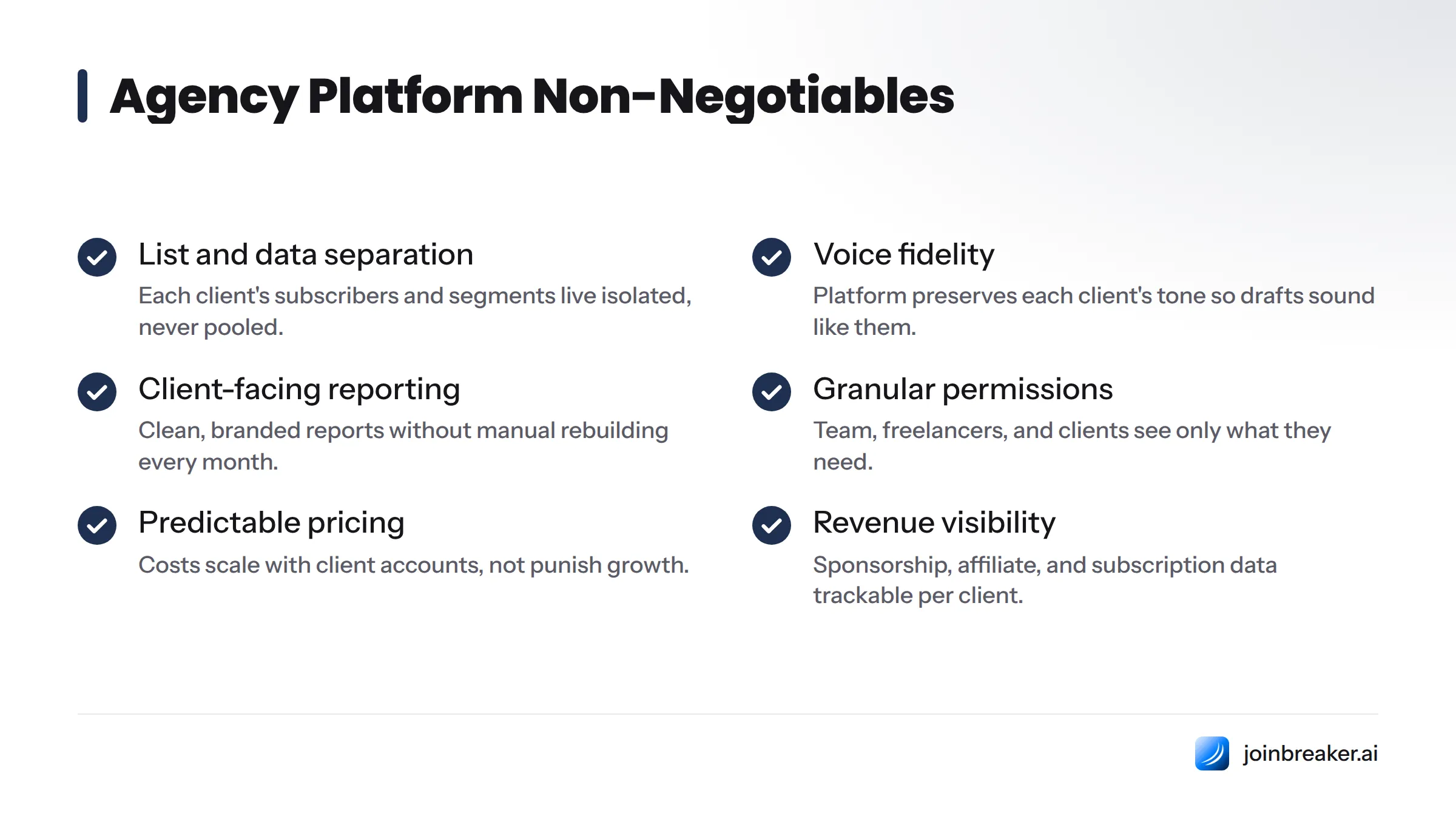
Before evaluating any agency newsletter software, test it against these non-negotiables:
- List and data separation. Each client's subscribers, engagement data, and segments live in their own isolated space, never pooled with another account.
- Voice fidelity. The platform should preserve each client's tone, structure, and past content so drafts sound like them, not like a template.
- Client-facing reporting. You need clean, branded reports to hand clients without rebuilding them by hand every month.
- Granular permissions. Your team, freelancers, and client stakeholders should each see only what they need.
- Predictable pricing. Agency costs should scale with the number of client accounts, not punish you for growing.
- Revenue visibility. Sponsorship income, affiliate revenue, and subscription data per client needs to be trackable in one place.
If your current setup is missing more than one or two of these, you're paying a hidden cost in hours spent reconciling data by hand.
Why Generic ESPs Fall Apart at Scale
Most agencies don't start with a scaling problem. They start with one client, a cheap email service provider account, and a workflow that works fine. The real trouble surfaces quietly, usually around the third or fourth client.
The limits of general-purpose email platforms
Tools like Mailchimp were built for one sender managing one list. Agencies running multiple clients on these platforms end up juggling separate logins for each one, exporting CSVs between systems, and manually copying performance numbers into client reports. There is no shared view that lets an agency owner see all accounts at once. Each new client adds the same overhead as the first one did, rather than getting cheaper as the operation scales.
Some agencies try adding a CRM layer from HubSpot or Salesforce Marketing Cloud to manage this, but those platforms were designed for in-house marketing teams managing their own brand, not for agencies operating across many brands at once.
Three failure points agencies hit most often
Voice drift. Without a structured way to capture each client's tone, past newsletters, and editorial patterns, AI drafts and human writing start sounding indistinguishable. A fintech newsletter should not read like a wellness brand newsletter. Without guardrails, it eventually does.
List mixing. When subscriber data lives in shared folders, shared tags, or shared segments inside one account, it's only a matter of time before a segment built for Client A gets accidentally sent to Client B's list. That breaks client trust and can breach privacy compliance.
Invisible ROI. Clients don't renew retainers because newsletters look nice. They renew because the agency can show what newsletters produced: sponsorship revenue, booked sales calls, new paid members. Without a reporting layer, agencies reconstruct this story manually every month. The story often arrives late or incomplete.
If you keep a separate spreadsheet tracking which client is on which plan, have nearly sent content to the wrong list, or spent more than an hour assembling a client performance report, your current setup is no longer the right tool.
How a Purpose-Built Agency Platform Works
Breaker was built on a different assumption than most email platforms: an agency often manages many separate newsletters at once, and the software should treat that as the default case, not an exception. The foundation is multi-publisher account management, where one agency login governs many independent client "publishers," each with its own subscribers, voice, sending reputation, and reporting, entirely separate from the others.
One login, many isolated client environments
Think of it as a single front door opening onto many separate rooms. The agency owner logs into one Breaker account and sees a dashboard listing every client newsletter they manage. Opening any client's workspace reveals a self-contained environment: its own subscriber list, its own content archive, its own voice profile, its own revenue tracking. Nothing a team member does inside Client A's workspace touches Client B's data, templates, or sending history.
This is the structural answer to list-mixing and voice-drift problems that generic ESPs cannot solve. For agencies weighing this setup against managing multiple logins and spreadsheets, understanding how the platform functions as an AI-native ESP helps clarify the operational differences before committing to a migration.
Preserving Each Client's Distinct Voice
A voice profile is a structured record of a newsletter's tone, vocabulary, sentence rhythm, and editorial patterns, built from its own content history. The platform's AI drafting engine references this profile so every new draft sounds consistent with what that specific audience expects.
Without this, AI drafting tends toward a generic middle: readable, competent, and completely unmemorable. Worse, indistinguishable from the draft it just wrote for a different client. A voice profile solves this by anchoring generation to a specific client's archive rather than a general writing style.
How voice profiles develop and stay accurate
When a new client is onboarded, their past newsletters get ingested to seed an initial voice profile. From there, the profile refines itself as writers approve, edit, or reject drafts over time. The system learns that one client never uses exclamation points and always opens with a question, while another writes in short declarative sentences and leans on industry jargon. A writer moving between five client accounts in one afternoon doesn't have to mentally reset their style each time. The workspace enforces it automatically.
An agency managing newsletters for a B2B SaaS company, a regional healthcare network, a personal finance creator, a nonprofit, and a manufacturing firm sees the difference immediately. The SaaS newsletter is punchy and data-forward; the healthcare newsletter is measured and compliance-conscious; the finance creator writes in first person with strong opinions. A two-person content team can draft for all five without one client's tone bleeding into another's. That's the difference between an agency that can take on a sixth client this quarter and one that cannot.
Managing Subscriber Data Without Mixing Lists
An audience graph is the structured map of a newsletter's subscribers, including their engagement history, segment membership, and intent signals. It lives entirely inside that client's workspace and is never pooled with another client's data by default.
This is the data-side counterpart to the voice profile. Where a voice profile protects tone, the audience graph protects the subscriber relationship itself, which is often the more sensitive asset since it includes personal and behavioral data a client has entrusted to the agency.
Scoring and segmenting subscribers per client
Inside each client's workspace, subscribers can be scored based on engagement behavior: which links they clicked, how often they open, what topics they engage with. This surfaces subscribers most likely to convert into a sales call, a paid membership, or a sponsor lead. Because this scoring happens inside the isolated workspace, a high-intent signal from Client A never gets confused with Client B's segmentation.
The architectural guardrail is straightforward: a team member working inside one client's workspace cannot see or export another client's subscriber list unless an admin explicitly grants cross-workspace access. There is no shared tag pool or shared segment library by default. This matters as much for compliance and client trust as it does for operations.
Proving ROI Through Revenue Reporting
Clients don't keep paying a retainer because the newsletter looks nice. They renew because the agency draws a straight line from the newsletter to revenue, leads, or members. Revenue reporting is the mechanism that draws that line, and it needs to happen without rebuilding a deck from scratch every month.
Tracking sponsorship and affiliate revenue
For newsletters running sponsorships or paid placements, sponsorship revenue tracking attaches dollar figures directly to specific sends and specific placements. Instead of manually cross-referencing invoices against a send calendar, the platform keeps that connection live: which issue carried which sponsor, what that placement earned, how it compares to prior months. Agencies monetizing client newsletters through sponsorships benefit from understanding the broader revenue models for newsletters and how to structure newsletter advertising.
White-label reporting clients will accept
White-label reporting lets the agency generate a performance report branded with the client's own name and colors, not the software vendor's branding. A client expects their agency's reporting to feel custom, not like a vendor screenshot. White-label reporting closes that gap, letting an account manager share a report that reinforces the agency's own brand.
Clients typically want to see these metrics in a reporting deliverable:
| Metric | Why It Matters | How It's Reported |
|---|---|---|
| Open and click trend | Shows whether the audience relationship is growing or declining | Workspace dashboard, exportable as white-label report |
| Subscriber growth and churn | Tells the client if the newsletter is expanding or stagnating | Audience graph summary per workspace |
| Sponsorship revenue per issue | Directly ties the newsletter to dollars earned | Sponsorship tracking tied to each send |
| High-intent subscriber segments | Identifies leads sales teams should call | Intent scoring inside the audience graph |
| Content performance by topic | Informs the next quarter's editorial calendar | Per-client content analytics |
Agencies wanting to turn these numbers into a strong renewal conversation should pair this with a structured approach to measuring newsletter ROI and study newsletter analytics that predict revenue rather than reporting metrics in isolation.
Setting Up Workspaces, Permissions, and Billing
The operational backbone is the account structure itself: how workspaces get created, who can access what, and how billing scales as the agency grows.
Granular access control for teams and clients
Workspace permissions let an admin control access at an individual level. A senior account manager gets full access across every client workspace. A junior writer gets draft-and-edit access to two specific clients. A client's own marketing contact gets a read-only view of their performance dashboard without ability to touch other client data or even know other clients exist on the platform. This tiered structure makes it possible to bring freelancers or contractors onto specific accounts without exposing the entire client roster.
Onboarding a new client account
Adding a new client follows a predictable sequence:
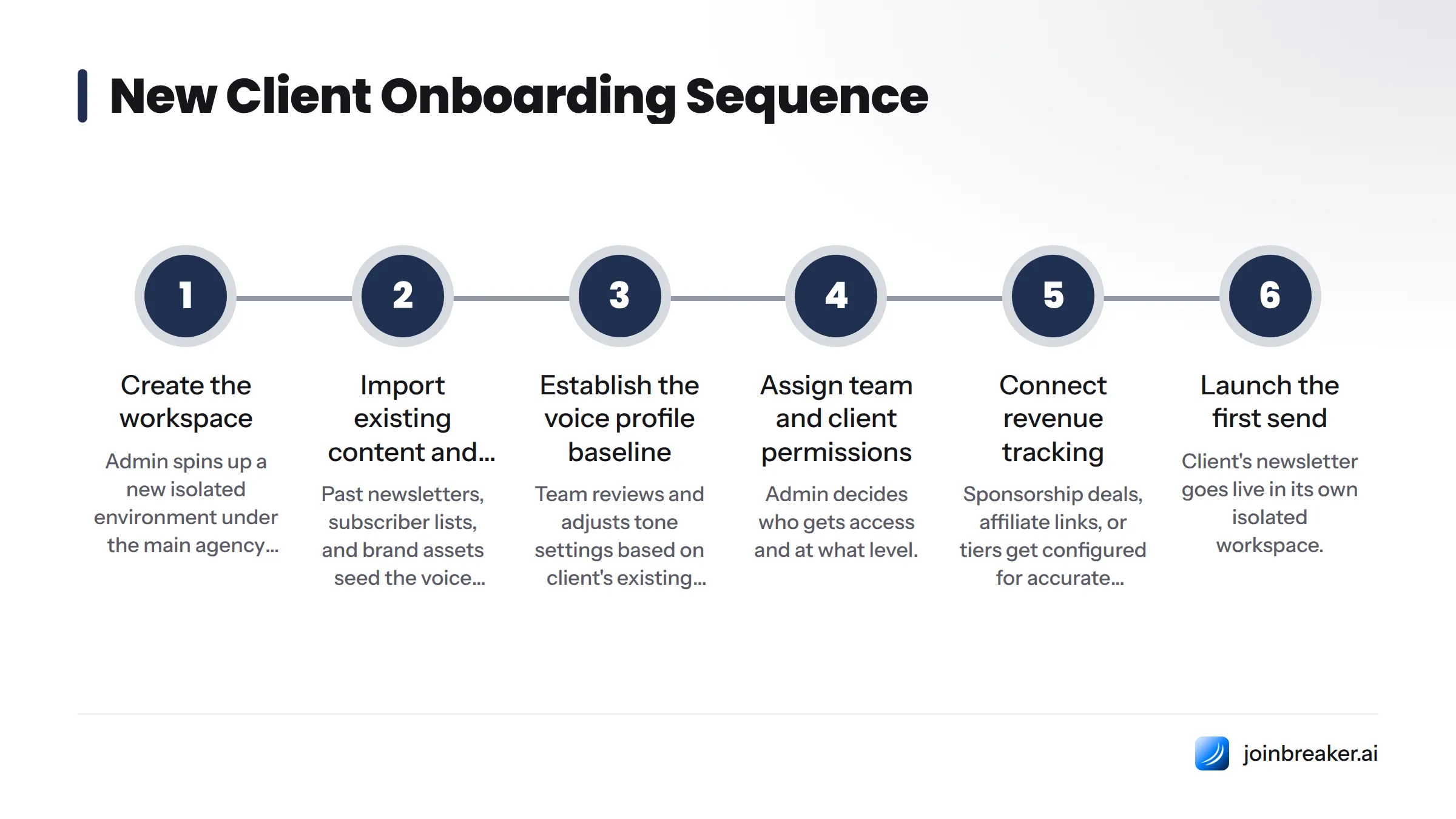
- Create the workspace. The admin spins up a new isolated environment under the main agency account.
- Import existing content and subscribers. Past newsletters, subscriber lists, and brand assets seed the client's voice profile and audience graph immediately.
- Establish the voice profile baseline. The team reviews and adjusts tone settings based on the client's existing content and preferences.
- Assign team and client permissions. The admin decides who on the internal team and who on the client side gets access, and at what level.
- Connect revenue tracking. Sponsorship deals, affiliate links, or subscription tiers specific to that client get configured so reporting is accurate from the first send.
- Launch the first send. The client's newsletter goes live inside its own isolated workspace, fully separated from every other account the agency runs.
How agency billing actually works
Breaker's billing scales with the number of client workspaces and the sending volume each requires, rather than charging a flat enterprise rate regardless of how many accounts are active. A small agency running three client newsletters pays for three client newsletters, not for a tier built around fifty. As the agency adds clients, it adds workspaces incrementally, keeping cost proportional to the revenue those accounts generate rather than front-loading a large platform fee before the agency has the client base to justify it. That's a fundamentally different pricing posture than the per-seat fees common on generic ESPs, where agencies often pay for contact-volume tiers that don't align with how many distinct client brands they're actually serving.
Agency account setup checklist:
- Agency-level admin account created
- First client workspace created and isolated
- Past content imported to seed the voice profile
- Subscriber data imported and audience graph initialized
- Team permissions assigned by role
- Client stakeholder access configured
- Sponsorship and revenue tracking connected
- White-label reporting template branded for the client
- First send scheduled and reviewed against the voice profile
Teams managing client relationships and deliverables outside the newsletter may benefit from pairing this setup with a broader client management software approach, so the newsletter workspace and the account management side stay aligned.
Here's a video walkthrough of how agencies are structuring newsletters as a repeatable service line:
Is This the Right Approach for Your Agency?
Not every agency needs this level of infrastructure on day one. Here is a straightforward way to check your fit.
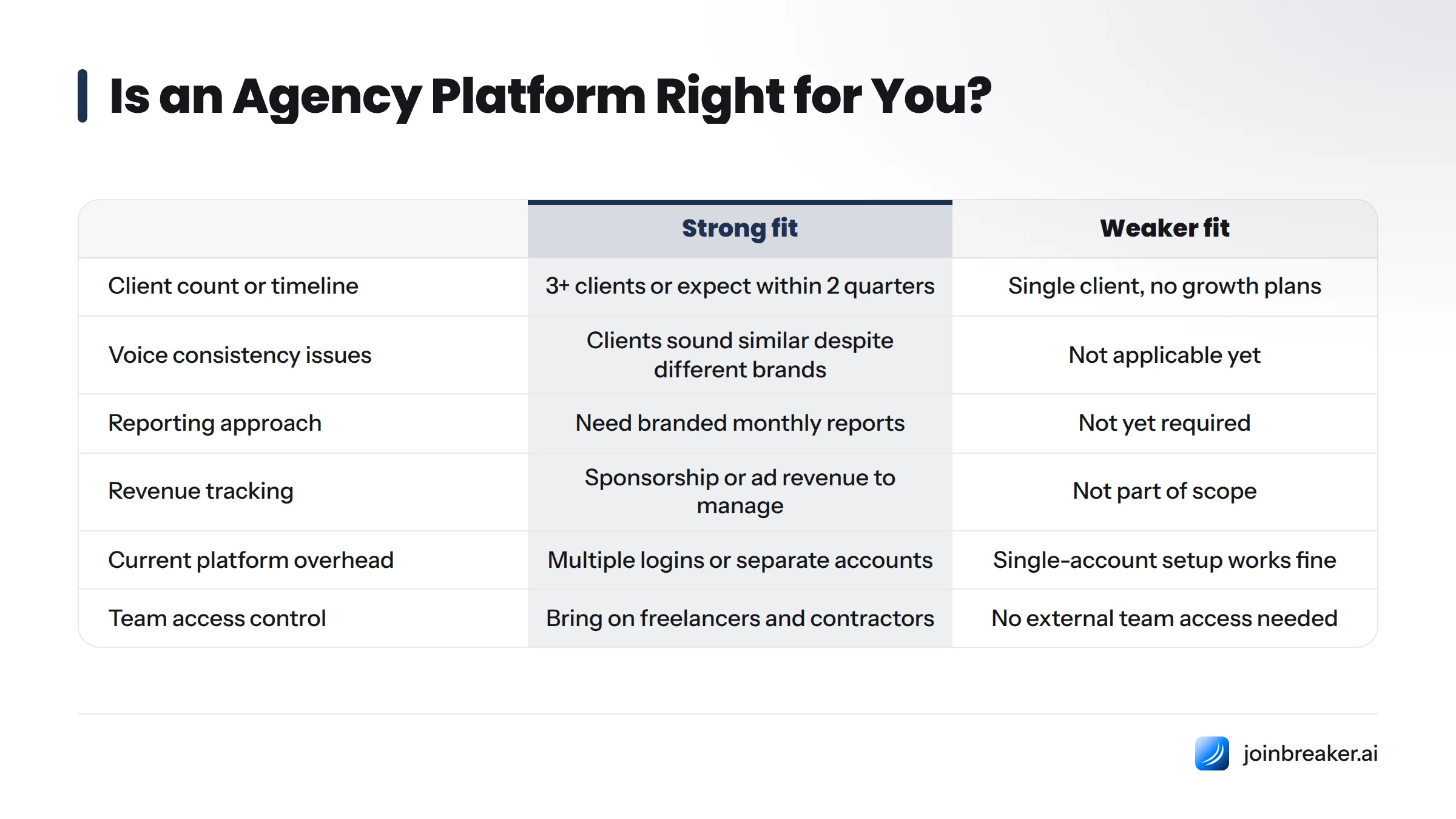
You're a strong fit if:
- You manage newsletter programs for three or more distinct clients, or expect to within two quarters.
- You have experienced voice drift, where client newsletters are starting to sound similar despite different brands.
- You need to hand clients a branded, professional report monthly and currently build it by hand.
- Sponsorship or ad revenue is part of what you manage, and you need that revenue traceable to specific sends.
- Your current ESP requires separate logins or separate accounts per client, creating real overhead as you add business.
- You bring on freelancers or contractors and need to control exactly what each person can see.
You may not need it yet if:
- You're running a single newsletter for your own brand with no client accounts to manage. That's a different job, covered in resources built for solo creators and in-house teams.
- You have one client and no near-term plans to add more. A simpler single-account ESP setup may serve you fine for now.
If the first list describes your agency, book a walkthrough of Breaker's agency workspace model. Bring your current client roster into the conversation and see what a clean multi-publisher account looks like against your current setup. Agencies that make the switch typically start with their most complex client, the one generating the most reporting headaches, as the first workspace they migrate.
Frequently Asked Questions
How do agencies keep each client's newsletter voice distinct on one platform?
Each client gets a dedicated voice profile built from their own content archive, which the AI drafting engine references for every new draft. The profile is scoped entirely to that client's workspace, so a writer moving between accounts gets tone-appropriate suggestions automatically.
Can one agency account manage multiple client audiences without mixing lists?
Yes. Each client's subscriber data lives inside its own audience graph, isolated within that client's workspace. There is no shared segment pool or shared tag library between clients unless an admin explicitly configures cross-workspace access.
How do agencies show clients the ROI of their newsletter program?
Through revenue reporting that ties specific metrics like sponsorship income, subscriber growth, and high-intent segments directly to each client's workspace, then exports as a white-label report the agency can hand off without manual rebuilding.
What is a voice profile and how does it help agencies?
A voice profile is a structured record of a newsletter's tone, vocabulary, and editorial style, built from its past content and used to keep AI-assisted drafts consistent with what that specific audience expects. It helps agencies scale writing across many clients without each newsletter starting to sound the same.
What is an audience graph in agency newsletter management?
An audience graph is the map of a newsletter's subscribers, their engagement history, and their intent signals, kept isolated inside that client's own workspace. It allows intent scoring and segmentation to happen per client without bleeding into other accounts.
How does workspace permissioning work for agency teams and clients?
Admins assign access at the individual level: full access across all clients for senior staff, limited access to specific client workspaces for writers or freelancers, and read-only dashboards for client-side stakeholders who should see their own performance but nothing else on the platform.
How are agencies billed when managing multiple client newsletter accounts?
Billing scales with the number of active client workspaces and sending volume, so agencies pay proportionally to the client base they're actually serving rather than a flat enterprise fee set for a much larger operation.
What does client onboarding look like when adding a new newsletter account?
It follows a set sequence: create the workspace, import existing content and subscriber data, establish the voice profile baseline, assign team and client permissions, connect revenue tracking, then launch the first send, all inside an environment isolated from every other client the agency manages.
Moving Forward
Running newsletter programs for multiple clients doesn't require choosing between quality and scale. The agencies that grow past the three- or four-client ceiling are almost always the ones that moved their operation onto infrastructure built for exactly this job, rather than stretching a single-sender tool past its limits. If that is the stage your agency is at, it is worth seeing what a dedicated newsletter platform for publishers looks like when multi-client management is the default, not an afterthought.
Keep reading
All articlesBuilding Owned Audiences: Move Followers to Your Newsletter in 2026
Social platforms can vanish overnight. Learn how to convert Instagram, TikTok, and YouTube followers into a newsletter list you actually own.
Newsletter Analytics: Which Metrics Actually Matter in 2026
Open rate and clicks don't predict buyers. Learn the 7-step method to track click depth, recency, and topic affinity for a revenue-predictive intent score.
Newsletter Segmentation Strategy: Increase Engagement in 2026
Build a data-driven newsletter segmentation strategy using behavior, intent score, and topic affinity to lift opens and clicks. Step-by-step guide.