
Add a single contact manually
Add one person to your audience by email address from the Contacts tab.
For one or two people, add them by hand. For a list, see Import contacts from a CSV or spreadsheet.
- Open Audience in the left-hand menu. You land on the Contacts tab.
- Click Add Contact (top right). If the list is still empty you can also click Add contacts in the middle of the page.
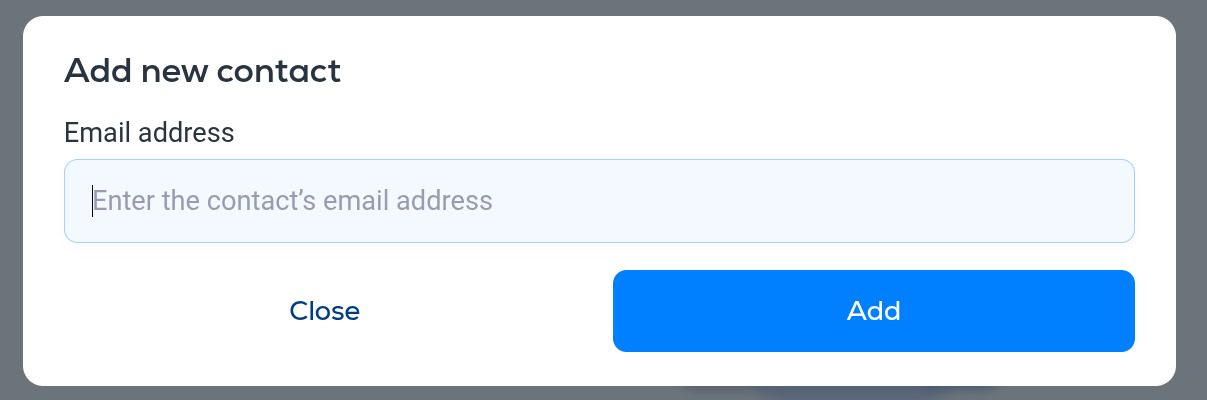
- Enter the person's email address and click Add.
The contact appears in the list straight away. Open the contact's row to add a name, address, tags, custom field values and attribution details. See Managing contacts.
Things to know
- Only an email address is required.
- Contacts you add here are treated as subscribed. Make sure you have their permission to email them.
- Use the Search contact box at the top right of the Contacts tab to find someone later.
More in Contacts
All help articlesManaging contactsFind your way around the Audience page, open a contact to see their activity, and edit, unsubscribe or delete them.Import contacts from a CSV or spreadsheetUpload a CSV or spreadsheet of contacts, map its columns to Breaker fields, answer a short questionnaire and review before the import runs.Export contacts to CSV or ExcelDownload your contacts as a CSV or Excel file, choosing which subscriber statuses to include.Contact tagsTags are free-form labels for grouping contacts. Four ways to create and apply them.
Support